GPT Image 2 AI 이미지 생성기
선명한 텍스트 렌더링과 함께 포토리얼한 이미지를 생성·편집하세요. OpenAI의 최신 AI 이미지 모델을 브라우저에서 무료로 체험할 수 있습니다.
OpenAI 이미지 모델
입력 모두 지원
참고 이미지
설치 없이 사용
생성하고 싶은 내용을 설명하세요
Note: 1:1 cannot generate 4K. Auto only supports 1K. 5:4 and 4:5 are unavailable at 2K, and 3:1, 1:3, 9:21 support 1K only.
Note: background control is available at 1K only.
GPT Image 2로 만들 수 있는 것
타이포그래피 중심의 포스터와 제품 목업부터 포토리얼 인물, 정교한 편집까지.
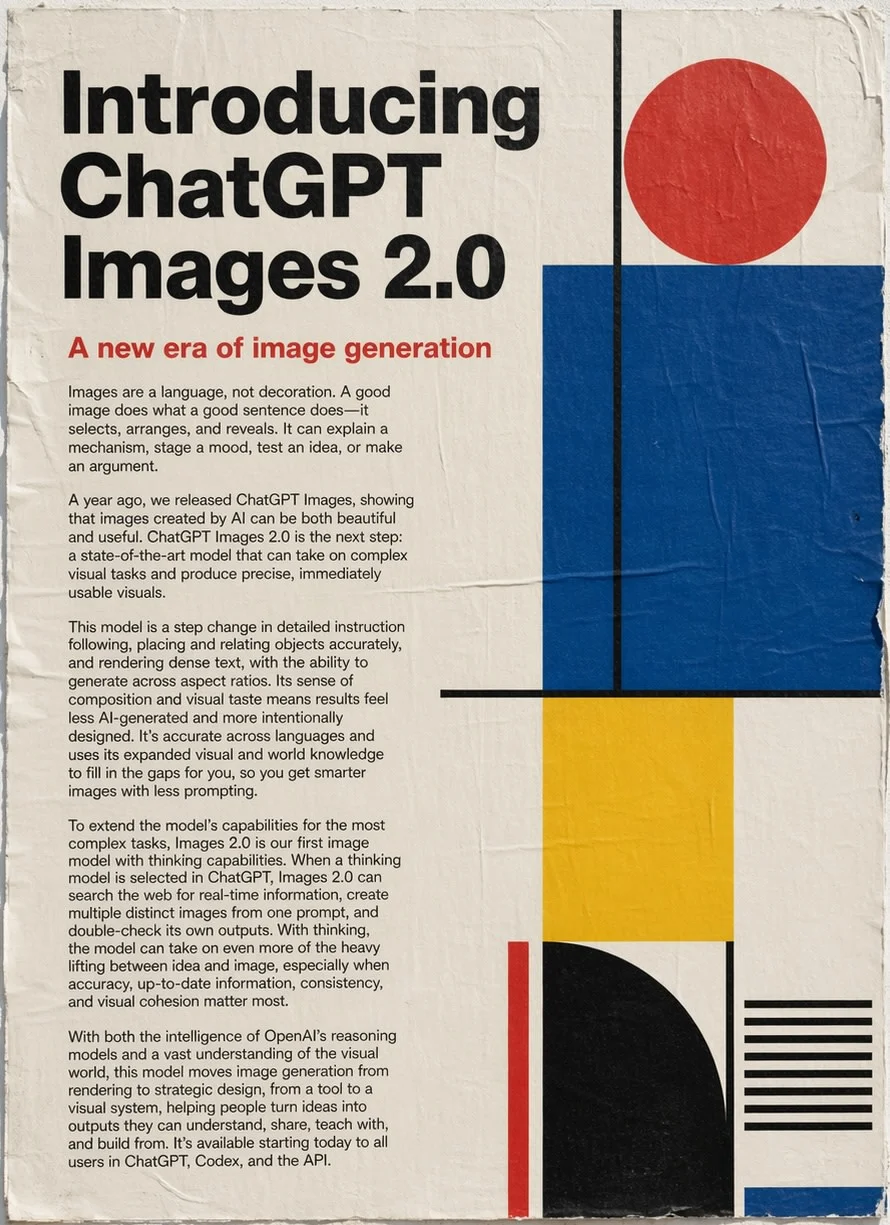
Prompt
굵은 세리프 서체, 본문 블록과 빨강·검정·파랑·노랑의 기하 도형으로 "GPT Image 2"를 소개하는 세로형 에디토리얼 포스터.
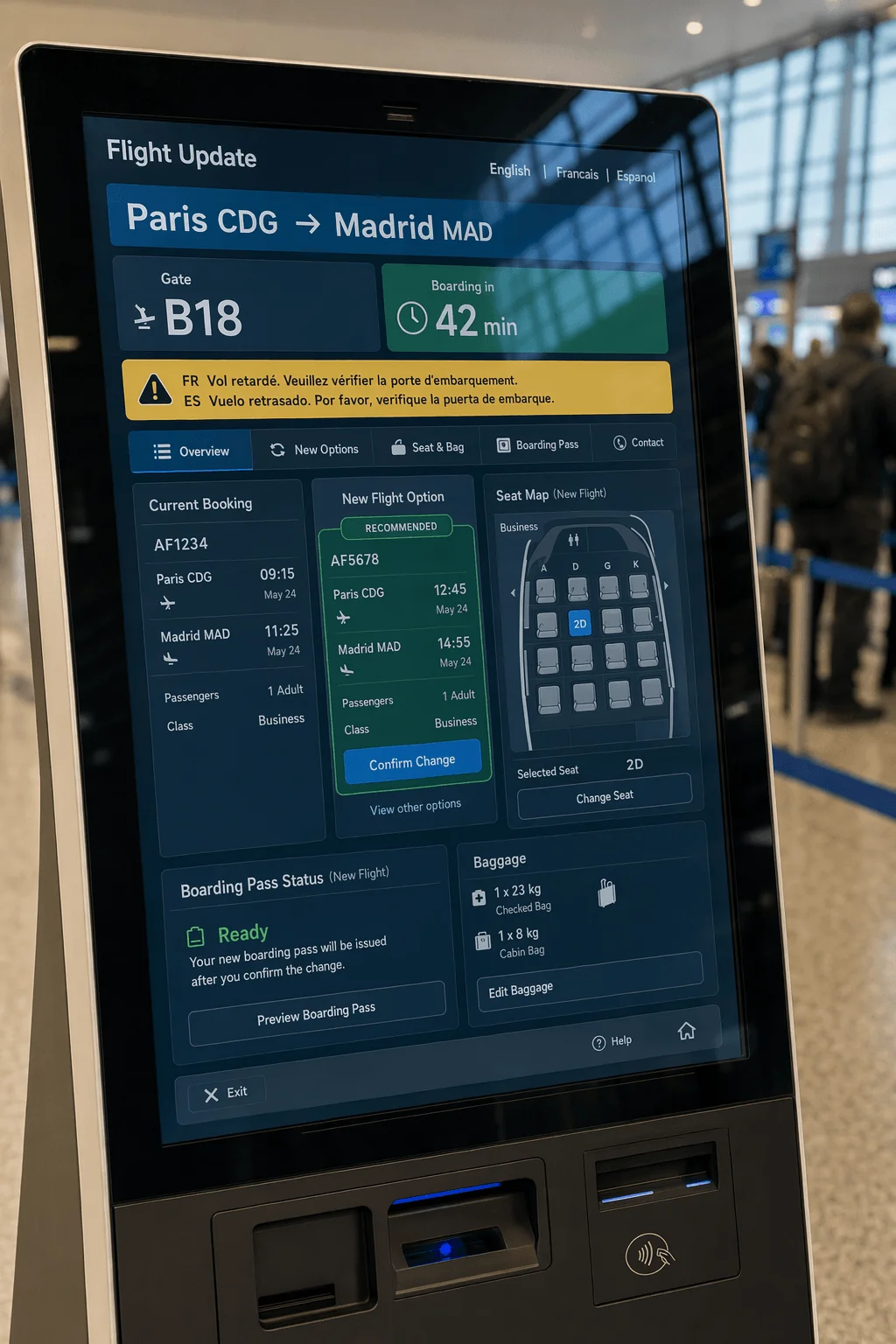
Prompt
공항 출발 안내 키오스크 인터페이스. 항공편 번호, 게이트, 탑승 시각이 표시되며 깔끔한 파랑·흰색 레이아웃에 또렷한 산세리프 서체.
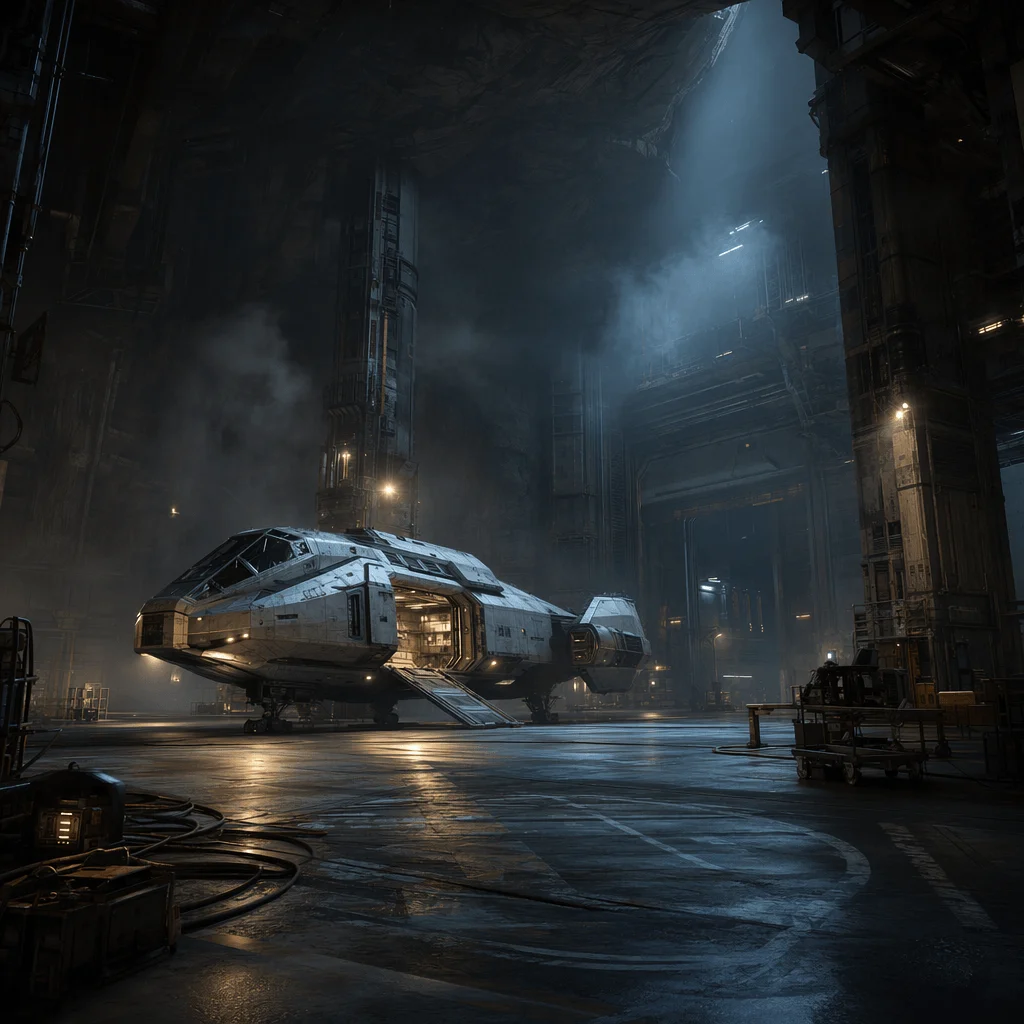
Prompt
SF 영화 같은 격납고 내부에 매끈한 은빛 우주선이 놓여 있고, 극적인 천장 조명, 광택 콘크리트 바닥의 시네마틱 광각 컷.
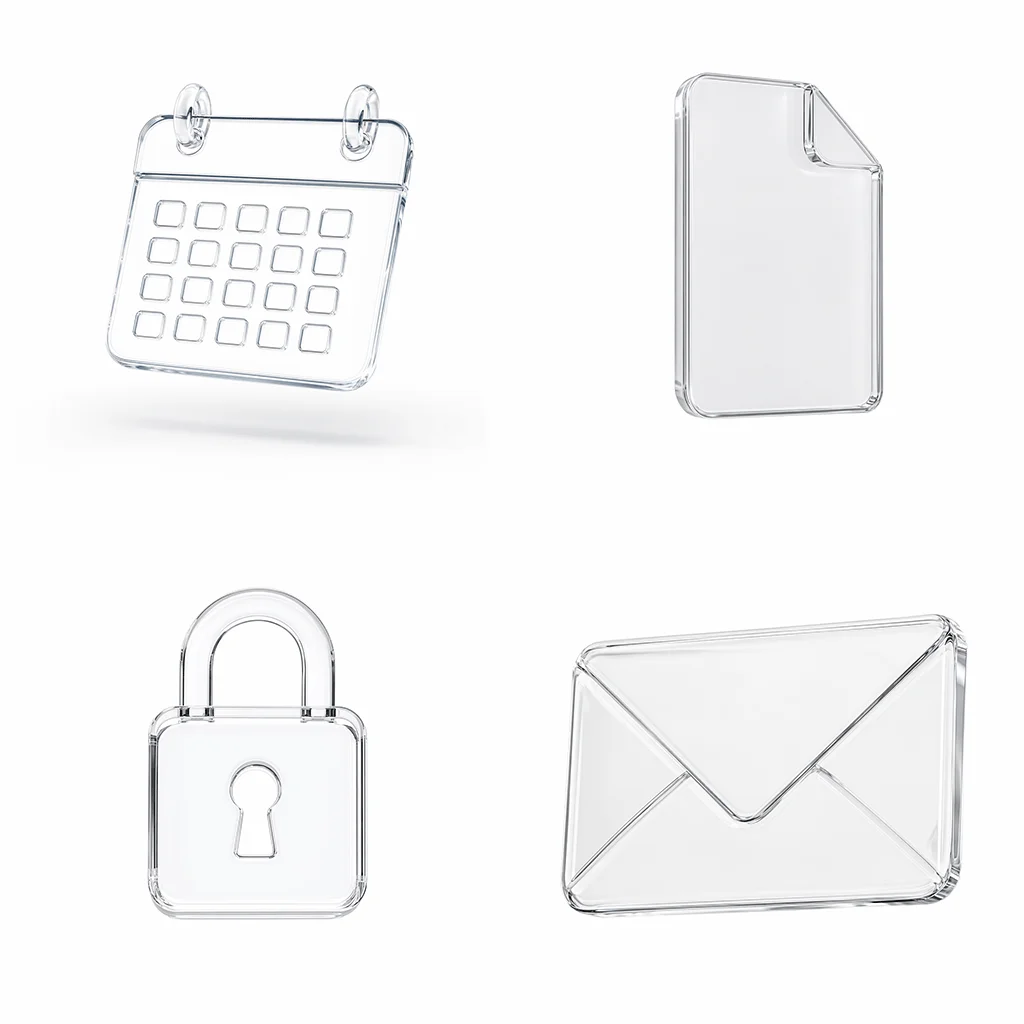
Prompt
흑백 라인 아이콘을 격자로 배치한 포스터 레이아웃. 상단에 헤드라인을 두고 종이 질감과 여백을 살린 미니멀 에디토리얼 디자인.
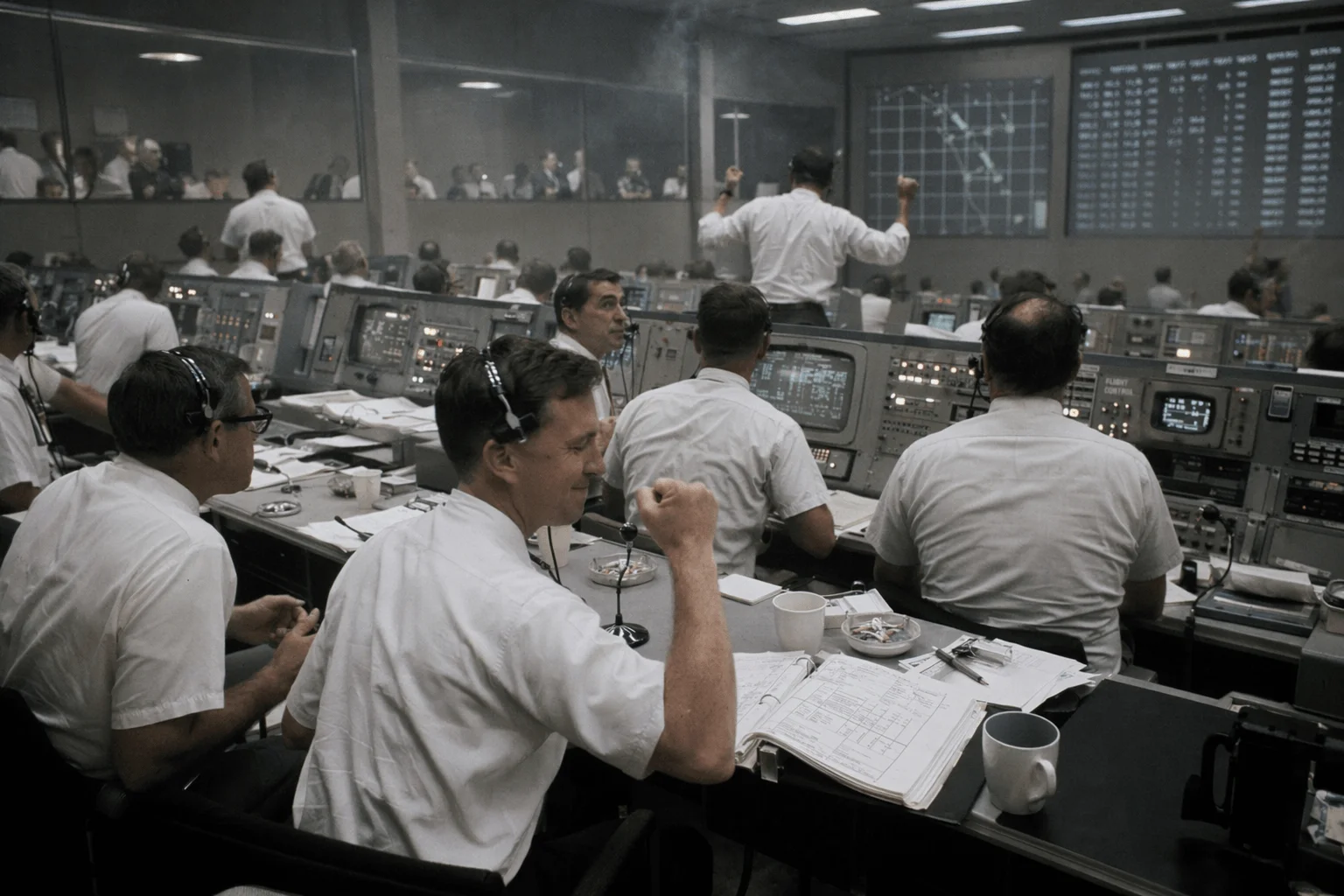
Prompt
1969년 달 탐사 임무 통제실의 다큐멘터리 사진. 반팔 셔츠 차림의 엔지니어들이 모니터를 응시하고 따뜻한 아날로그 조명이 비춥니다.
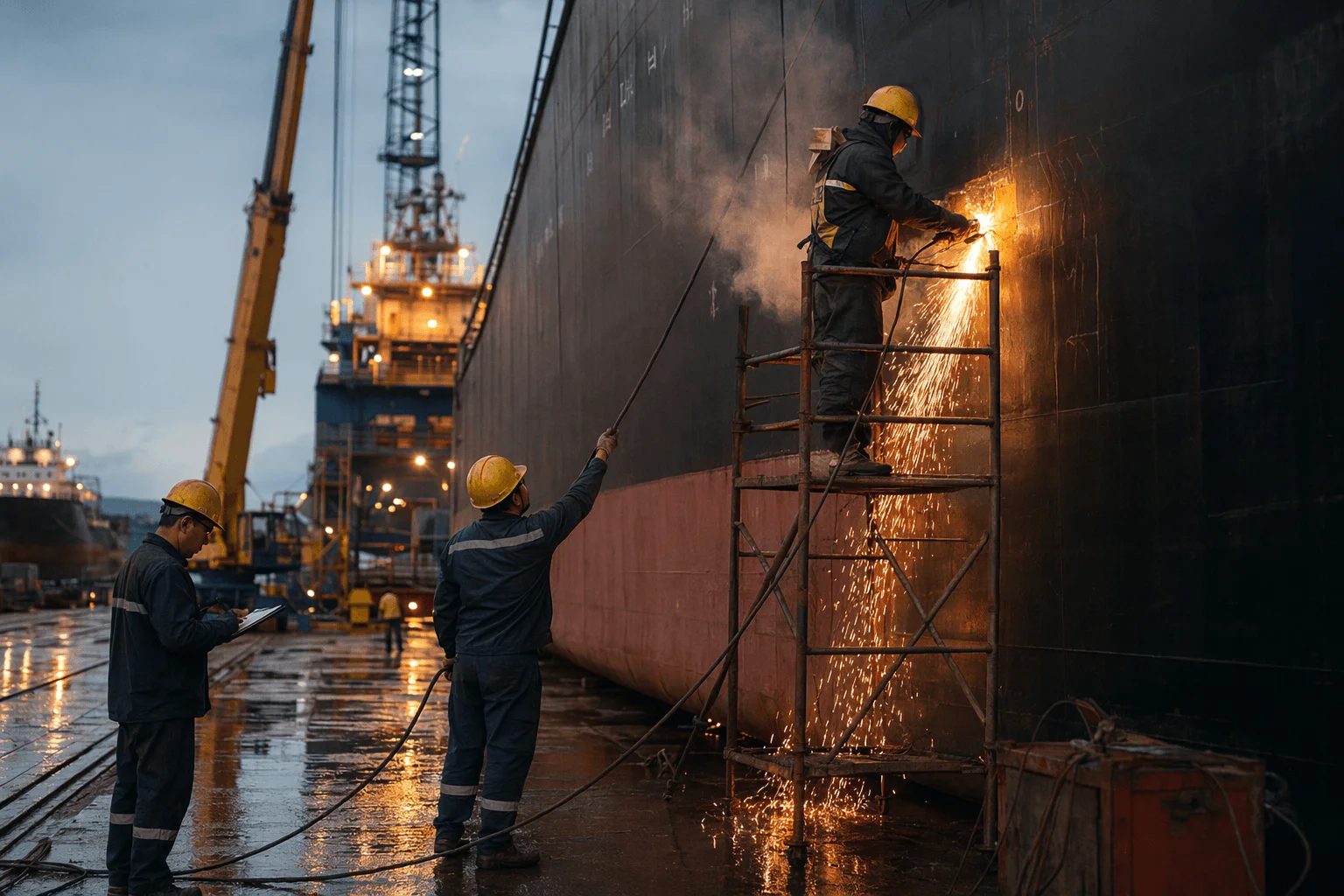
Prompt
조선소에서 작업 중인 용접공의 흑백 다큐멘터리 사진. 불꽃이 튀는 산업적 분위기와 고운 필름 그레인 질감.
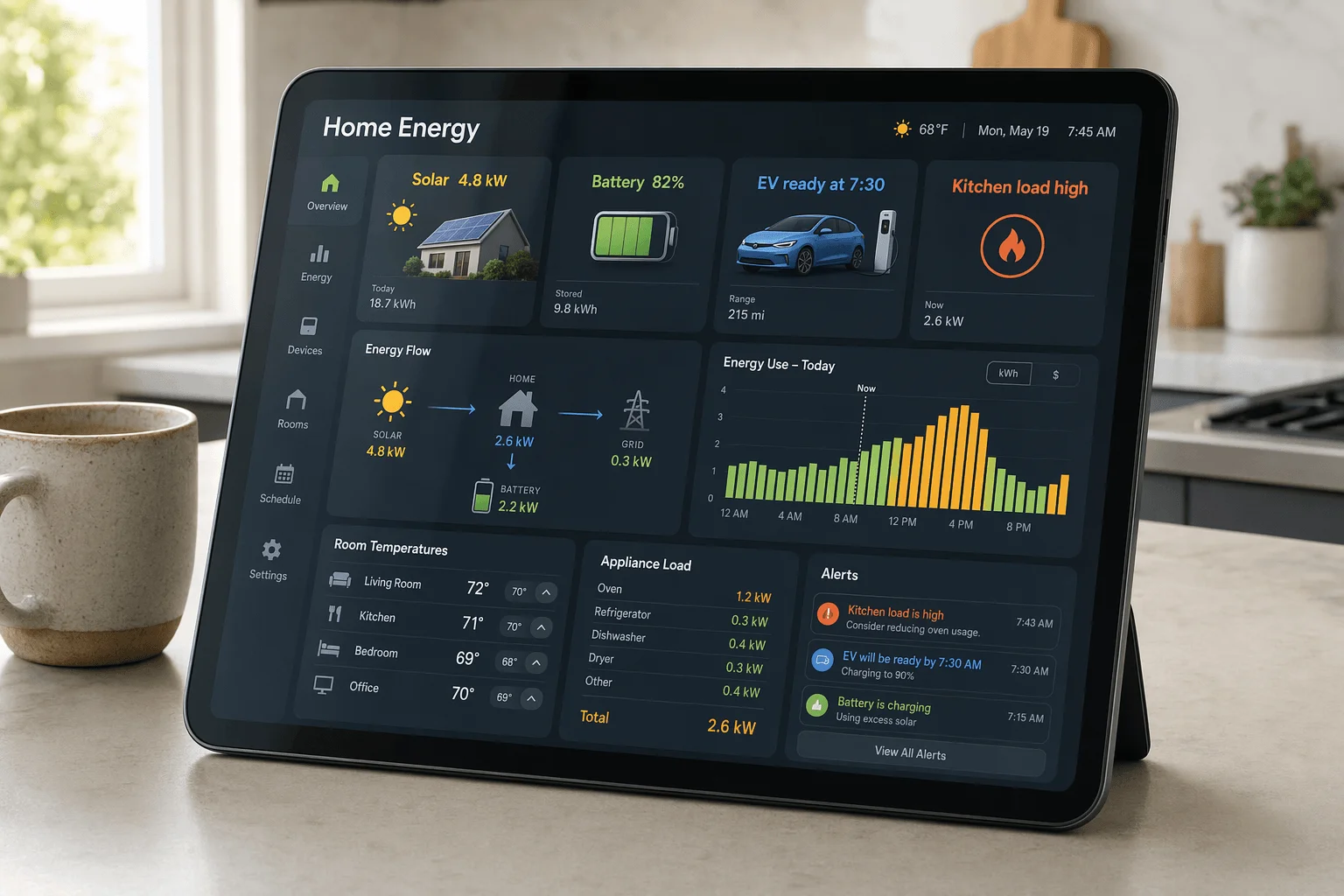
Prompt
스마트홈 컨트롤 대시보드 UI. 어두운 배경 위에 부드러운 라운드 카드로 온도, 에너지 사용량, 보안 카메라가 표시됩니다.
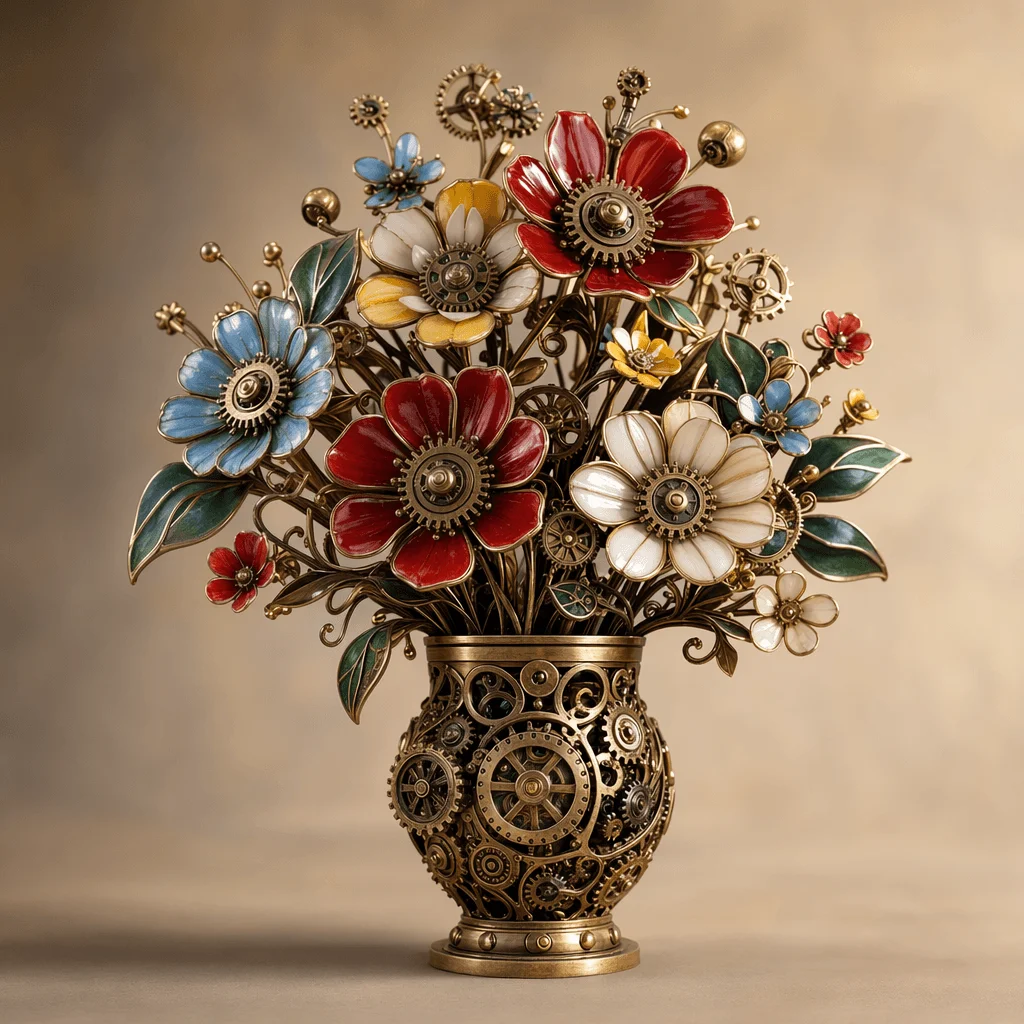
Prompt
정교한 기계 부품과 광택 황동 기어로 꽃다발처럼 구성된 작품. 부드러운 스튜디오 조명과 중성 배경.
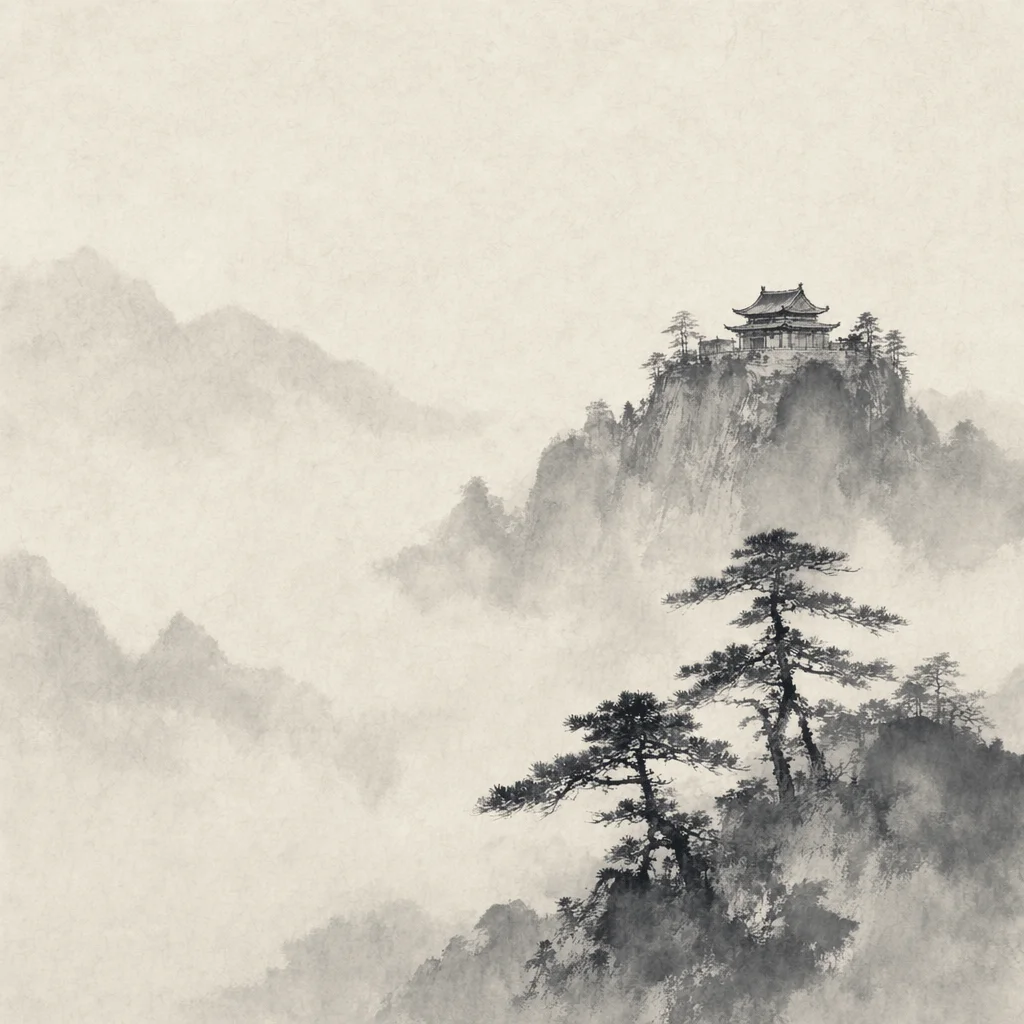
Prompt
안개 낀 산속 사찰을 그린 중국 전통 수묵화. 절제된 붓놀림, 화선지 질감, 서예 글씨가 함께 들어 있습니다.
왜 GPT Image 2 인가?
텍스트 렌더링, 프롬프트 충실도, 참고 이미지 지원에서 최신 수준을 보여주는 새 AI 이미지 모델.
포토리얼 출력
조명, 질감, 구도가 정확한 사실적 이미지를 생성합니다.
선명한 텍스트 렌더링
이미지 내부에 또렷하고 읽기 쉬운 텍스트를 직접 그립니다. 포스터, 광고, 제품 목업에 적합합니다.
다국어 표현 강화
영어 외에도 다양한 글로벌 언어와 문자를 정확히 렌더링합니다. OpenAI가 새 모델의 핵심 기능으로 강조한 부분입니다.
최신 수준의 프롬프트 반영
길고 상세한 프롬프트를 정확히 따라가며, 묘사된 객체 간 관계를 일관되게 유지합니다.
참고 이미지 지원
최대 16장의 참고 이미지를 사용해 스타일, 레이아웃, 기존 사진의 정밀 편집을 안내할 수 있습니다.
창작 컨트롤
포토리얼부터 일러스트까지 다양한 스타일에서 세밀한 지시를 안정적으로 수행합니다.
누가 GPT Image 2를 사용하나요?
정교한 타이포그래피, 포토리얼 품질, 안정적인 프롬프트 반영이 필요한 크리에이터와 팀에게 적합합니다.
그래픽 디자이너
포스터, 배너, 키비주얼 제작 시 이미지 안에 가독성 높은 텍스트를 직접 렌더링합니다.
마케팅·광고 팀
캠페인 비주얼, 광고 크리에이티브, 현지화 자산을 또렷한 이미지 카피와 함께 제작합니다.
콘텐츠 크리에이터
썸네일, 소셜 그래픽, 히어로 이미지를 이미지 내 헤드라인과 함께 생성합니다.
이커머스 팀
제품 목업, 프로모 그래픽, 라이프스타일 컷을 브랜드 텍스트가 새겨진 형태로 제작합니다.
프로덕트·디자인 팀
UI 목업, 온보딩 일러스트, 제품 스크린샷을 가독성 좋은 텍스트와 함께 생성합니다.
독립 크리에이터·취미 작가
상세한 프롬프트와 참고 이미지를 활용해 콘셉트 아트, 책 표지, 개인 프로젝트를 빠르게 만듭니다.
3단계로 시작하기
프롬프트 입력부터 완성 이미지까지 단 몇 초.
프롬프트 작성
이미지 내 텍스트, 스타일, 구도까지 원하는 장면을 묘사하세요.
참고 이미지 추가(선택)
스타일 가이드나 정밀 편집을 위해 최대 16장의 참고 이미지를 업로드하세요.
생성 및 다운로드
결과를 확인하고 최종 고화질 이미지를 다운로드합니다.
프롬프트 작성
이미지 내 텍스트, 스타일, 구도까지 원하는 장면을 묘사하세요.
참고 이미지 추가(선택)
스타일 가이드나 정밀 편집을 위해 최대 16장의 참고 이미지를 업로드하세요.
생성 및 다운로드
결과를 확인하고 최종 고화질 이미지를 다운로드합니다.
얼리유저의 후기
GPT Image 2를 사용해 본 크리에이터들의 피드백.
AI 이미지에서 드디어 읽히는 글자
GPT Image 2가 그려주는 글자는 그대로 납품할 수준입니다. 생성할 때마다 Photoshop으로 글자를 고치지 않게 됐어요.
Wei Chen
마케팅 디렉터
프롬프트 반영이 한 단계 도약
5~6개의 제약이 들어간 긴 프롬프트도 제대로 처리됩니다. 배치, 스타일, 텍스트가 일관되게 유지돼요.
Sarah Johnson
콘텐츠 리드
참고 이미지가 실제 워크플로에 들어옴
16장이면 브랜드 스타일을 일관되게 유지하기 충분합니다. 기존 디자인 프로세스에도 자연스럽게 들어맞아요.
Michael Zhang
크리에이티브 디렉터
자주 묻는 질문
GPT Image 2에 대해 알아야 할 모든 것.
GPT Image 2는 OpenAI의 최신 이미지 생성 모델입니다. OpenAI는 이를 ChatGPT Images 2.0으로 소개하며, 최신 수준의 텍스트 렌더링, 다국어 지원, 고급 시각 추론을 제공하고 텍스트→이미지와 이미지→이미지 워크플로 모두에 사용할 수 있습니다.
GPT Image 2는 이미지 내 텍스트 가독성, 복잡한 프롬프트 반영, 다중 참고 이미지를 활용한 정밀 편집에서 향상된 성능을 보입니다.
본 사이트에서 제공하는 무료 크레딧으로 브라우저에서 GPT Image 2를 사용해 볼 수 있습니다. 추가 생성은 일반 크레딧 플랜으로 이용할 수 있습니다.
네. 이미지→이미지에서는 1~16장의 참고 이미지를 업로드할 수 있으며, 스타일, 구도, 부분 편집의 기준으로 사용됩니다.
네. 본 사이트에서 생성한 이미지는 마케팅 자료, 제품 디자인, 소셜 콘텐츠 등 상업 프로젝트에 사용할 수 있습니다.
명확하고 구조적인 프롬프트를 작성하세요. 이미지 내 텍스트를 명시하고 스타일과 조명을 설명하며, 캠페인 전반의 스타일을 일관되게 유지하기 위해 참고 이미지를 추가합니다.
GPT Image 2 온라인 무료 체험
선명한 텍스트와 함께 포토리얼 이미지를 생성·편집하세요. 도구를 열고 프롬프트를 작성해 바로 시작하세요.