MOSS-Image AI Image Generator
Create posters, menus, greeting cards and infographics with clear Chinese and English text, placed exactly where your prompt says.
Try an example
Pick one to load its prompt, or write your own.
A vertical poster for a tea house. Top: large Chinese calligraphy title "山间茶语" in black ink. Below it the English subtitle "Mountain Tea House" in elegant serif. Middle: a celadon teapot and two cups on a wooden tray, misty green mountains behind. Bottom line: "Grand Opening · Nov 18". Soft paper texture, generous white space.
Prompt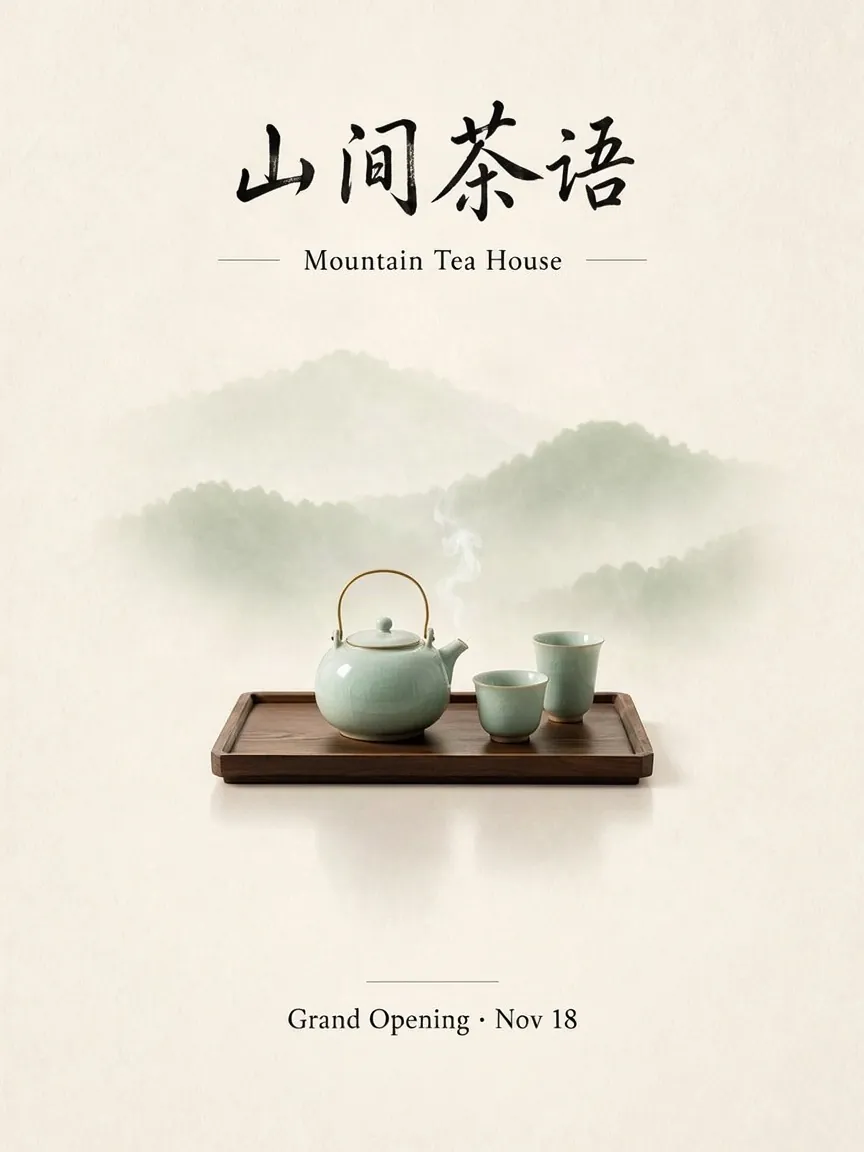 Result
Describe what you want to generate
Made with MOSS-Image
Every image below was generated on this site from the prompt shown under it.
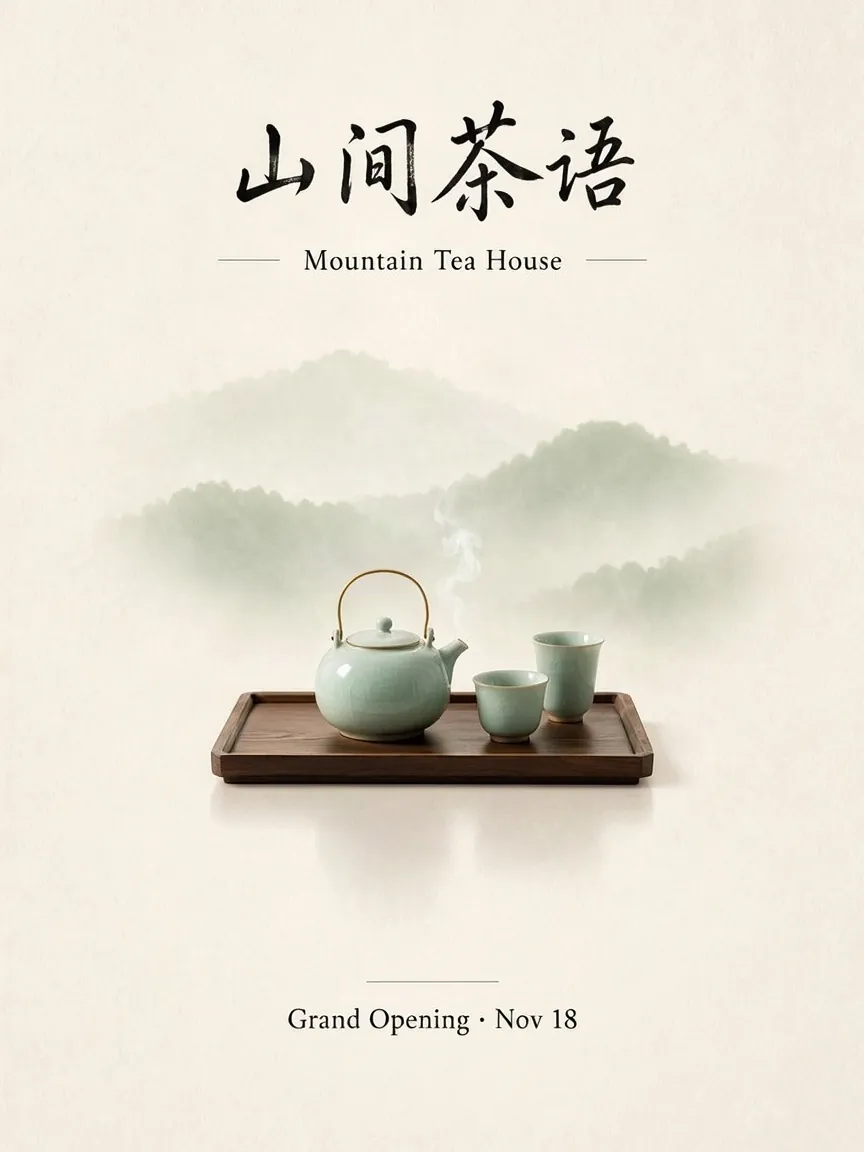
Bilingual poster
PromptA vertical poster for a tea house. Top: large Chinese calligraphy title "山间茶语" in black ink. Below it the English subtitle "Mountain Tea House" in elegant serif. Middle: a celadon teapot and two cups on a wooden tray, misty green mountains behind. Bottom line: "Grand Opening · Nov 18". Soft paper texture, generous white space.
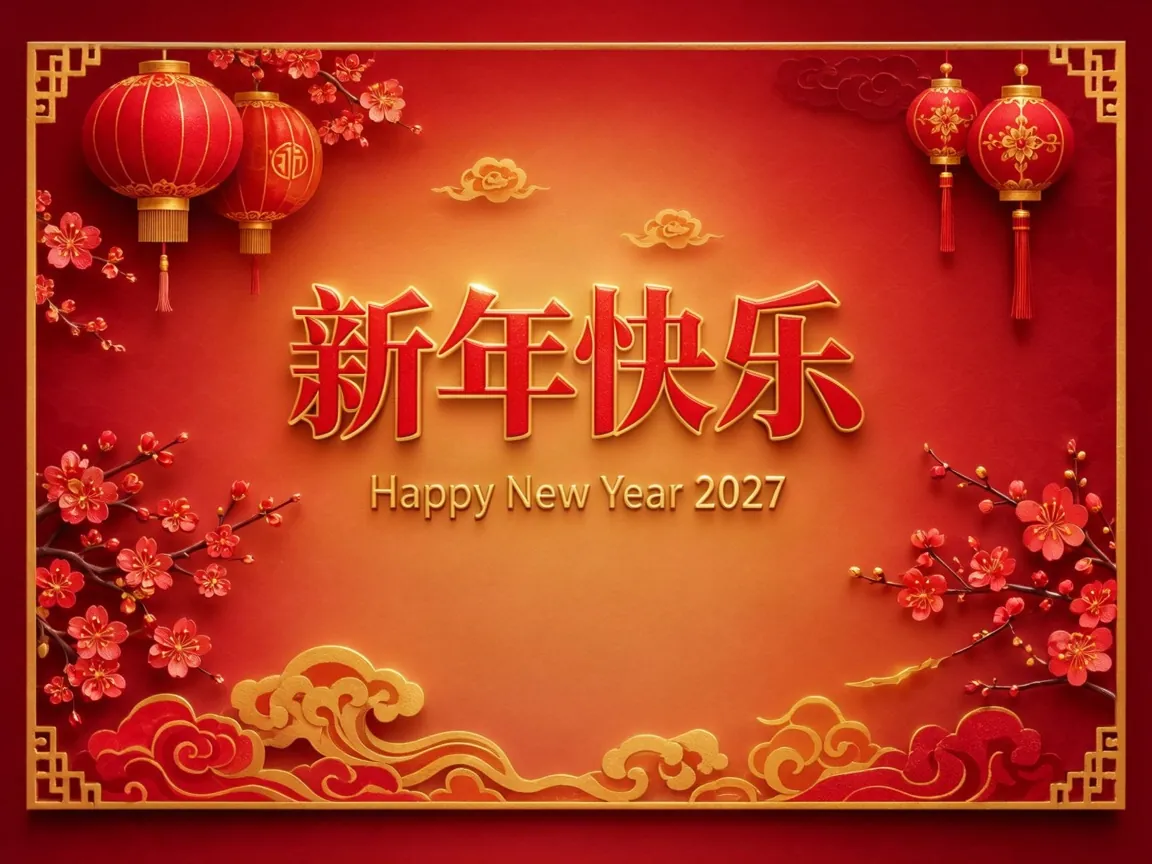
Greeting card
PromptA horizontal greeting card. Center: big red Chinese characters "新年快乐" with gold outline, below them the English line "Happy New Year 2027". Around the text: red lanterns, plum blossoms and paper-cut clouds. Warm red and gold palette, festive but clean layout.
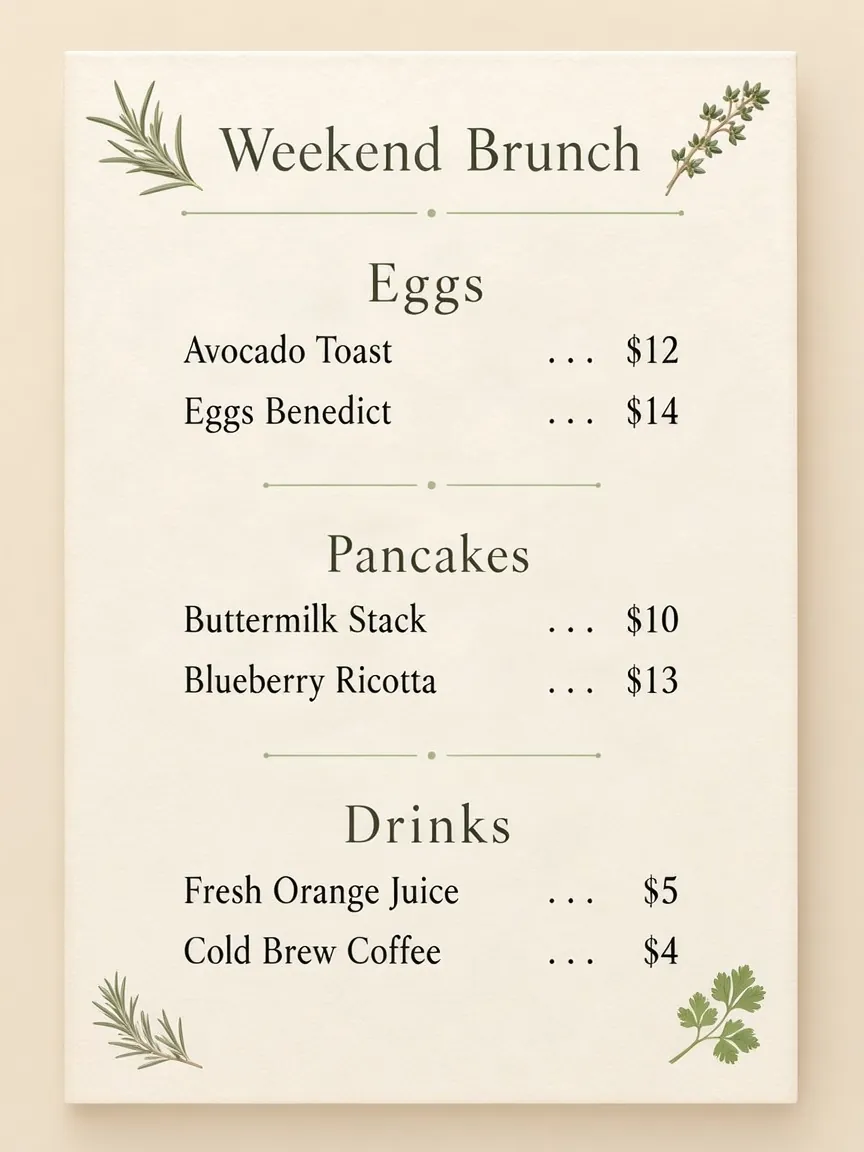
Restaurant menu
PromptA clean restaurant menu card titled "Weekend Brunch". Three sections with headings "Eggs", "Pancakes", "Drinks", each listing two items with prices on the right, for example "Avocado Toast ... $12", "Buttermilk Stack ... $10", "Fresh Orange Juice ... $5". Cream background, thin green divider lines, small hand-drawn herb illustrations in the corners.
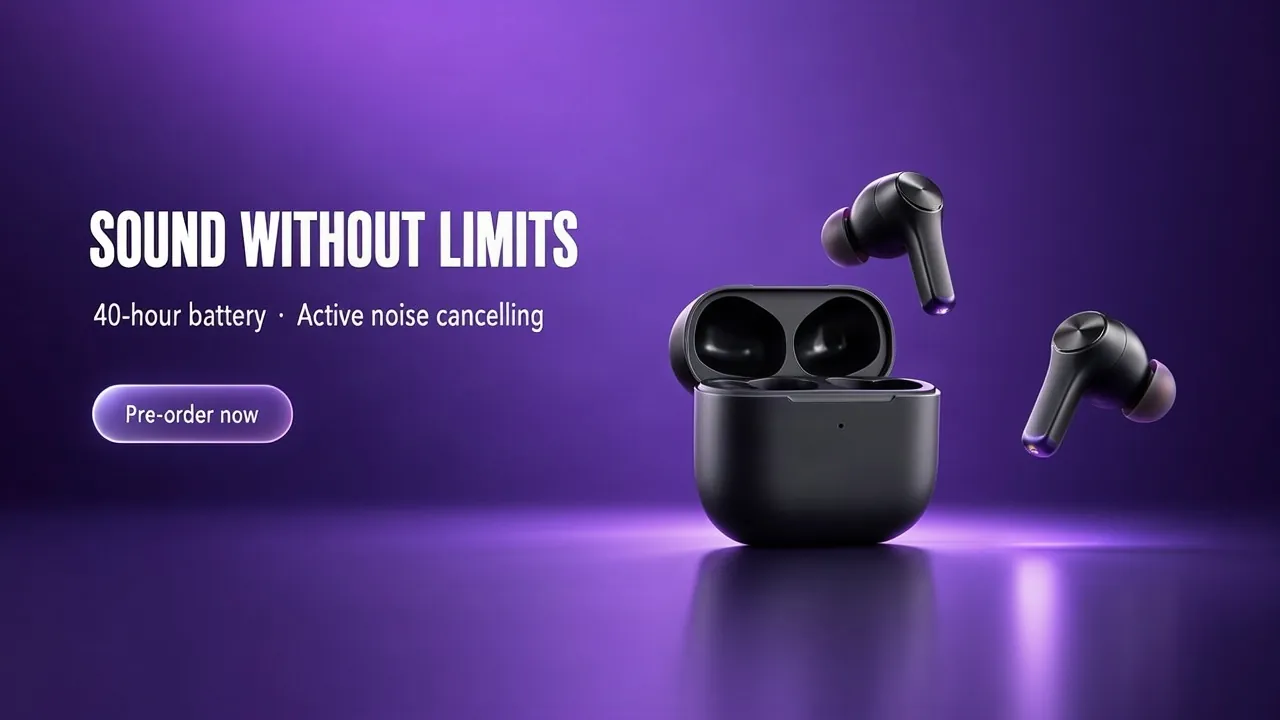
Product banner
PromptA wide product launch banner for wireless earbuds. Left side: headline "SOUND WITHOUT LIMITS" in bold white sans-serif, under it "40-hour battery · Active noise cancelling" in smaller text, and a rounded button that says "Pre-order now". Right side: matte black earbuds and charging case on a gradient purple background with soft reflections.
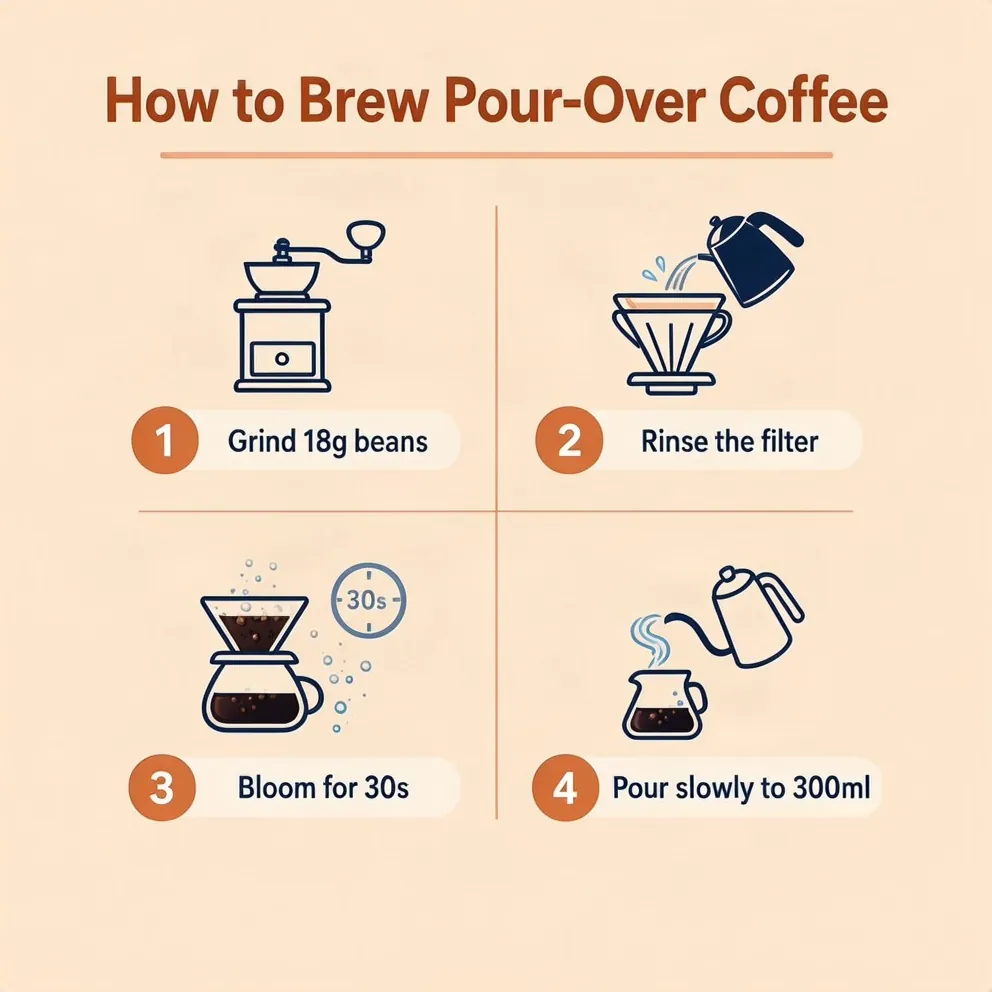
Step-by-step infographic
PromptA flat-style infographic titled "How to Brew Pour-Over Coffee" with four numbered steps arranged in a 2x2 grid. Step labels: "1 Grind 18g beans", "2 Rinse the filter", "3 Bloom for 30s", "4 Pour slowly to 300ml". Each step has a simple icon. Pastel orange and navy color scheme, clear sans-serif typography.
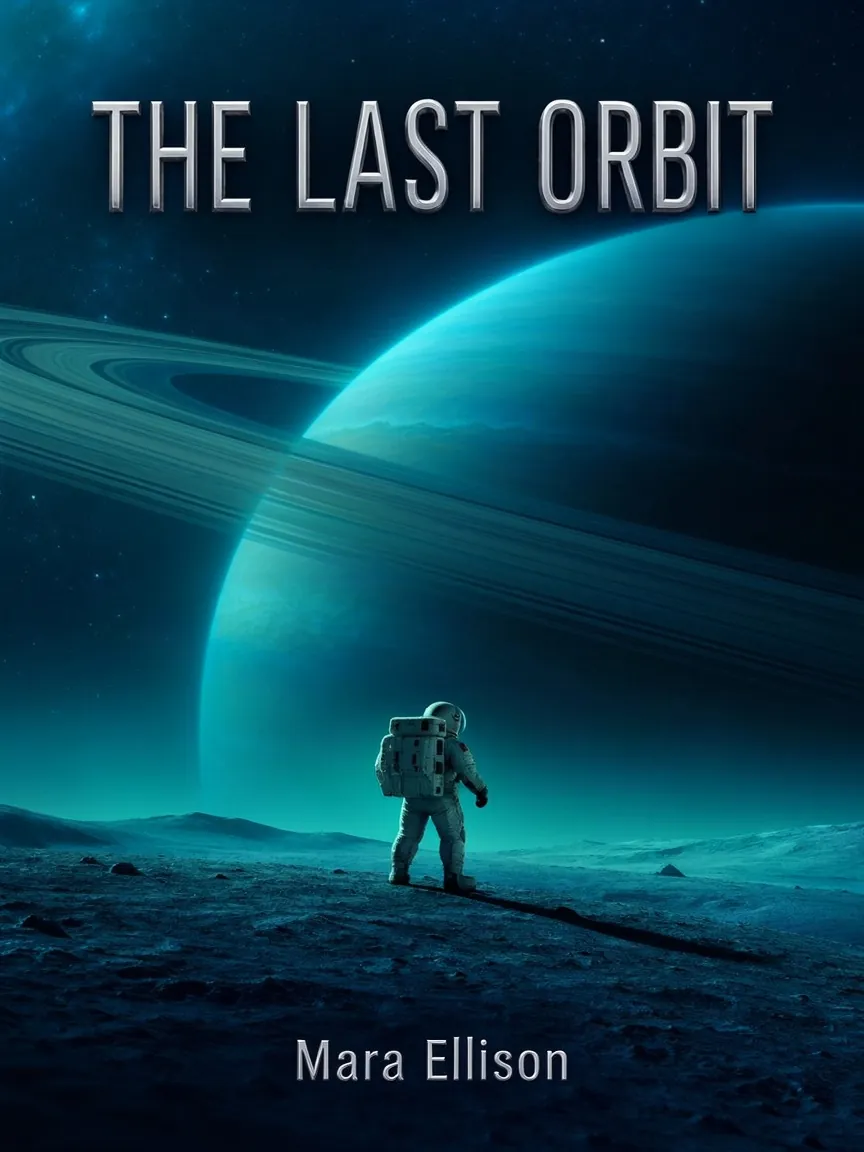
Book cover
PromptA book cover for a sci-fi novel. Title "THE LAST ORBIT" in large silver capitals at the top, author name "Mara Ellison" at the bottom. Center: a lone astronaut standing on a small moon looking at a giant ringed planet. Deep blue and teal palette, cinematic lighting.
Why Use MOSS-Image
An open model built for images that need to say something.
Chinese and English on one image
Write a Chinese title and an English subtitle in the same prompt. Both come out with the right characters and spelling.
Text you can read
Headlines, prices, dates and small print stay sharp, so the image is ready to use without fixing letters by hand.
Layouts that follow your prompt
Say what goes at the top, in the middle and at the bottom, or ask for a 2x2 grid. MOSS-Image keeps each element in its place.
Long, detailed prompts
Describe a full page with sections, items and prices. The model follows long prompts instead of dropping the details.
Plain text, tags or JSON
Write the prompt as normal sentences, as a list of tags, or as a JSON layout that says where each piece of text goes.
Five aspect ratios
Square for social posts, 3:4 and 9:16 for posters and stories, 4:3 and 16:9 for banners and slides. Every ratio costs the same.
How to Use MOSS-Image Online
Three steps in your browser.
- 1
Describe the Image
Write what the image should show. Put every word that should appear in the image inside quotation marks.
- 2
Pick an Aspect Ratio
Choose 1:1, 4:3, 3:4, 16:9 or 9:16 to match where the image will be used.
- 3
Generate and Download
Click Generate. The image is saved to your creations, ready to download.
MOSS-Image FAQ
Common questions about using MOSS-Image online.
MOSS-Image is an open text to image model from the OpenMOSS team. It is built for images that contain text, such as posters, menus, cards and infographics, and renders Chinese and English text clearly in the places your prompt describes.
Yes. OpenMOSS publishes the MOSS-Image weights under the Apache 2.0 license. Running it yourself needs an NVIDIA GPU. On this page you can use it in your browser with nothing to install.
Yes. Put the exact words in quotation marks, for example "山间茶语". The tea house poster and the new year card on this page mix Chinese and English on the same image.
Each image costs 10 credits, at any aspect ratio. The generator shows the cost before you generate. Credit plans are on the pricing page.
Not on this site. MOSS-Image is available here for text to image only. To change an existing photo, switch to Image to Image and pick a model such as Ideogram 4.5 or Nano Banana 2.1.
Five aspect ratios: 1:1, 4:3, 3:4, 16:9 and 9:16. Each image is just under one megapixel, for example 992 x 992 for square and 1280 x 720 for 16:9.
Yes. Images generated on this site can be used for commercial projects such as marketing materials, product designs, and social media content.
Try MOSS-Image Online
Turn a prompt into a poster, menu or card with text that reads right.
Other models: Ideogram 4.5 · GPT Image 2