Supercharge Your Images with the Best AI Photo Editor
Edit photos online with AI using simple text prompts. Remove objects, change backgrounds, enhance image quality, and more. No editing skills required.
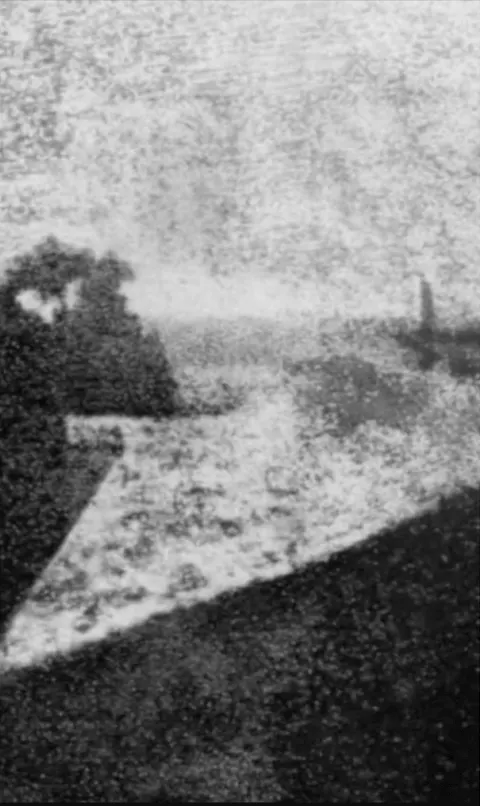 Before
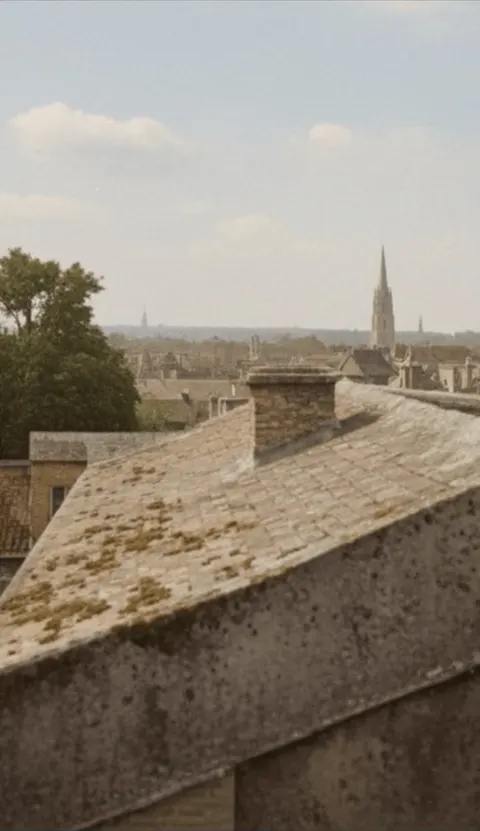 After
AfterUpload an image to use as a reference, maximum 10 images allowed.
Drag & drop or browse
PNG, JPG, JPEG or WEBP (max 10MB each)
Support multiple images • 0/10 uploaded
Describe what you want to change in the image
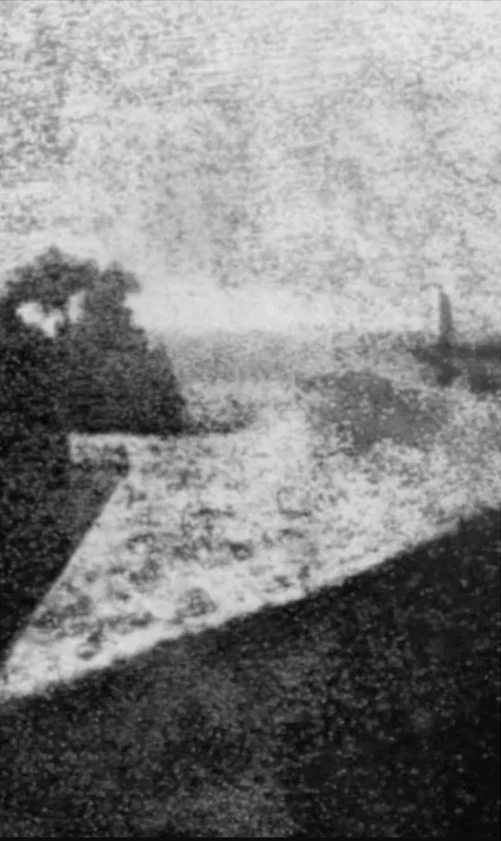
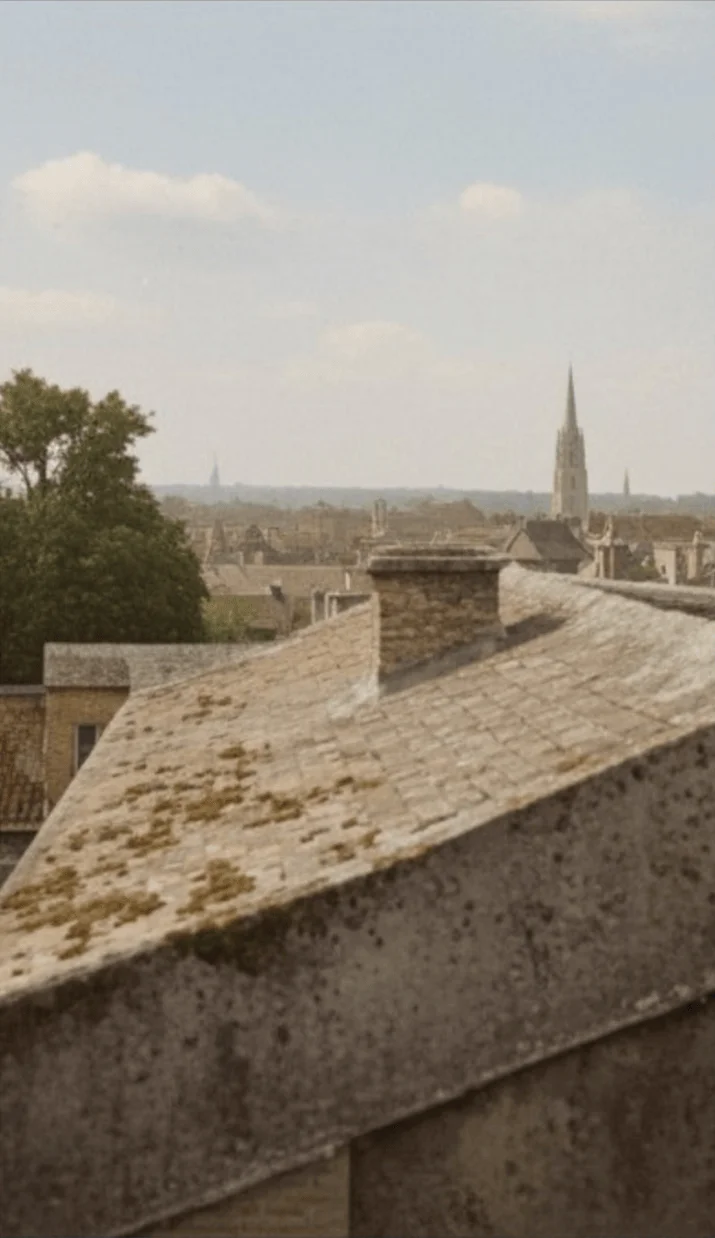
Try an example
Pick an edit, then upload your own photo.
BeforeAfterRestore old photo
4 credits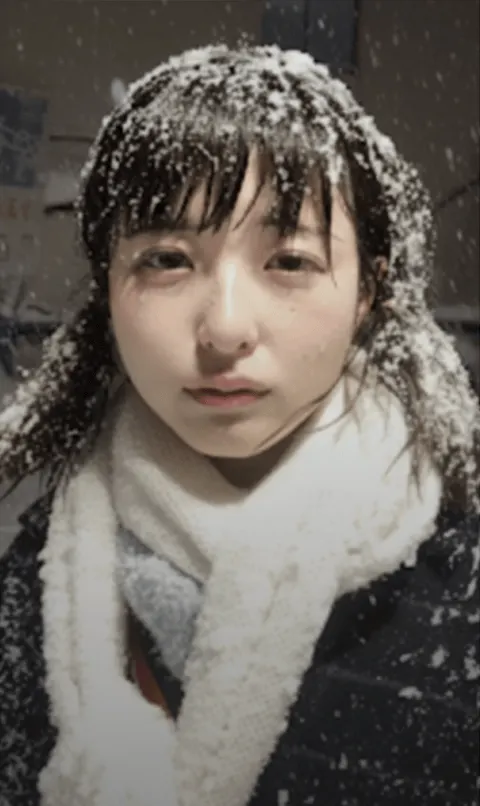 Before
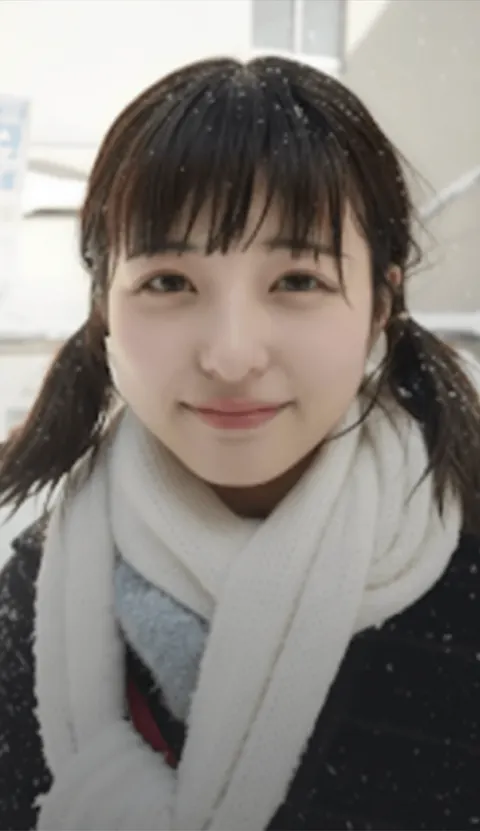 After
AfterSunny day smile
4 credits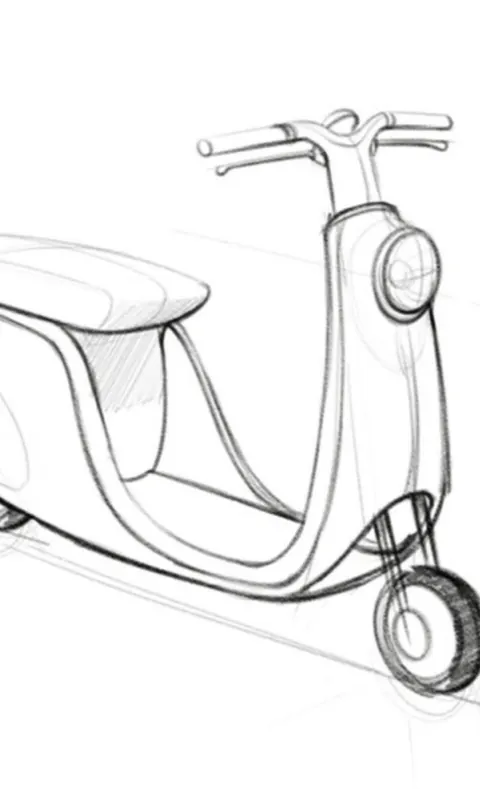 Before
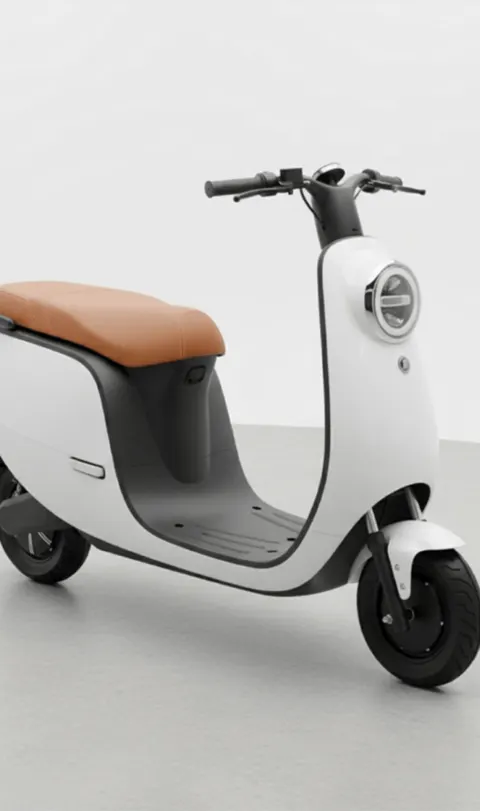 After
AfterSketch to photo
4 credits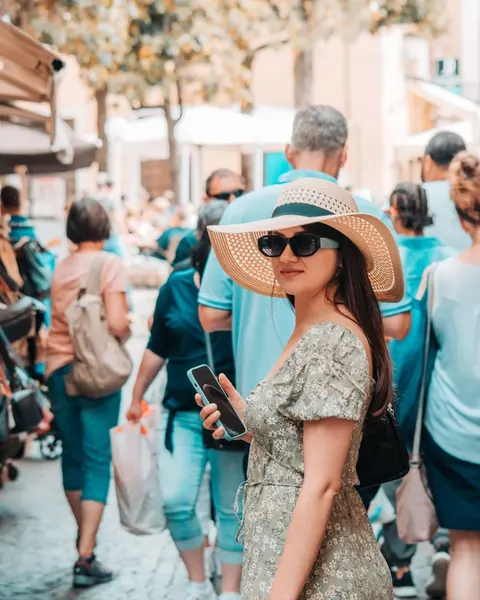 Before
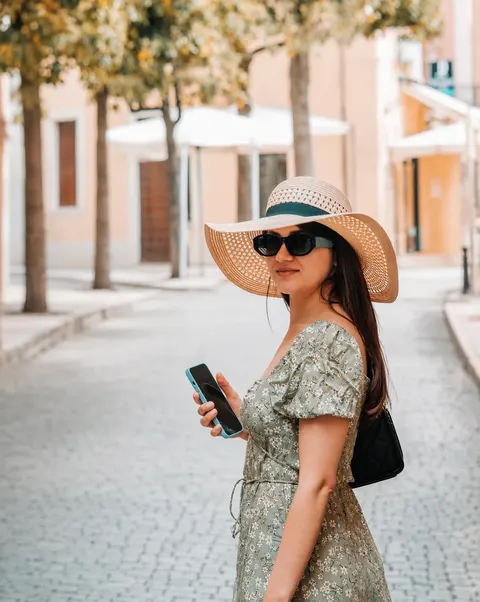 After
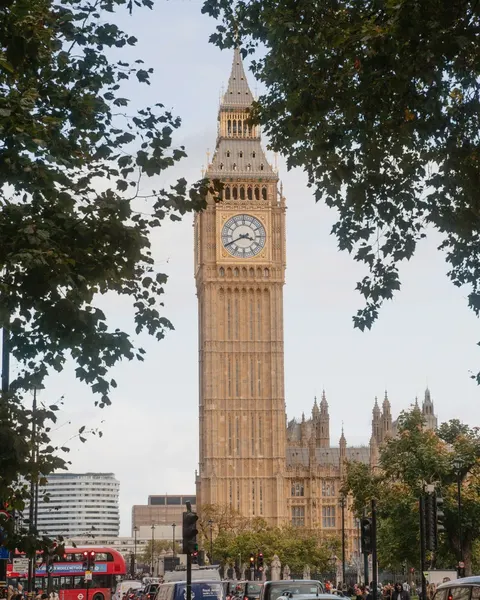
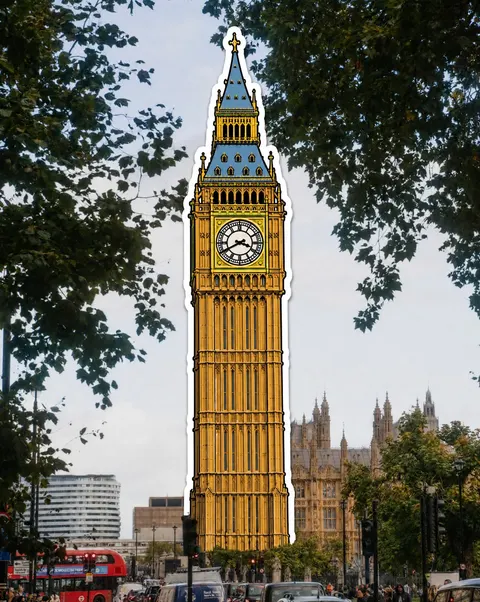
AfterRemove tourists
3 credits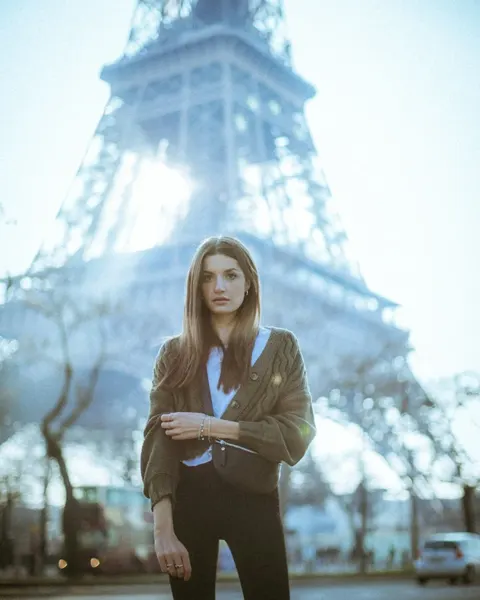
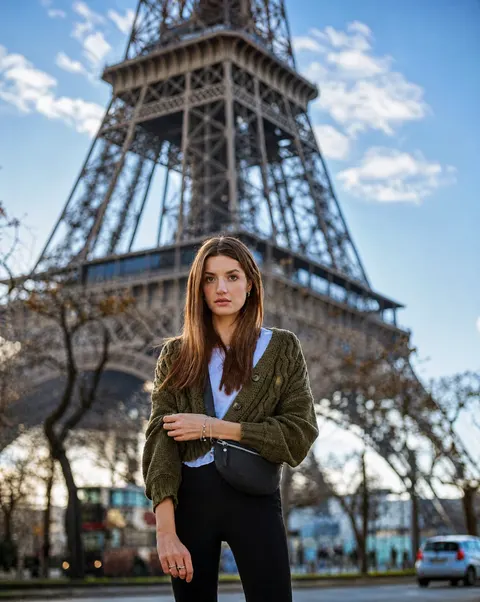
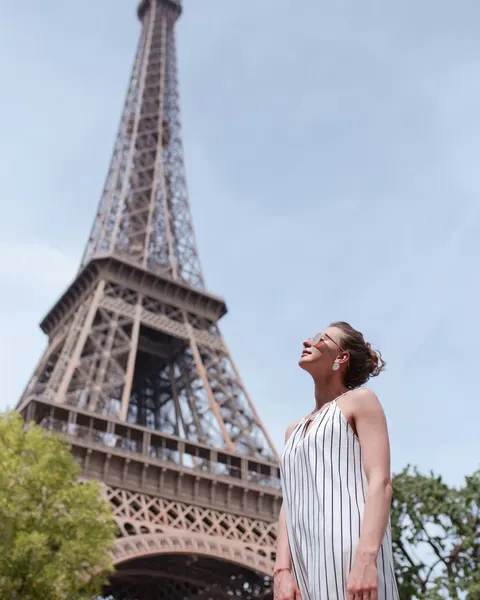
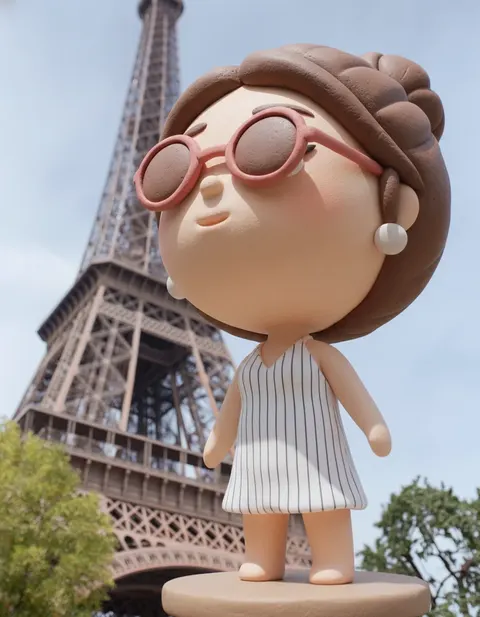
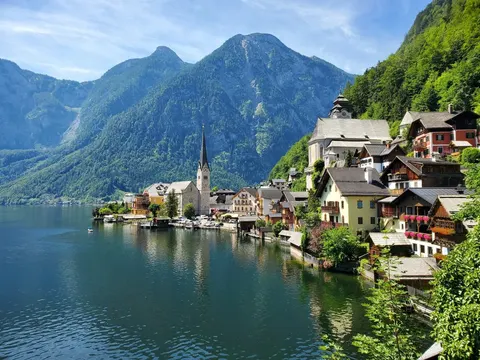
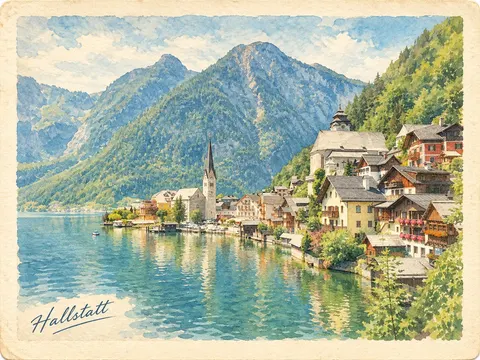


Want to see yourself with a new haircut or hair color? Try the free AI Hairstyle Changer
Want to try on a new outfit without changing clothes? Try the AI Clothes Changer
Why Use Our AI Photo Editor?
Powerful AI tools to transform your photos instantly
AI Background Remover
Say goodbye to tedious manual selection. Our AI background remover automatically detects the subject and replaces the background with a clean white one in seconds. Perfect for e-commerce and profile pics.
Magic Eraser / Object Removal
Have a photobomber or watermark ruining your shot? Use our AI object remover to clean up your photos naturally. It's like magic.
Try the AI object removerAI Image Upscaler
Turn blurry, low-resolution images into crisp, HD photos. Our AI image enhancer increases resolution without losing quality. Ideal for printing and web display.
Edit Photos with Text Prompts
Describe what you want to change, and let AI edit your photo. Replace objects, change colors, adjust lighting, or transform the style of an image using simple instructions.
Edit text in images with AIMulti-Image Editing
Upload up to 10 images and combine them in one edit, such as placing a product into a new scene or bringing people from different photos together.
Privacy First
We take your privacy seriously. Uploaded images are processed to provide AI photo editing services.
Read our Privacy PolicyProfessional Applications for Every Field
Empowering designers, marketers, and educators with versatile AI tools for any use case.
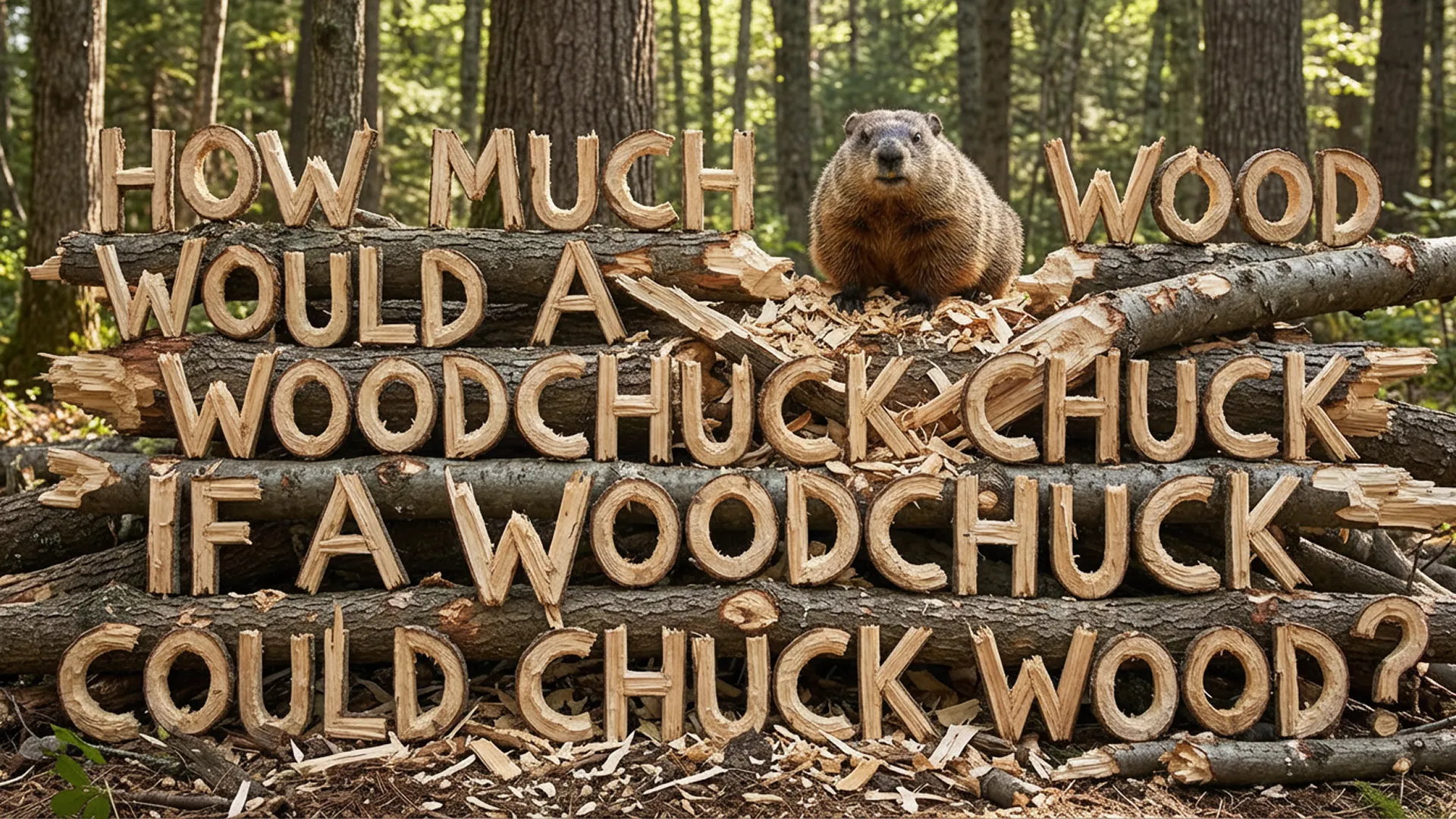
Flawless Typography Integration
Generate images with perfect text integrity. Design magazine covers, posters, and signs where every letter is crisp and legible.
Prompt
Design a modern magazine cover titled 'FUTURE TECH' with a futuristic cityscape background. The text should be bold, metallic, and perfectly centered at the top.
Prompt
Create a neon sign style image that says 'OPEN 24/7' glowing in bright pink against a dark brick wall background. Ensure the text is clear and readable.
Unified Visual Identity
Maintain brand consistency effortlessly. Apply comprehensive style transfers to align all your assets with your unique visual language.

Prompt
Generate a set of app icons that match this specific pastel color palette and flat design style. Keep the shapes simple and consistent.
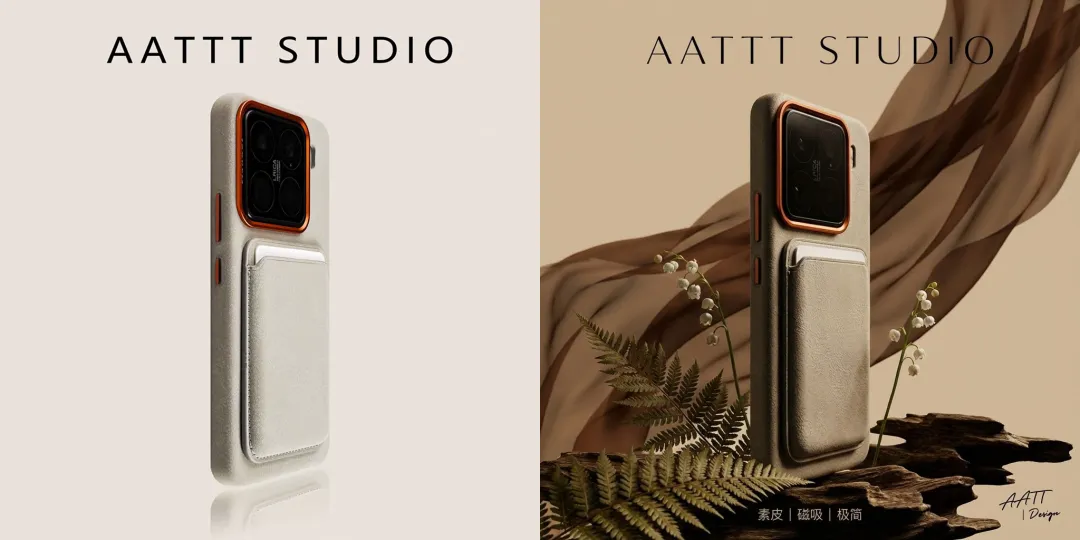
Prompt
Create a series of product backgrounds that follow a minimalist, nature-inspired aesthetic. Use soft earth tones and organic textures to match the reference image.
Seamless Multilingual Adaptation
Scale your campaigns globally. Accurately translate and adapt visual text within images for different languages and markets.

Prompt
Translate the text on this coffee shop menu board from English to French, maintaining the chalk-style hand-lettering look.
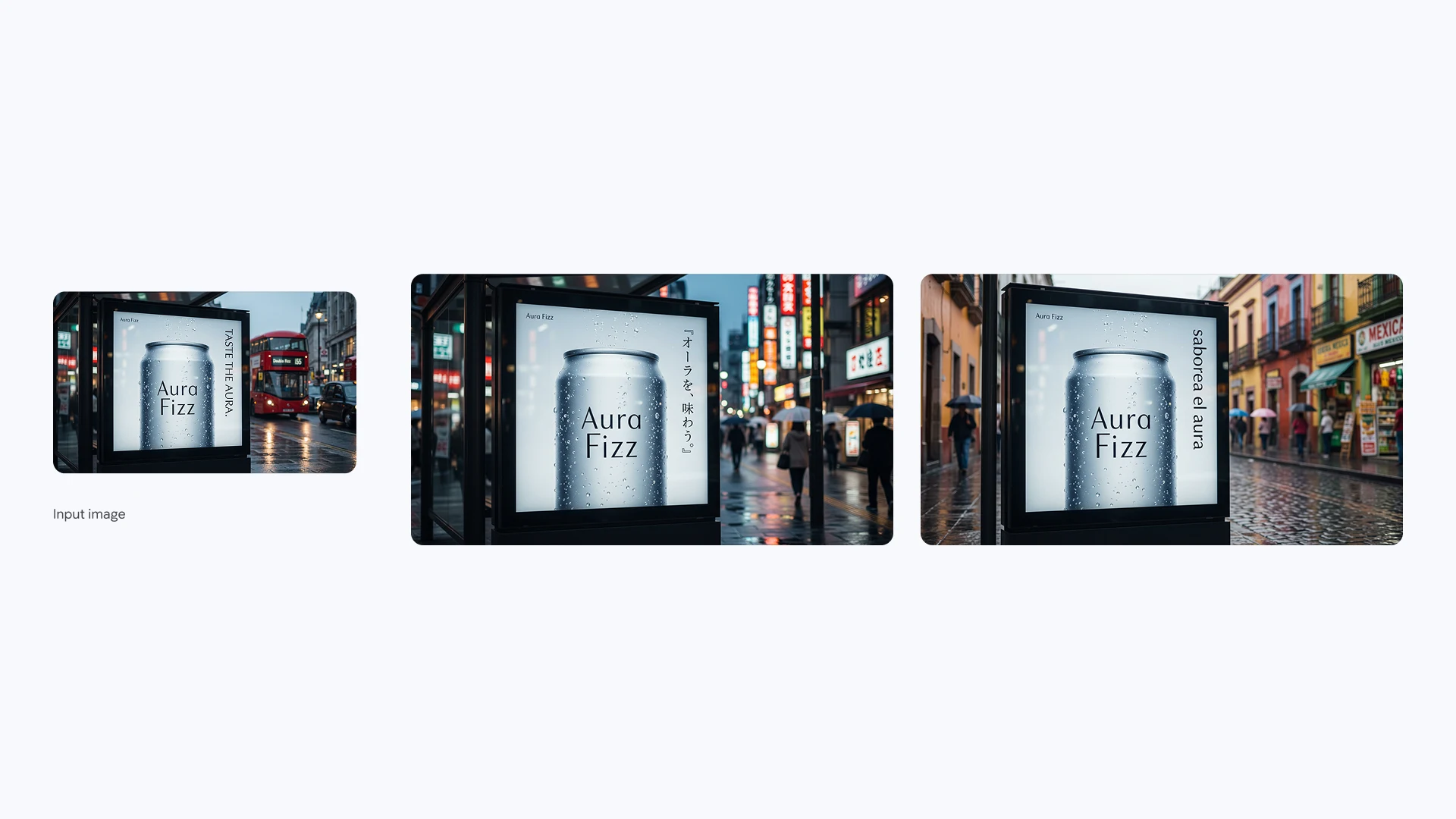
Prompt
Adapt this promotional poster for the Japanese market. Translate the headline and tagline into Japanese while preserving the original layout and font style.
Consistent Character Generation
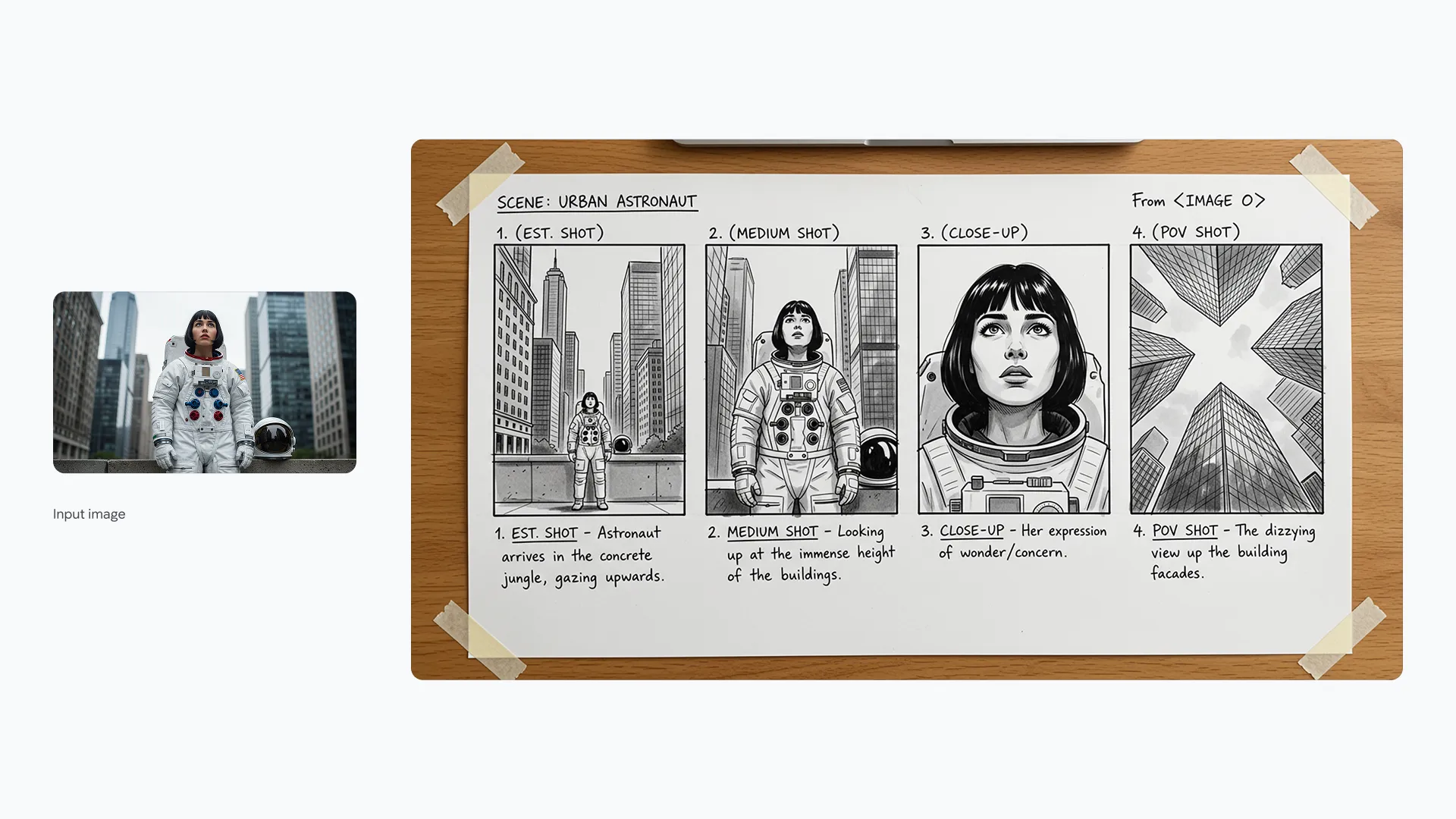
Tell continuous stories with consistent characters. Generate the same persona in various poses, outfits, and settings without losing their identity.
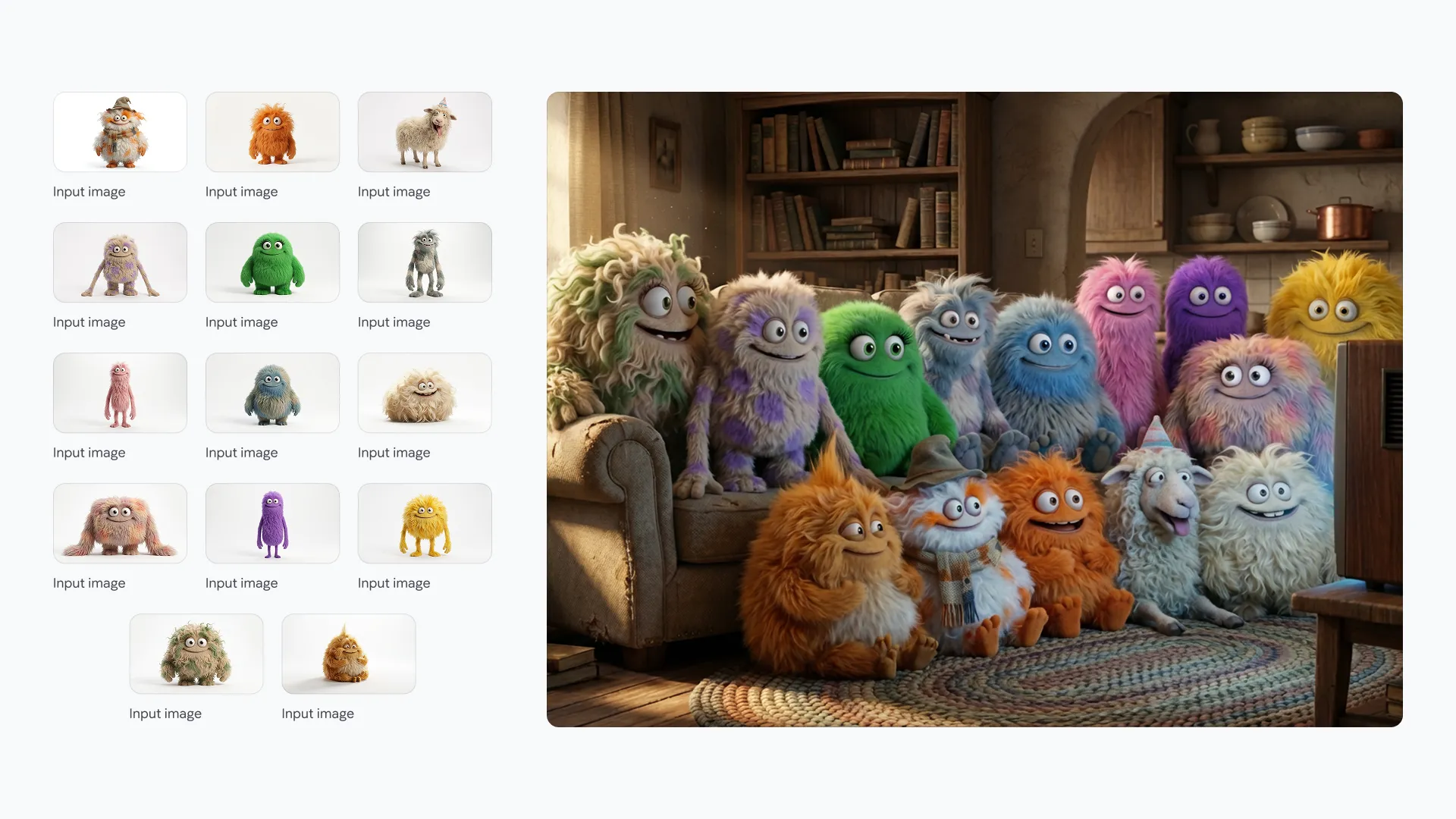
Prompt
Generate a 3D animated character of a young adventurer with a red scarf, walking through a cyberpunk city street at night. Maintain facial features and clothing details.
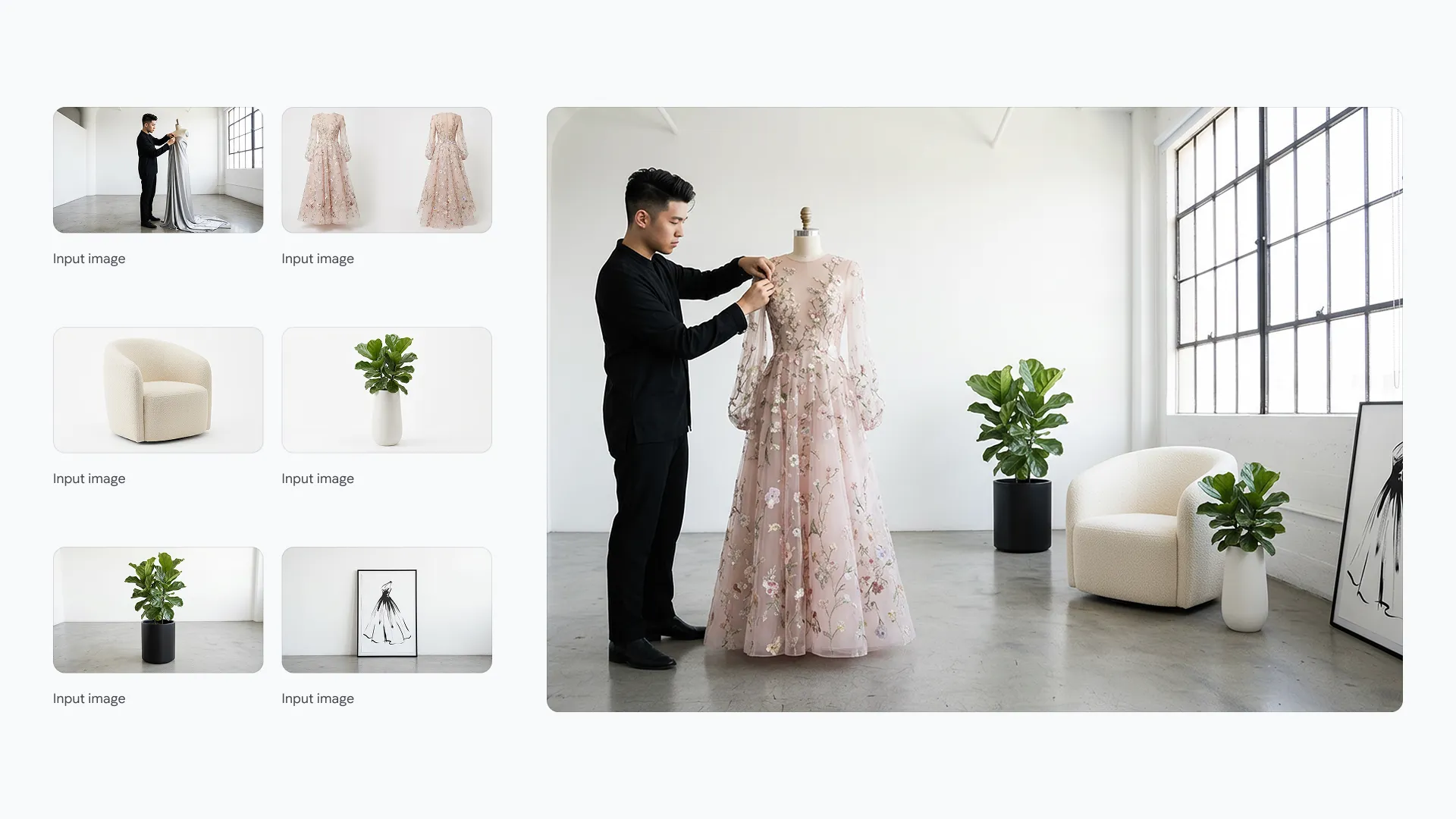
Prompt
Show the same adventurer character sitting in a futuristic cafe, drinking coffee. Ensure the red scarf and facial structure are identical to the previous image.
Instant Prototype Visualization
Accelerate your design process. Turn rough sketches and concepts into high-fidelity photorealistic product renders in seconds.
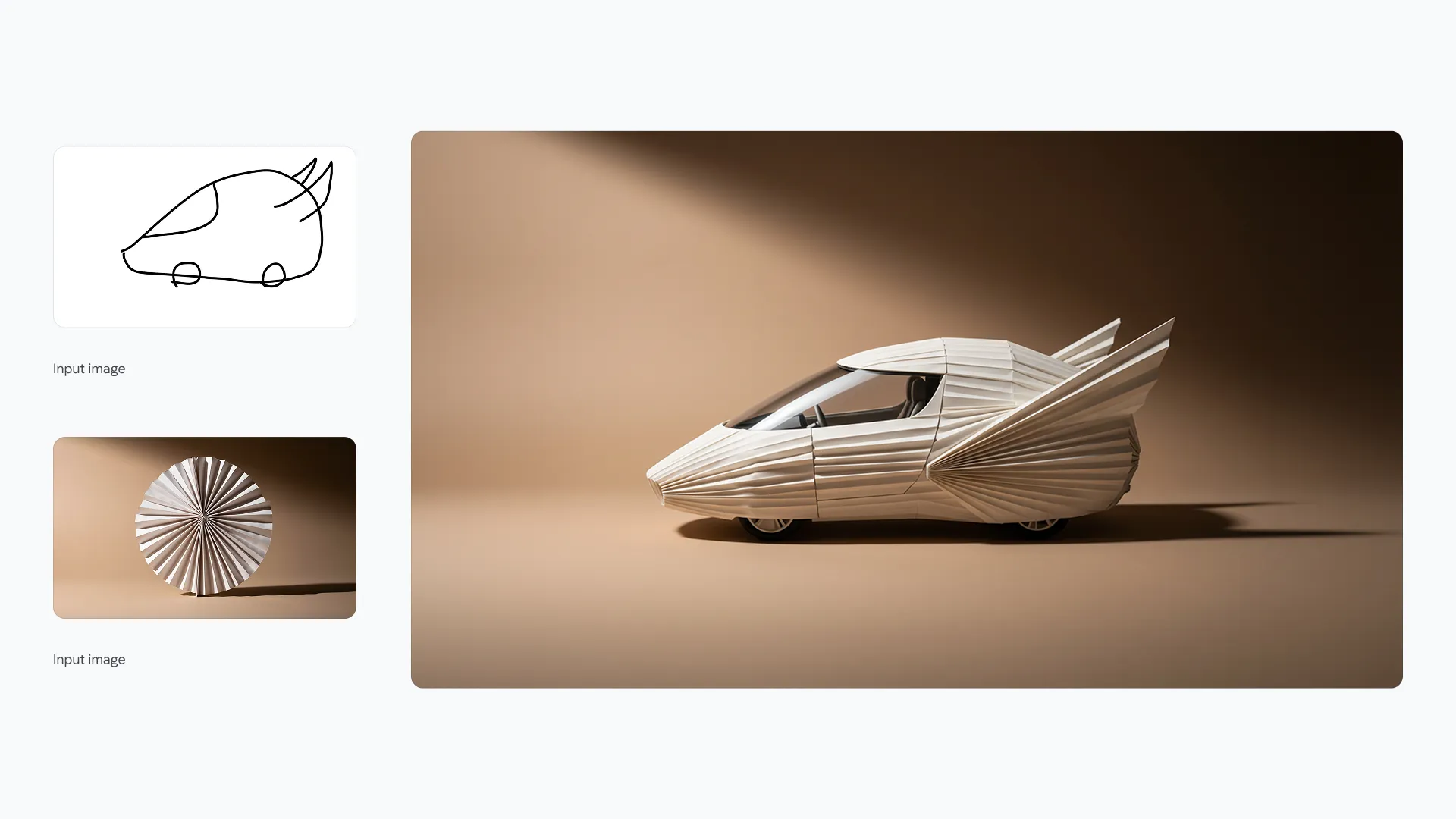
Prompt
Turn this rough pencil sketch of a running shoe into a photorealistic product image. Use breathable mesh materials in blue and white.
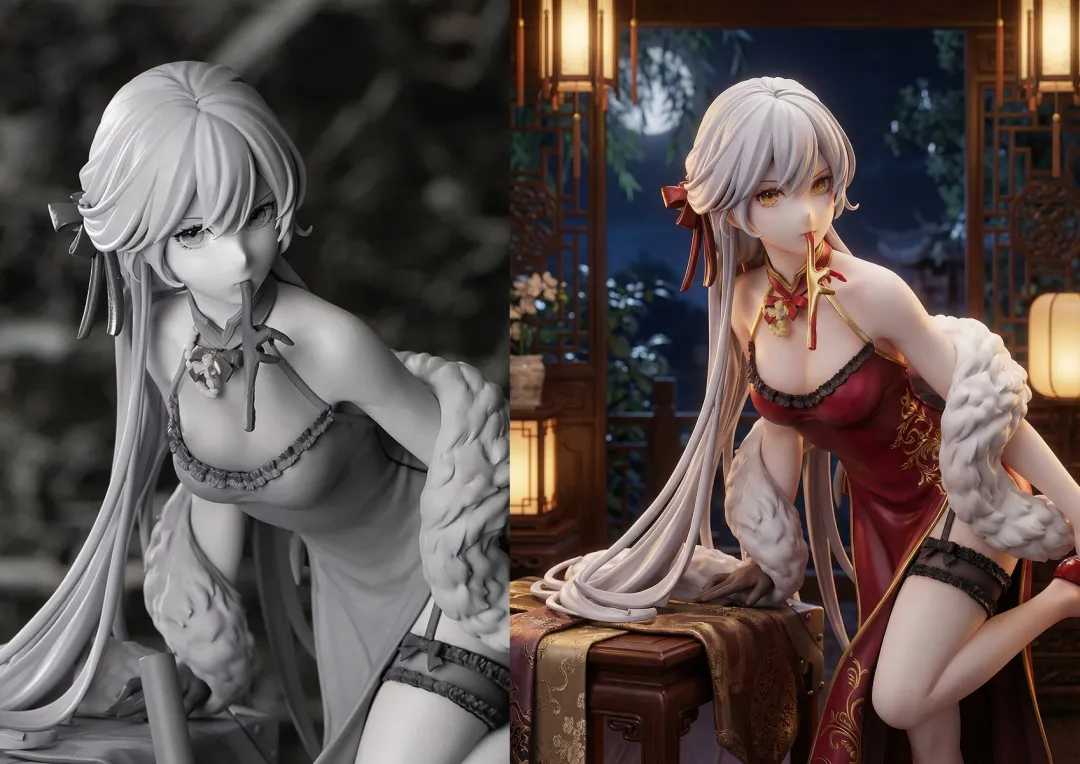
Prompt
Render this architectural doodle of a modern cabin as a realistic building in a forest setting, with detailed wood textures and glass reflections.
Cinematic Lighting Control
Master the mood. Adjust lighting direction, color grading, and intensity to create studio-quality atmospheres for any scene.
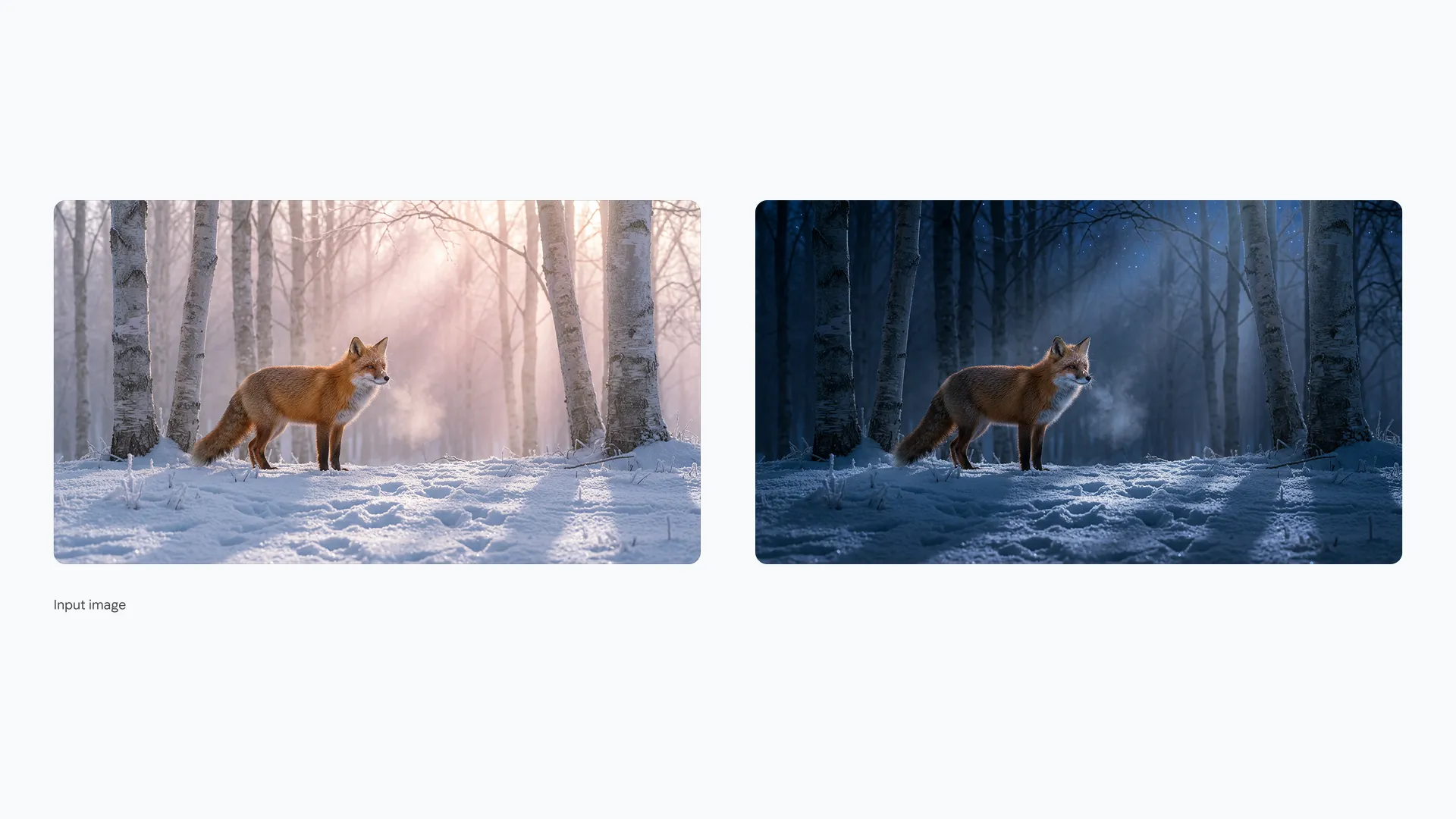
Prompt
Relight this portrait photo with soft, golden hour sunlight coming from the left side. Add a warm glow to the hair.
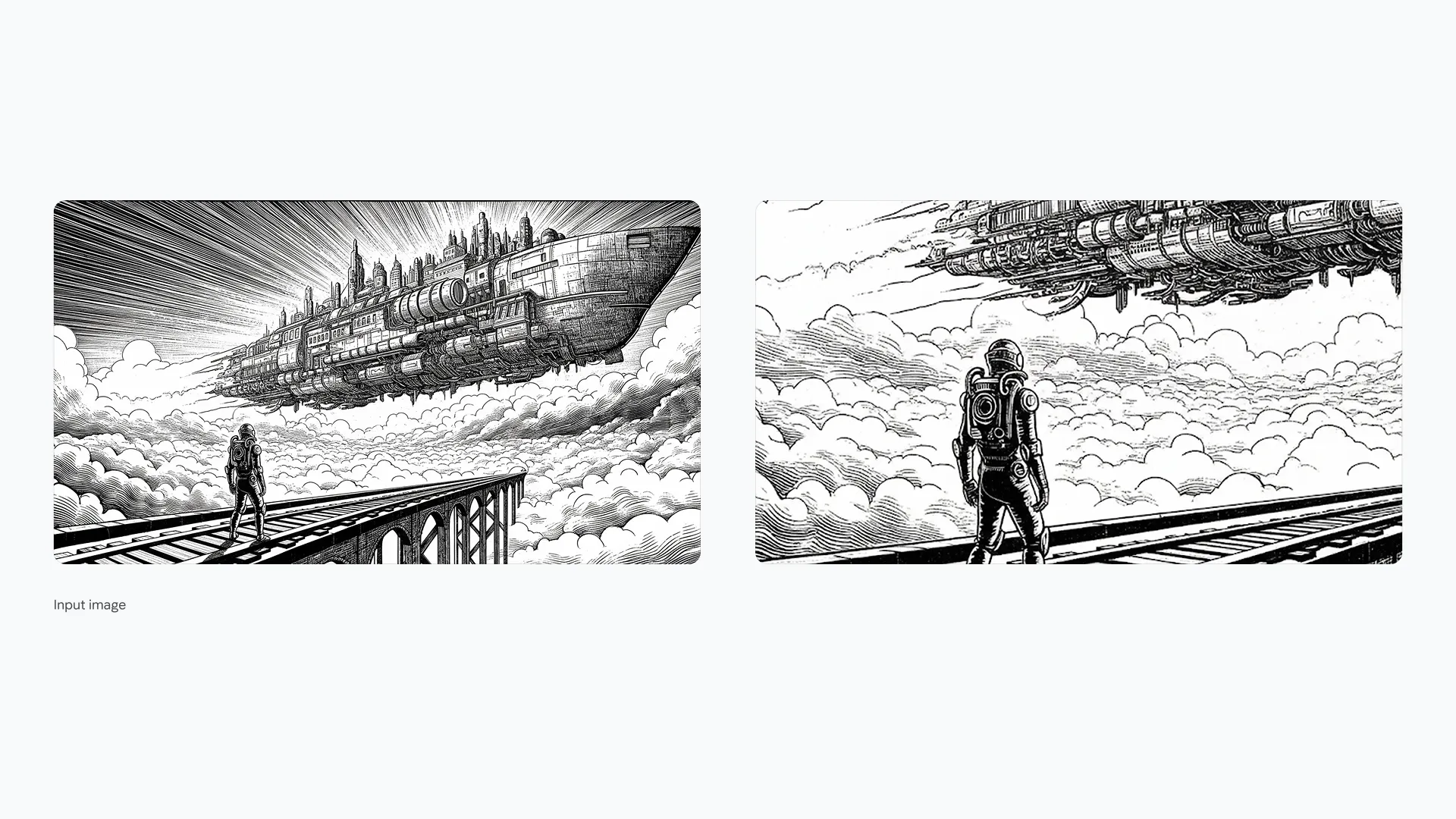
Prompt
Apply a dramatic film noir lighting style to this street scene. High contrast shadows, black and white filter, and a spotlight effect on the central figure.
Scientific & Technical Accuracy
Visualize complex concepts with precision. Generate biologically and mechanically accurate illustrations for educational and technical materials.
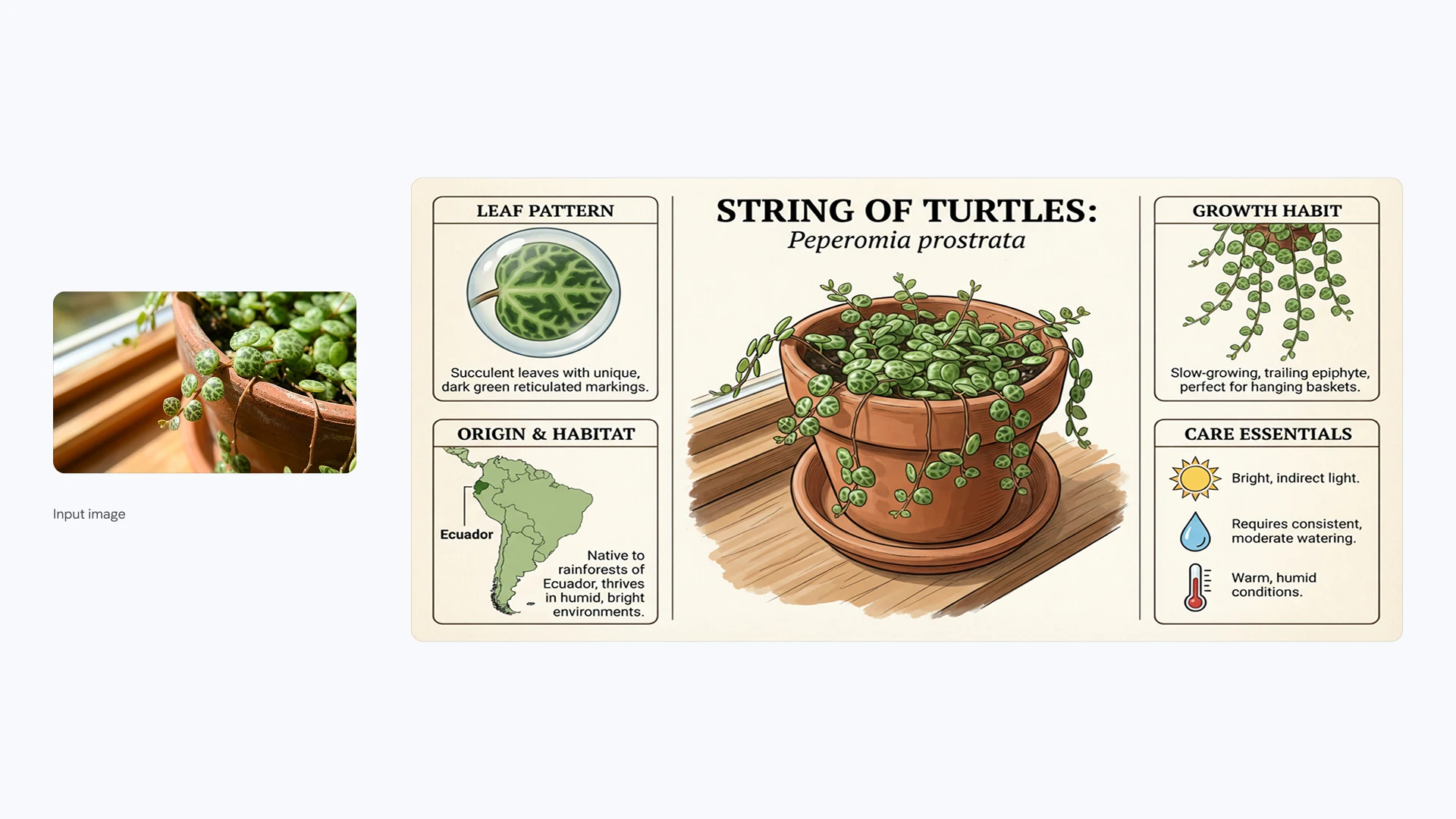
Prompt
Create a detailed, scientifically accurate illustration of a plant cell structure, labeling the nucleus, mitochondria, and cell wall.
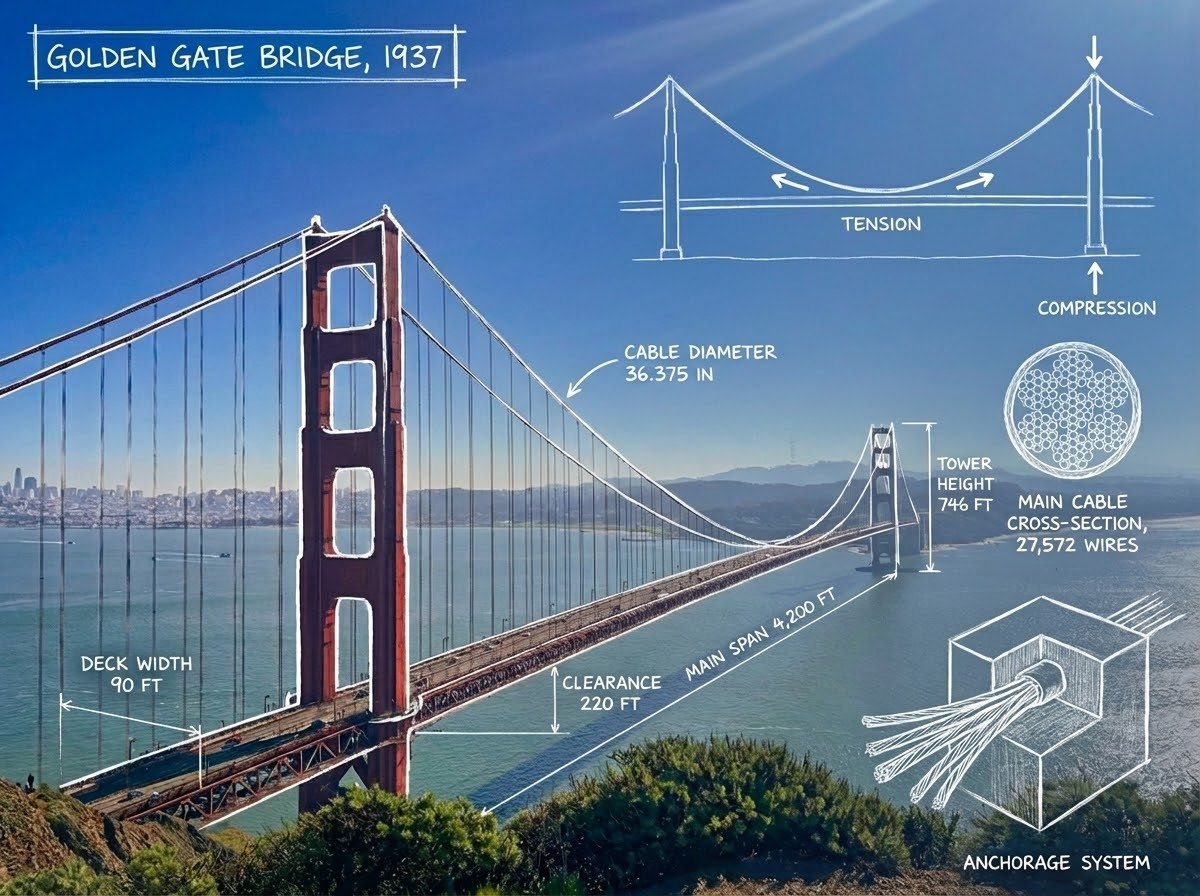
Prompt
Generate a cutaway cross-section view of a modern jet engine. Highlight the compressor, combustion chamber, and turbine sections with metallic textures.
Who Uses AI Photo Editor?
Empowering everyone to create professional visuals in seconds.
📱 Social Media Managers
Create viral content instantly. Remove backgrounds and add trending effects to keep your feed fresh and engaging.
🛍️ E-commerce Sellers
Professional product photography on a budget. Clean up backgrounds and enhance lighting for higher conversion rates.
📊 Digital Marketers
Produce high-performing ad creatives. A/B test different styles and formats in minutes without waiting for designers.
🏡 Real Estate Agents
Showcase properties in their best light. Enhance interior brightness, remove clutter, and upscale listing photos.
🎨 Graphic Designers
Speed up your workflow. Automate tedious tasks like masking and object removal to focus on creative composition.
🚀 Small Business Owners
Build your brand visual identity. Create professional logos, flyers, and social posts with zero design skills required.
How to Edit Photos with AI
Simple steps to professional results
Upload Your Photo
Upload a JPG, PNG, or WebP image to the online AI photo editor.
Describe Your Edits
Enter a text prompt to explain what you want to change, such as removing an object, replacing a background, or adjusting the lighting.
Generate & Download
Generate your edited image, review the result, and download your photo.
Loved by Thousands of Creators
See why we are the go-to AI photo editor for professionals and beginners alike.
Elena Rodriguez
Digital MarketerI used to spend hours in Photoshop just to remove backgrounds. AI Photo Editor does it in seconds. It's a lifesaver for my daily ad campaigns.
David Kim
Shopify Store OwnerMy product photos look professional now. The image upscaler is pure magic—it saved some really low-res supplier images I thought were unusable.
Jessica Thompson
Travel BloggerThe magic eraser is incredible. I can easily remove photobombers from my travel shots without any editing skills. Highly recommended tool!
Frequently Asked Questions
Common questions about our AI Photo Editor
AI Photo Editor offers free credits to help you get started. You can upload photos, explore AI editing features, and generate edited images using available credits. Additional credits and paid plans are available for more editing.
No. Our platform is a 100% web-based AI photo editor. You can access it from Chrome, Safari, or Edge on any device (PC, Mac, iPhone, or Android).
We take your privacy seriously. Uploaded images are processed to provide AI photo editing services. For details about how your images and personal data are handled, please review our Privacy Policy.
Absolutely. Our background remover and image sharpener are perfect for Amazon, Shopify, and eBay sellers looking to create professional product images quickly.
Yes. Upload your photo and describe the changes you want to make. You can ask AI to remove objects, change backgrounds, adjust lighting, or modify other parts of the image.
Yes. AI Photo Editor works directly in your browser. You can make changes using text instructions without installing Photoshop or learning complex editing tools.
You can describe the specific part you want to edit and ask AI to keep the rest unchanged. Results may vary depending on the image and the requested changes.
You can edit portraits, product photos, travel pictures, social media images, and more. Common edits include object removal, background changes, lighting adjustments, and photo restoration.
Yes. Depending on the model you choose, you can upload multiple reference images (up to 10 on most models), allowing you to combine elements or use multiple photos in one editing task.
Start Editing Your Photos with AI
Edit photos with simple text prompts. Remove objects, change backgrounds, and enhance image quality.