Edit Text in Image Online for Free with AI
Upload an image, tell the AI which text to change and what it should say, and get the same image back with the new text. New accounts get 2 free edits.
Try an example
Pick one to load its image and instruction, or upload your own.
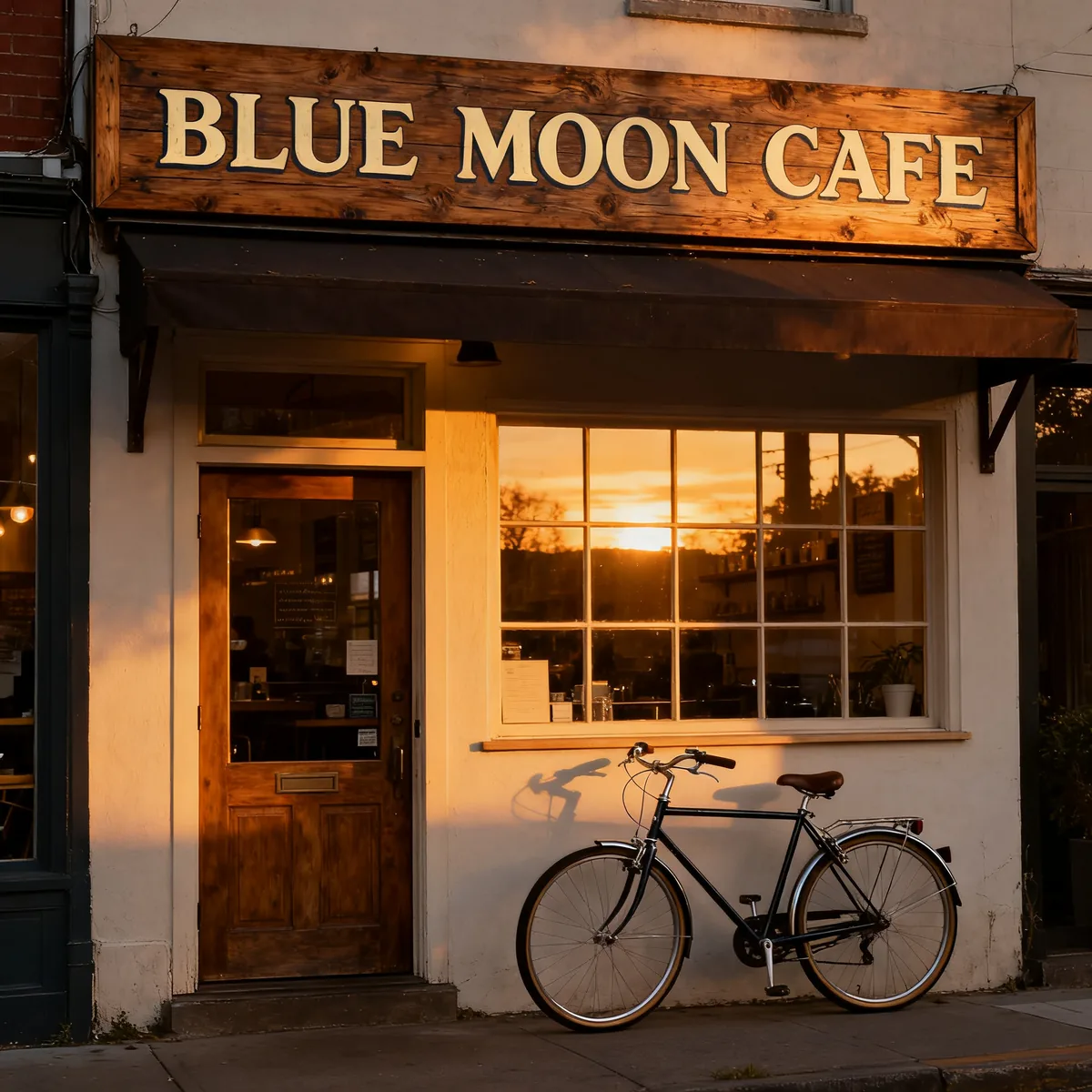 Before
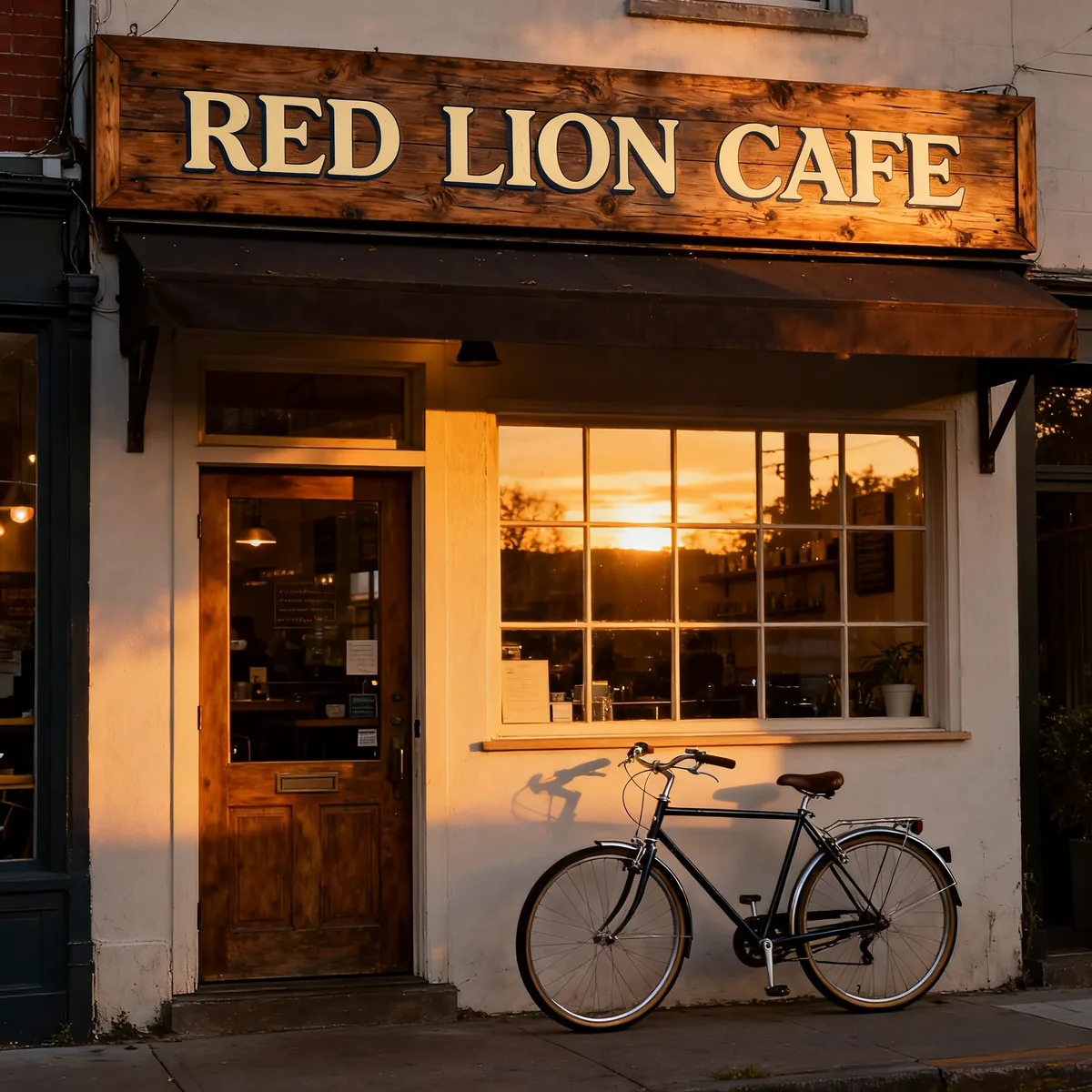 After
AfterPrompt: Change the text "BLUE MOON CAFE" to "RED LION CAFE". Keep the same font, color, size and position. Do not change anything else in the image.
Upload the image you want to edit. One image per edit.
Drag & drop or browse
PNG, JPG, JPEG or WEBP (max 10MB each)
0/1 uploaded
Describe what you want to change in the image
Up to 4 extra images the AI can draw from, for example a logo or a product to place into your picture. Mention them in your instruction.
Drag & drop or browse
PNG, JPG, JPEG or WEBP (max 10MB each)
Support multiple images • 0/4 uploaded
Change Text in Image: Before and After
Edits made with this tool. Each one used the short written instruction shown below it.
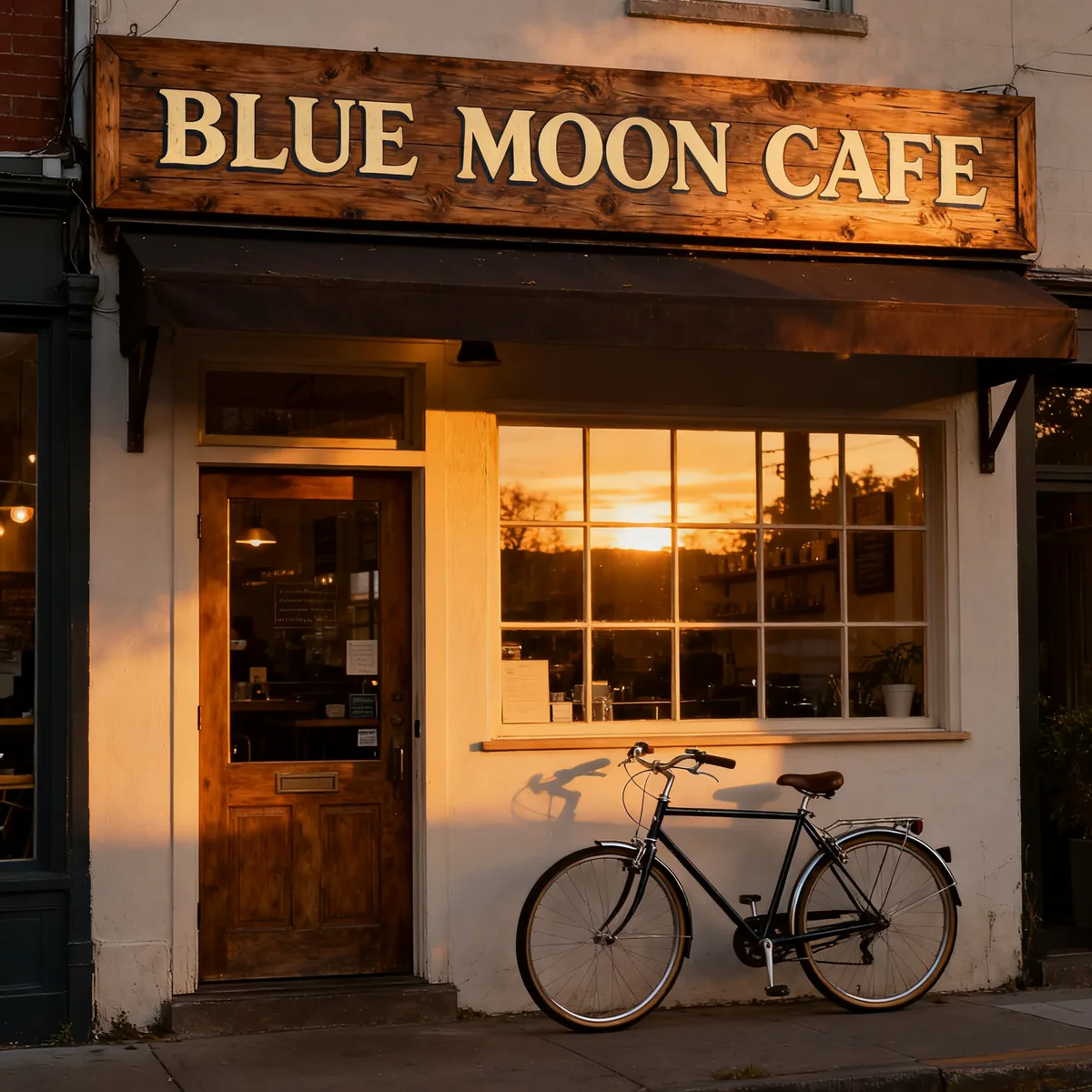
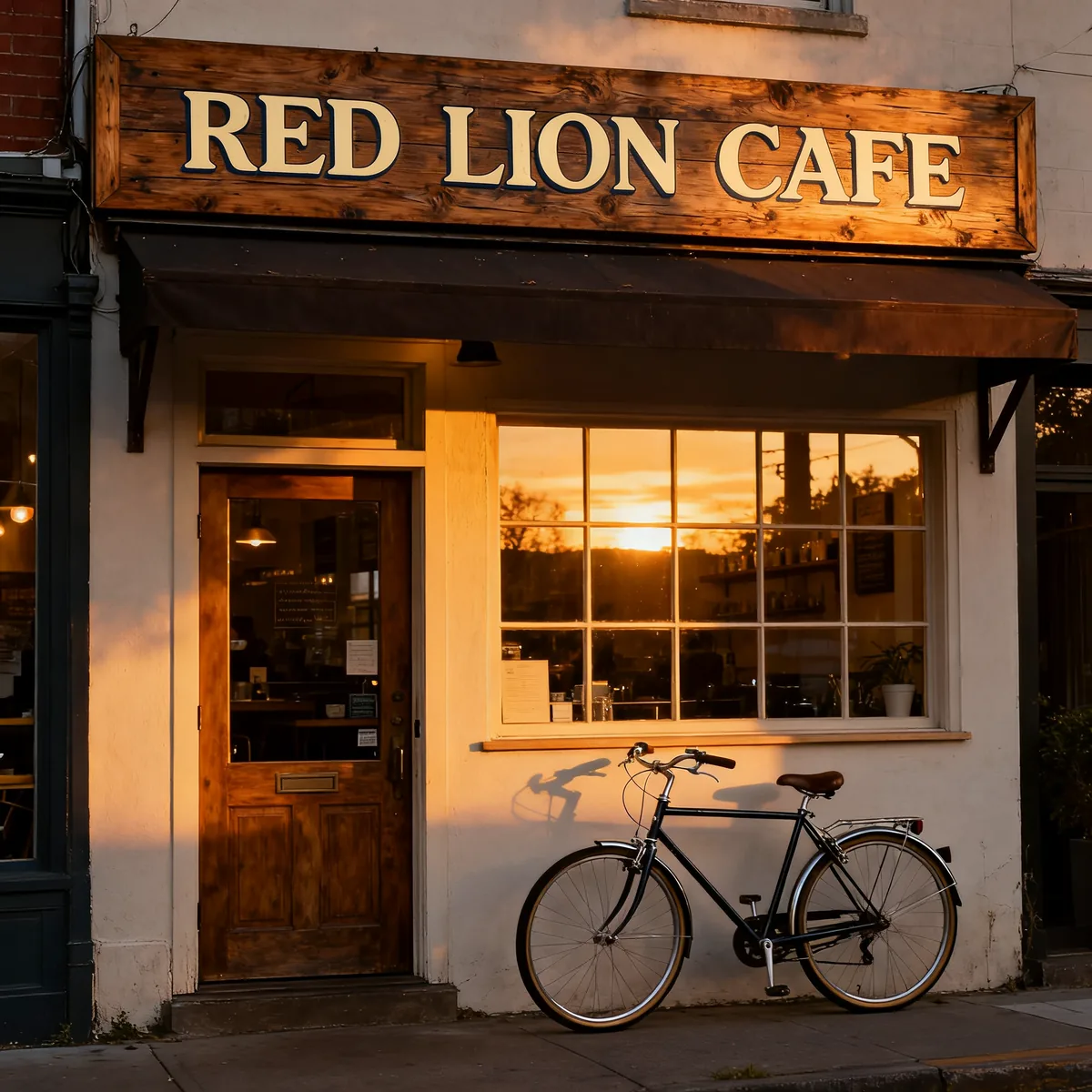
Sign wording changed. Lettering, wood grain and lighting kept.
InstructionChange the text "BLUE MOON CAFE" to "RED LION CAFE". Keep the same font, color, size and position. Do not change anything else in the image.
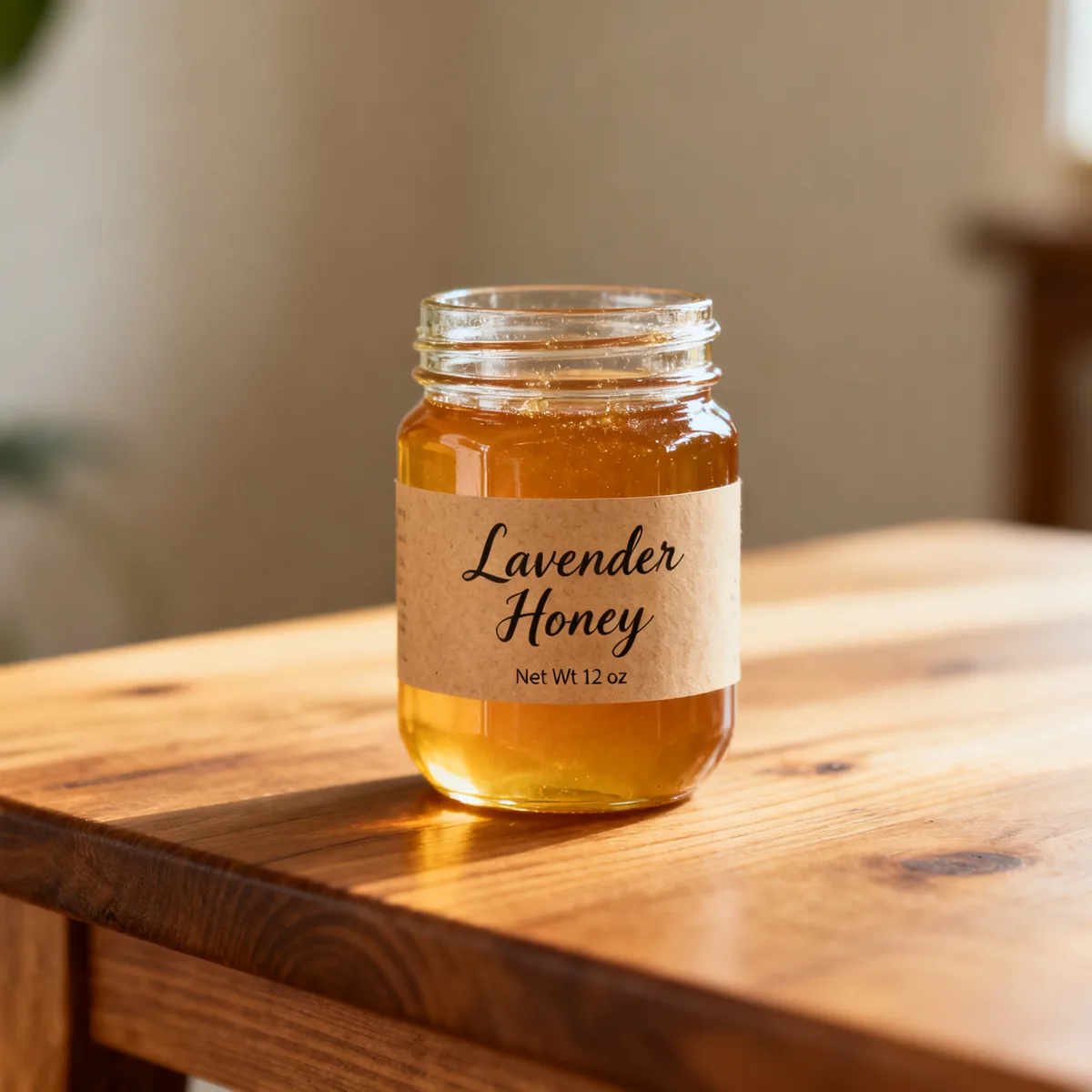
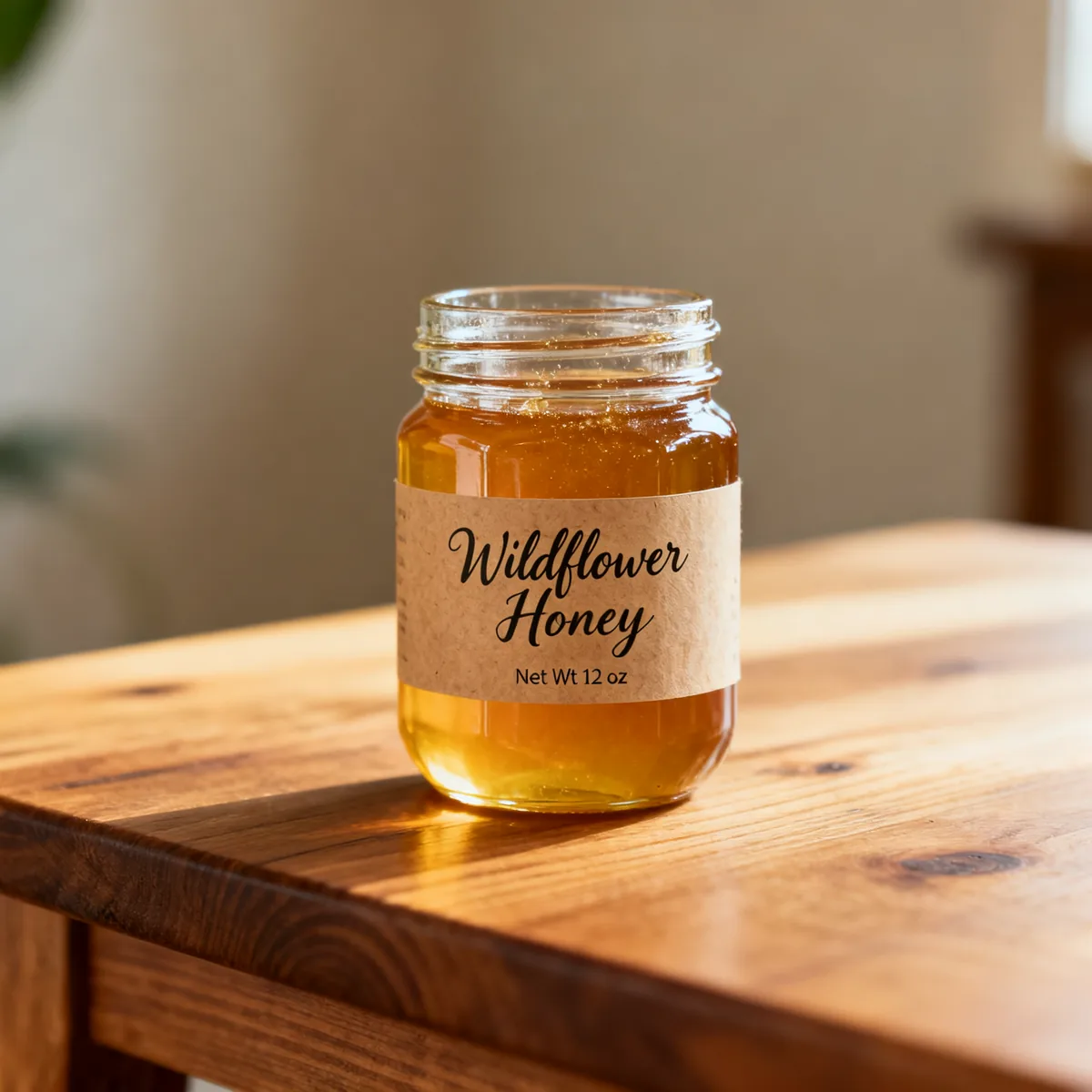
Product name swapped on a jar label. Script style kept.
InstructionChange the text "Lavender Honey" to "Wildflower Honey". Keep the same font, color, size and position. Do not change anything else in the image.

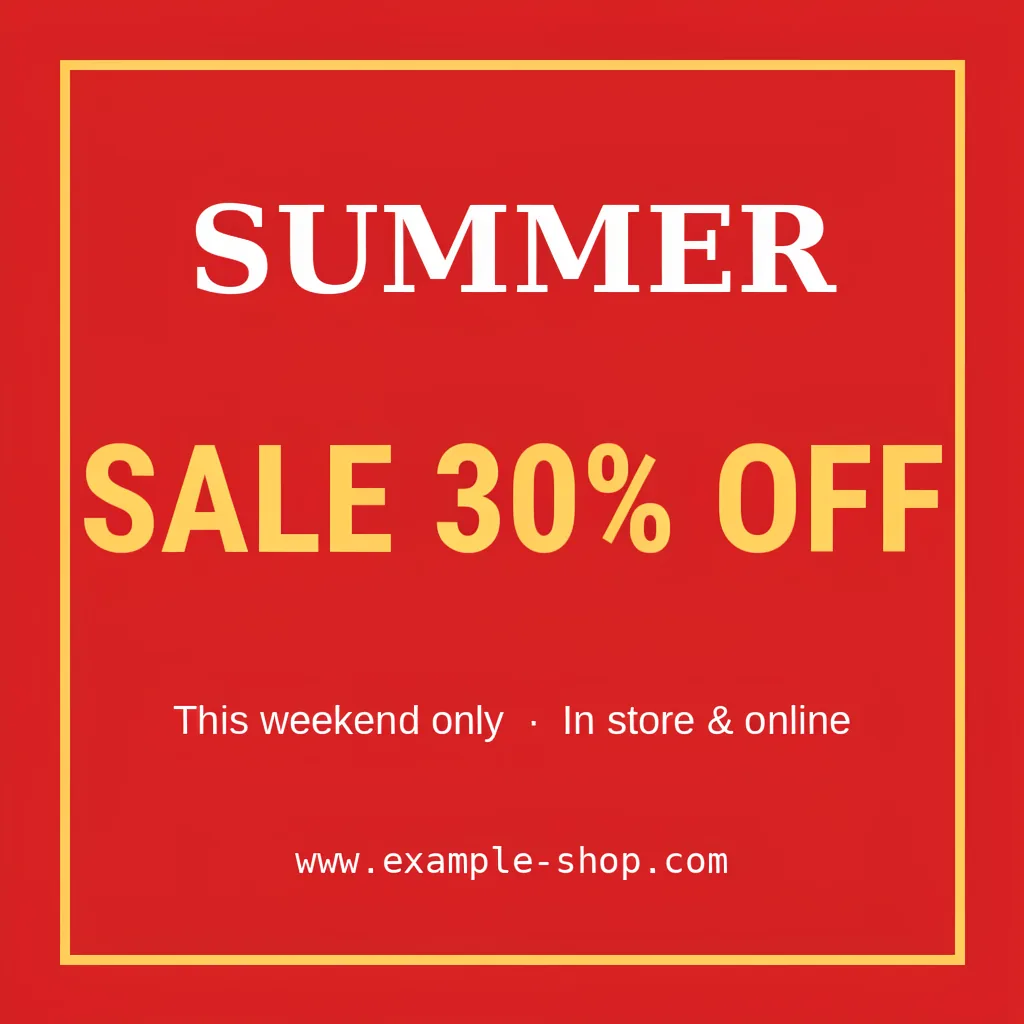
One number updated on a sale banner.
InstructionChange the text "SALE 50% OFF" to "SALE 30% OFF". Keep the same font, color, size and position. Do not change anything else in the image.
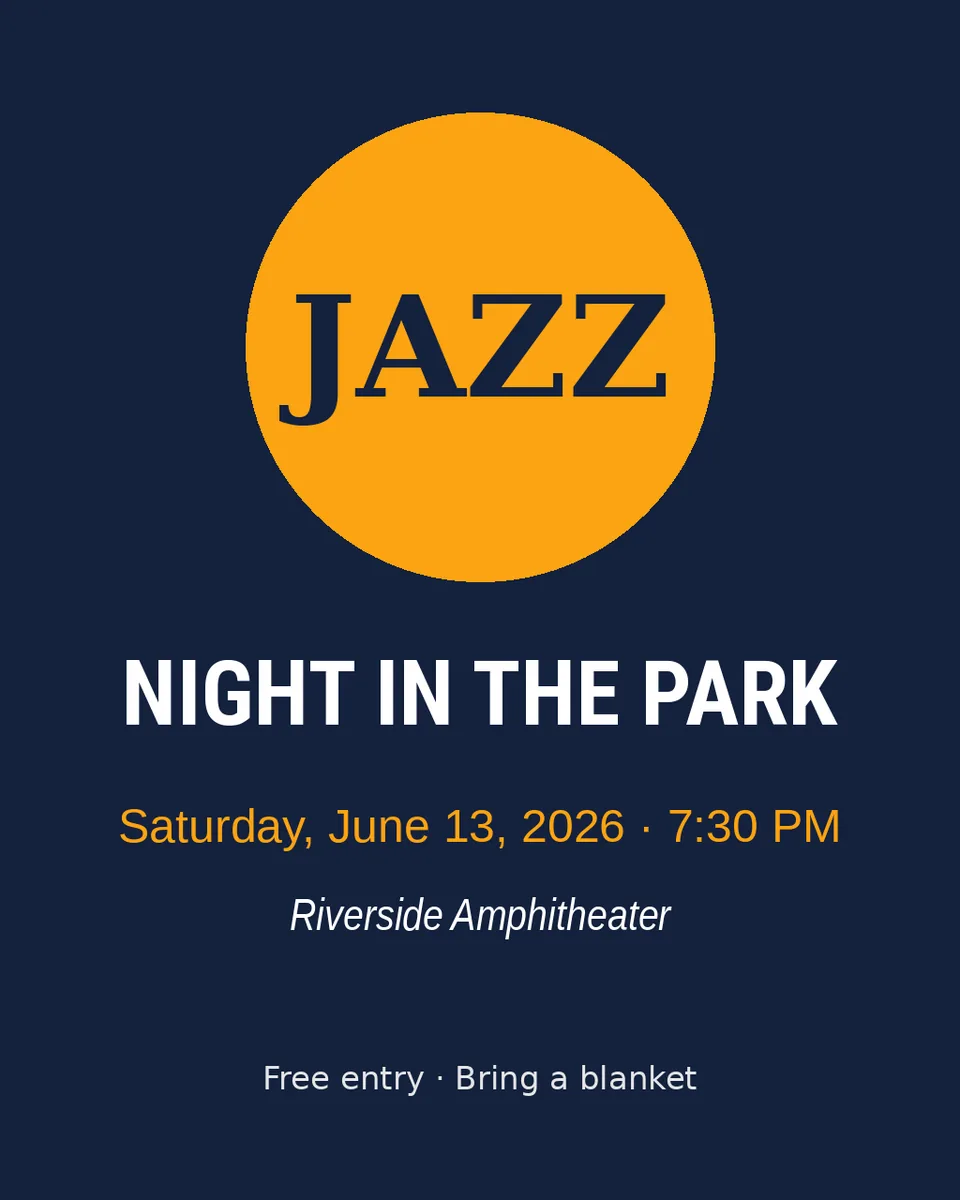
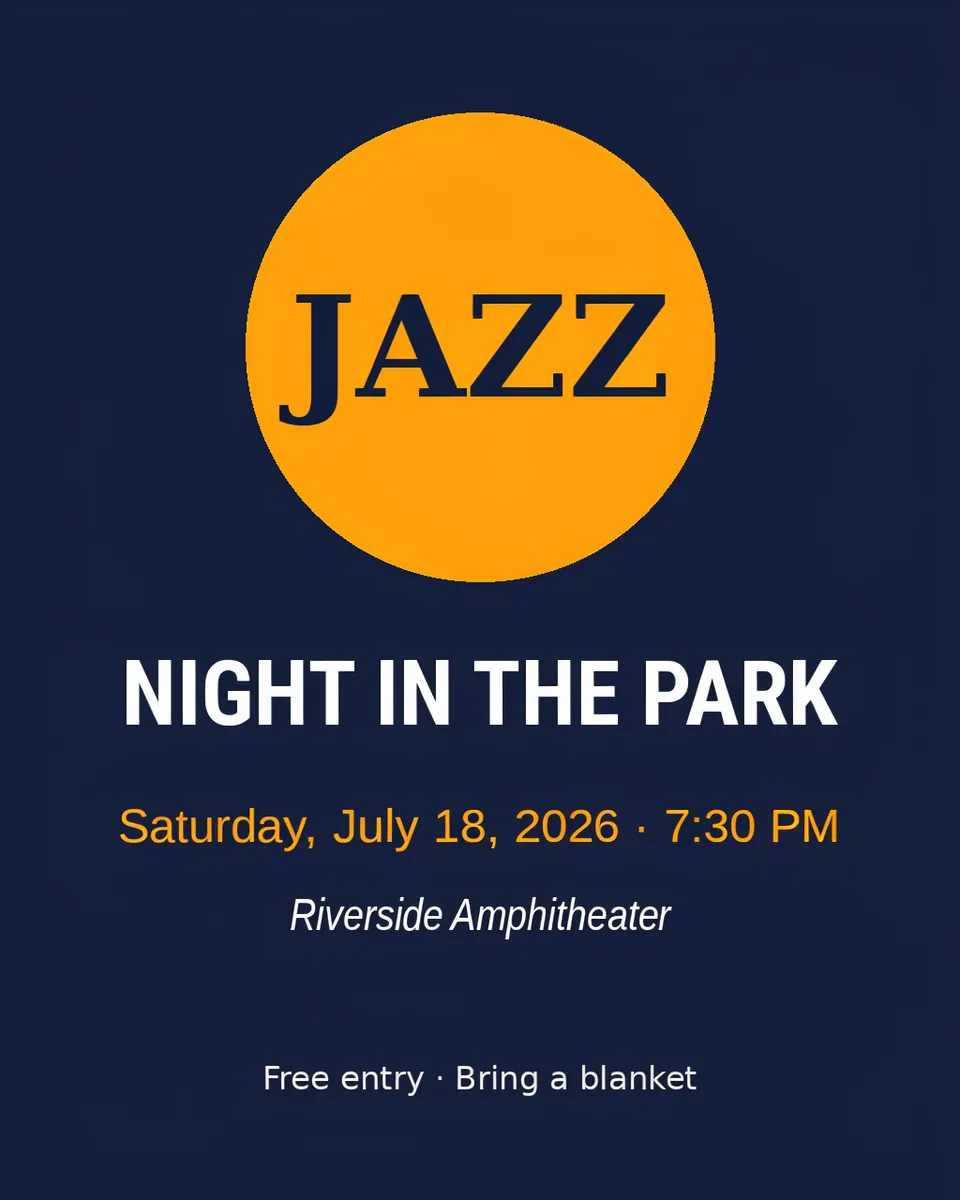
Event date moved. Everything else left alone.
InstructionChange the text "June 13" to "July 18". Keep the same font, color, size and position. Do not change anything else in the image.
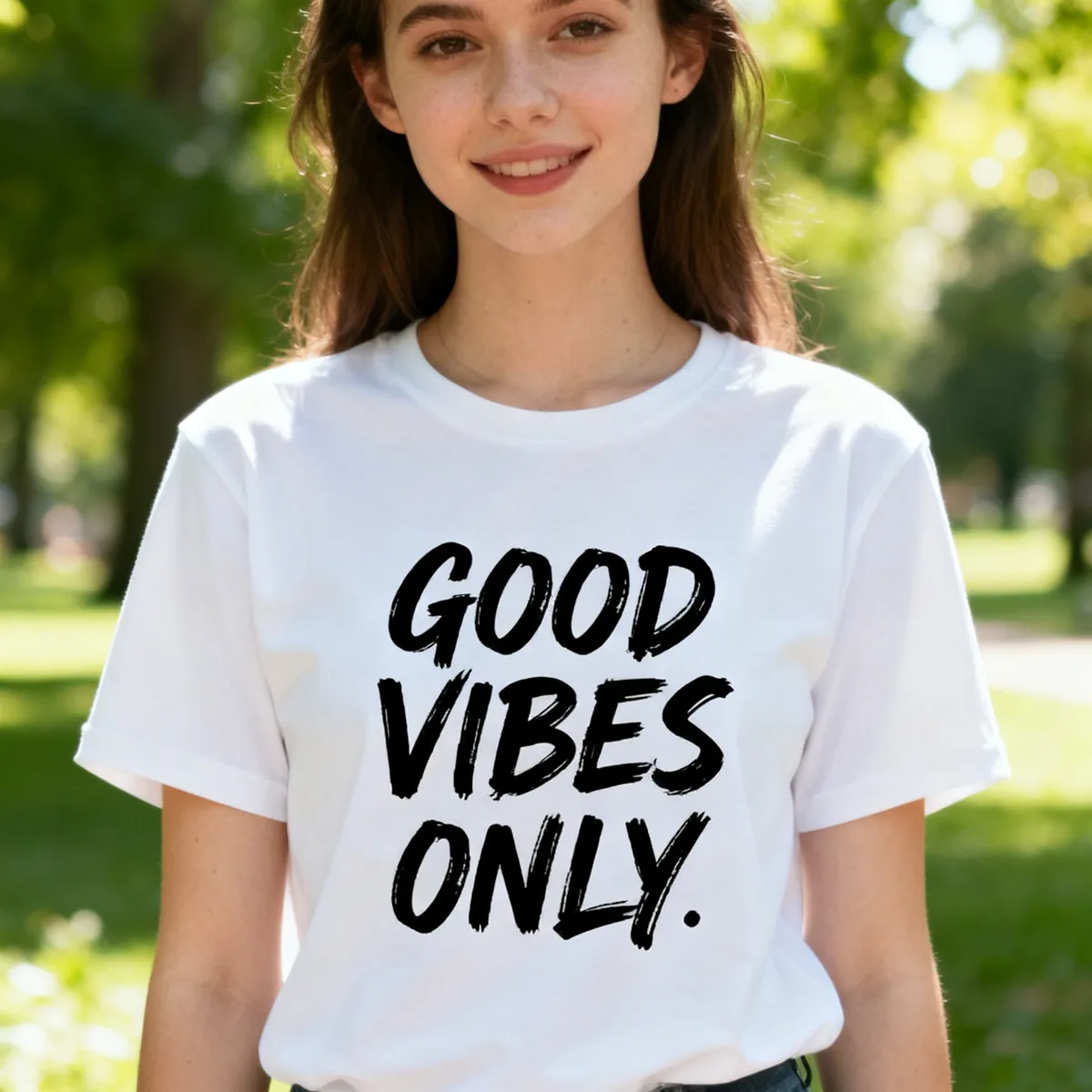
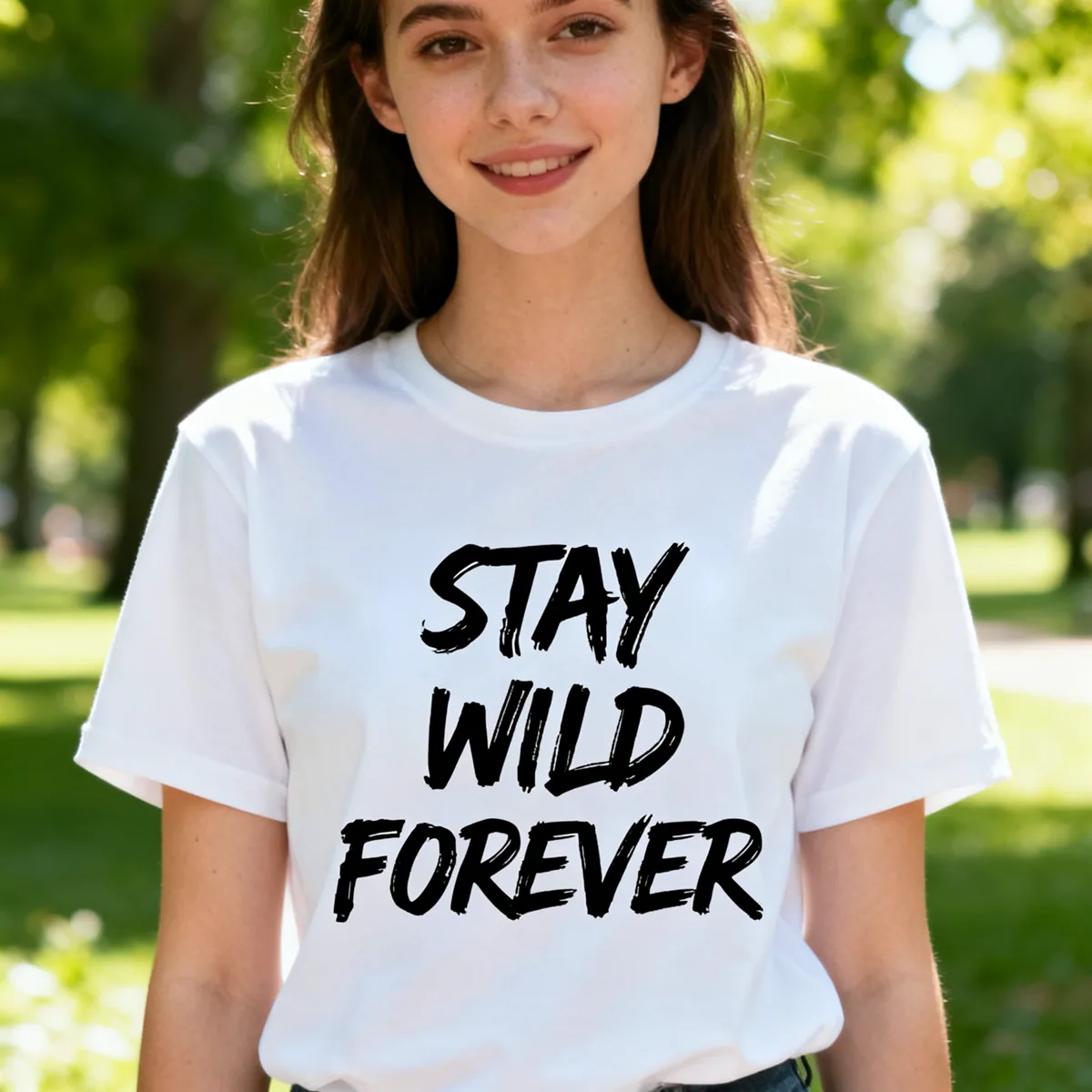
Whole phrase replaced on a t-shirt print.
InstructionChange the text "GOOD VIBES ONLY" to "STAY WILD FOREVER". Keep the same font, color, size and position. Do not change anything else in the image.
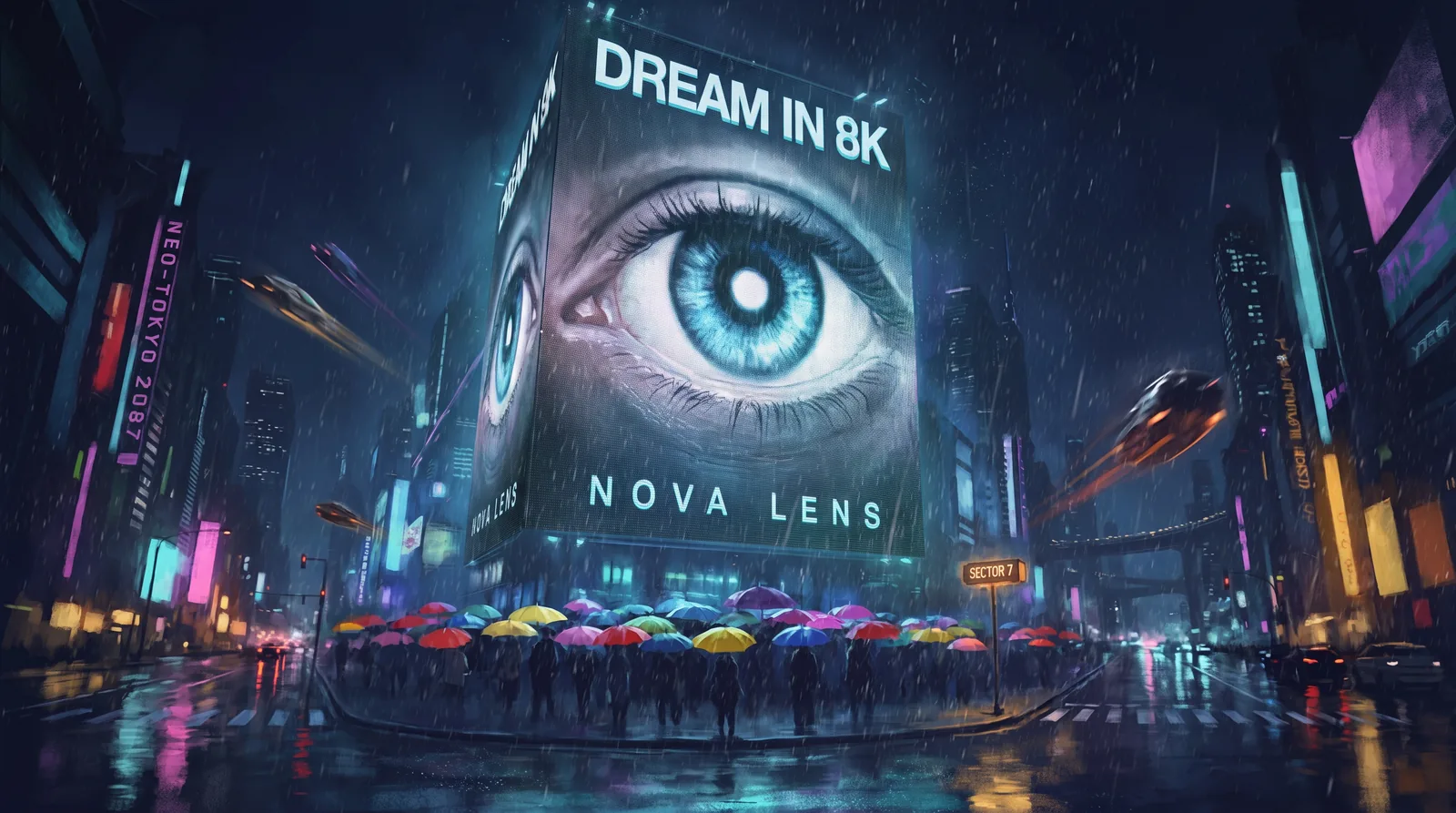
Reference images
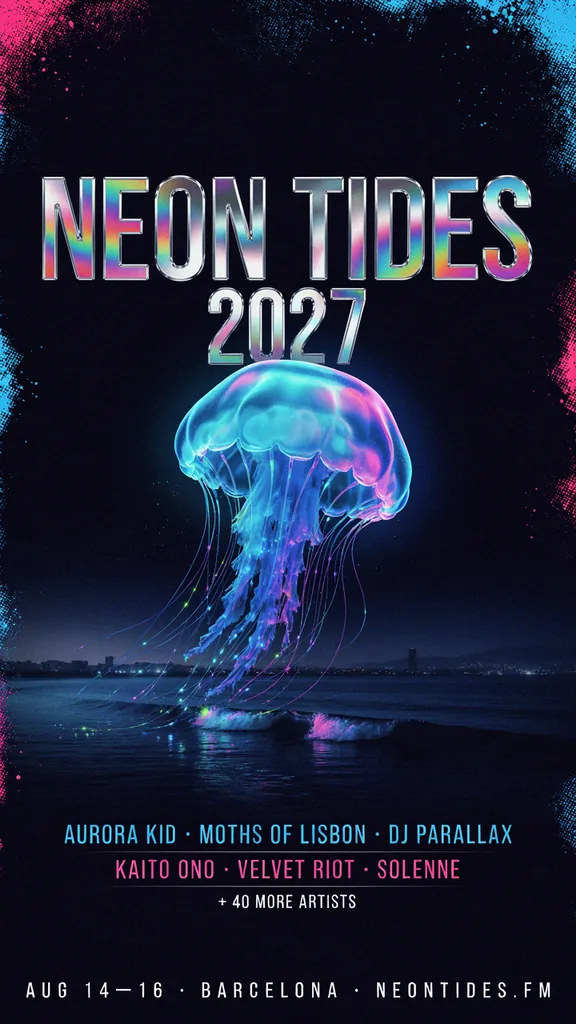
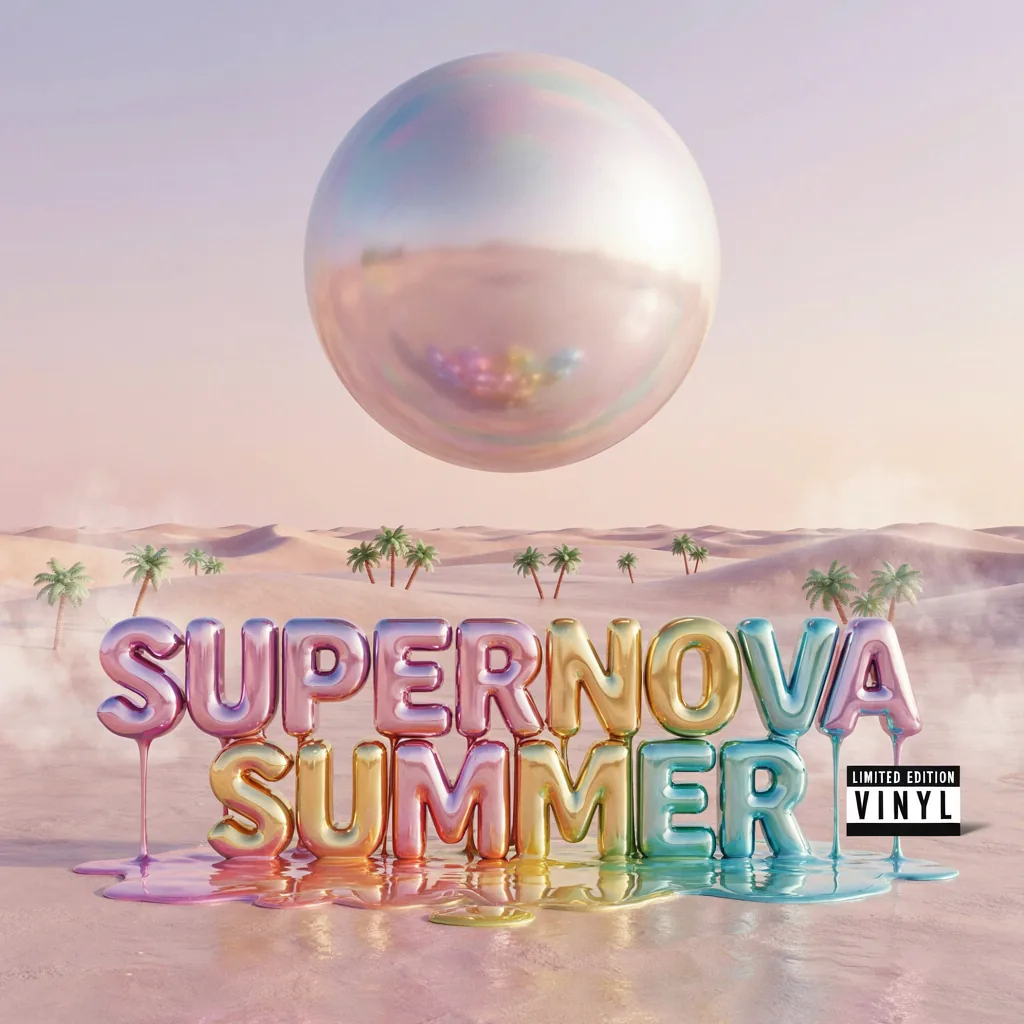
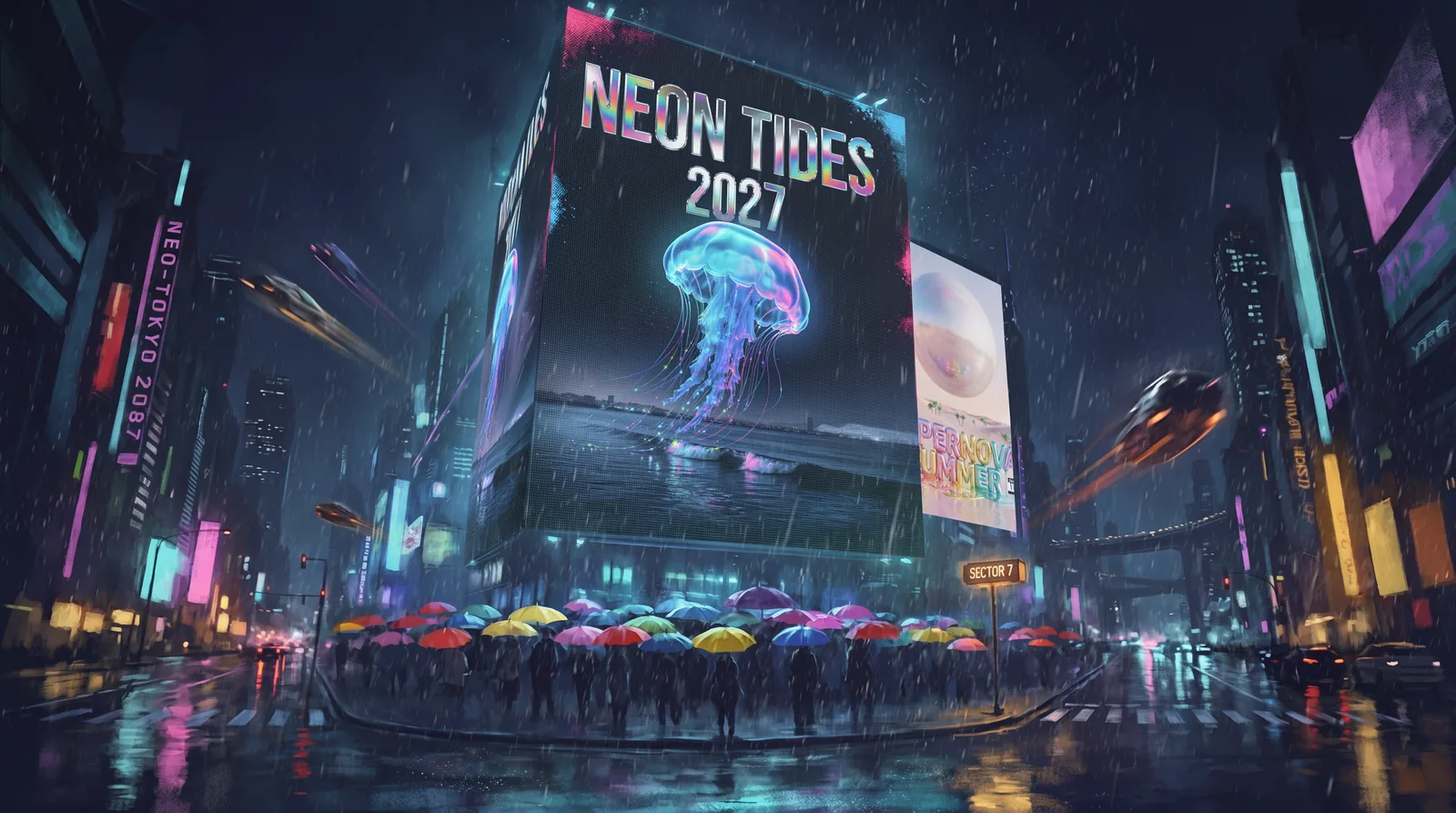
Billboard replaced using two reference images, on the High quality tier.
InstructionZoom on the billboard. The giant billboard now shows the festival poster from the first reference, and the album cover from the second reference appears on the side of the screen on the building next to it.
Edit Text in Image and Keep the Same Font Style
An AI image text editor that redraws the words you name and leaves the rest of the picture alone.
No Selecting or Masking
Just say which text to change and what it should read. No boxes to draw, no brushes, no layers.
Lettering Style Carried Over
New words are drawn in the style of the original lettering. It works from the picture, not a font file, so check the result up close.
The Rest of the Picture Stays Put
The area around the text and the rest of your image keep their look, so you do not have to rebuild the design.
Same Image Size Back
Your edited image comes back at the same pixel size you uploaded. Very large images may be scaled down.
Not Only English
In our tests it also changed Chinese, Japanese, Korean and Russian text correctly. We have not tested every language, so check the result.
Works Best When
The text is short and clearly readable, and you change whole words or lines. If the text is part of a longer line, write out how the whole line should read. Always check the result at full size before you publish it.
Replace Text in Photos, Screenshots, Posters and Labels
Small text changes that used to mean reopening the design file.
Update a Sale Banner
Change 50% OFF to 30% OFF when the promotion changes, without rebuilding the banner.
Move an Event Date
Shift the date or time on a flyer or poster when plans change.
Rename a Product on a Label
Swap a flavor or product name on packaging shots and mockups.
Fix a Typo
Correct a misspelled word on a poster, menu or social graphic after it has been exported.
Change Sign Wording in a Mockup
Try a different shop name or slogan on a storefront, sign or t-shirt mockup.
Update a Screenshot
Correct a button label or a product name in an app screenshot you own, for a help article or a slide.
How to Edit Text in an Image
Three steps, no design software.
- 1
Upload Your Image
Add a PNG, JPG or WEBP file up to 10 MB. One image per edit.
- 2
Describe the Change
Type which text to change and what it should say. For example: Change the text "SALE" to "SOLD OUT".
- 3
Generate and Download
Pick a quality level and generate. In our tests the default quality took 10 to 25 seconds. Download the edited image when it is ready.
Usage Guidelines
Use this tool on images you own or have permission to edit, such as your own designs, product photos, mockups and marketing materials.
Do not use it to:
- Change IDs, passports, licenses, diplomas or certificates
- Alter receipts, invoices, bills, bank statements or contracts
- Edit screenshots of chats, payments or orders to mislead someone
- Remove or change watermarks, credits or copyright notices on work that is not yours
Misuse can break the law and our Terms of Service. Read the Terms of Service
Edit Text in Image FAQ
Common questions about changing text in images with AI.
Upload your image, type which text you want to change and what it should say, then click generate. There is nothing to select or mask. Download the result when it is ready.
Yes. The AI redraws the words you name inside the picture itself, in the style of the surrounding lettering, instead of pasting a new text box on top.
The tool redraws the new words in the style of the original lettering. In our tests the new text matched the look of the original on a serif shop sign, a script product label and block poster type. It works from the picture rather than a font file, so check the result up close.
Only name the text you want changed. In our tests the area around the text and the rest of the picture looked the same after the edit.
Yes. The edited image comes back at the same pixel dimensions as your upload. That held for every image we tested, up to 2048 x 2048. Very large images may be scaled down.
Yes, for clear on-screen text such as labels, names and dates in screenshots you own. Small or blurry text is harder, so zoom in on the result before you use it.
Yes. We tested a date on an event flyer and a discount on a sale banner, and both came out right. Use it on your own materials.
Yes, to start. New accounts get 4 free credits and an edit on the default quality costs 2 credits, so your first 2 edits are free. After that, edits use credits: 2 on the default quality, or 6, 12 or 44 on the higher quality levels. See the pricing page for credit packs and plans.
No. Edited images are delivered without a watermark.
PNG, JPG, JPEG and WEBP files up to 10 MB. You edit one image at a time.
In our tests it changed Chinese, Japanese, Korean and Russian text correctly. We have not tested every language or handwriting, so check the result before you use it.
No. This tool is for your own designs, photos and mockups. Do not use it to alter IDs, receipts, invoices, certificates or other records.
Try the AI Image Text Editor
Upload an image and change its text with one sentence.
Related tools: Make a new image with text in it · AI photo editor · Pricing