Ideogram 4.5 AI Image Generator and Editor
Edit an image with a plain instruction and keep everything you did not ask to change, or create new images with clear, readable text. New accounts get 2 free edits.
Try an example
Pick one to load its image and instruction, or upload your own.
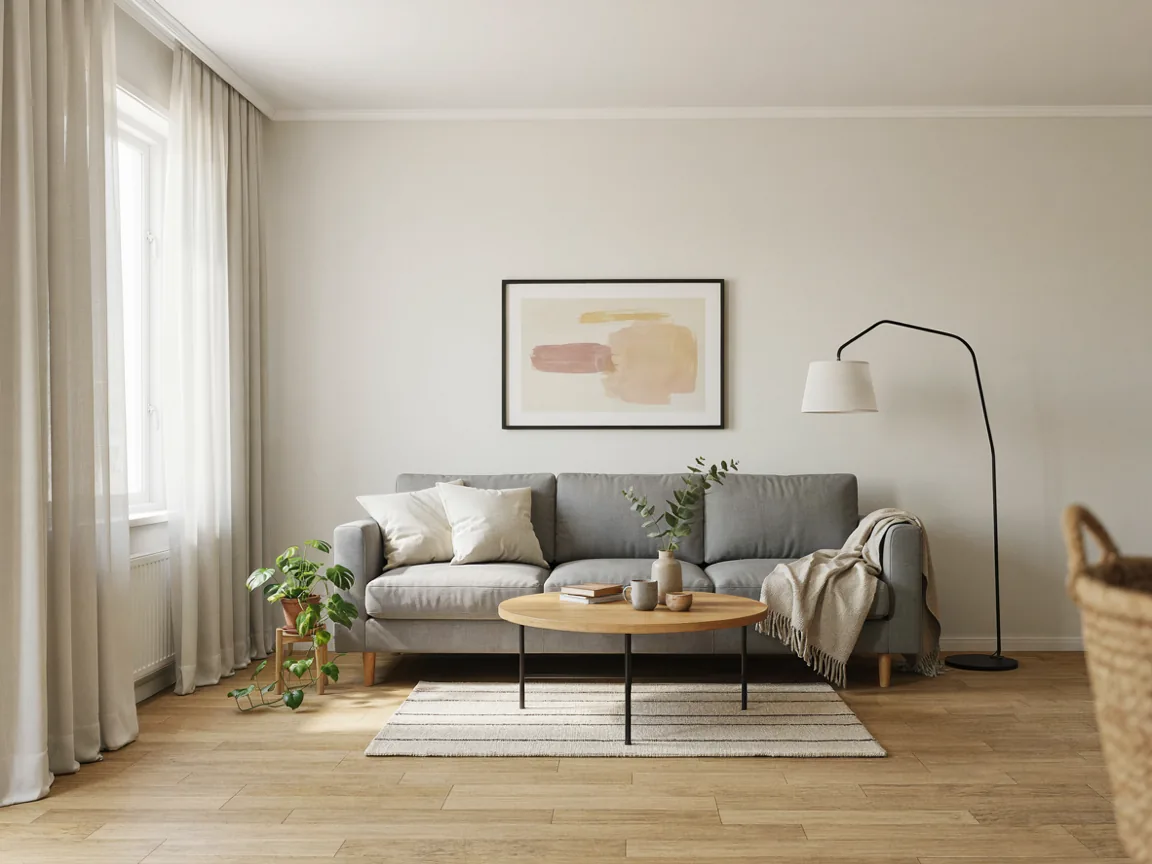 Before
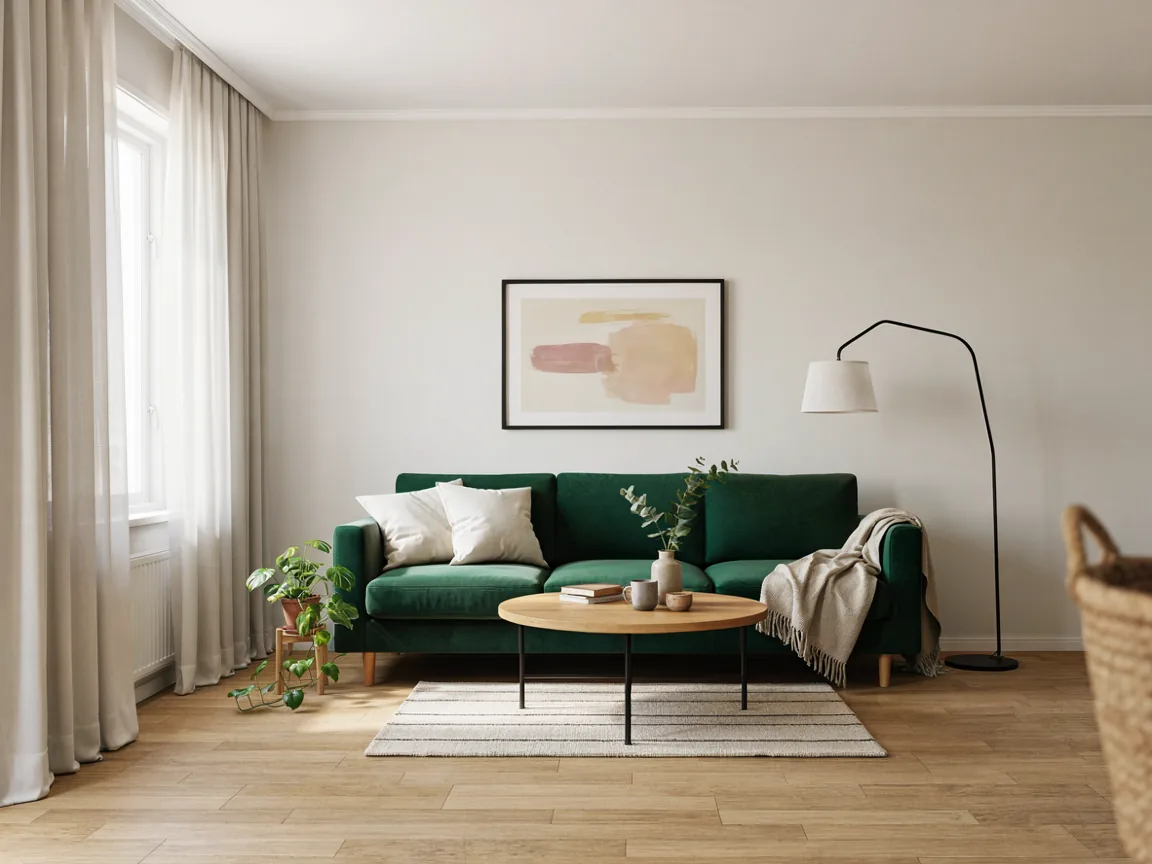 After
AfterPrompt: Replace the grey sofa with a dark green velvet sofa. Keep everything else the same.
Upload the image you want to edit. One image per edit.
Drag & drop or browse
PNG, JPG, JPEG or WEBP (max 10MB each)
0/1 uploaded
Describe what you want to change in the image
Up to 4 extra images the AI can draw from, for example a logo or a product to place into your picture. Mention them in your instruction.
Drag & drop or browse
PNG, JPG, JPEG or WEBP (max 10MB each)
Support multiple images • 0/4 uploaded
What Ideogram 4.5 Can Do
Made with this tool. The edits used the default quality, the generated images used the High quality tier.
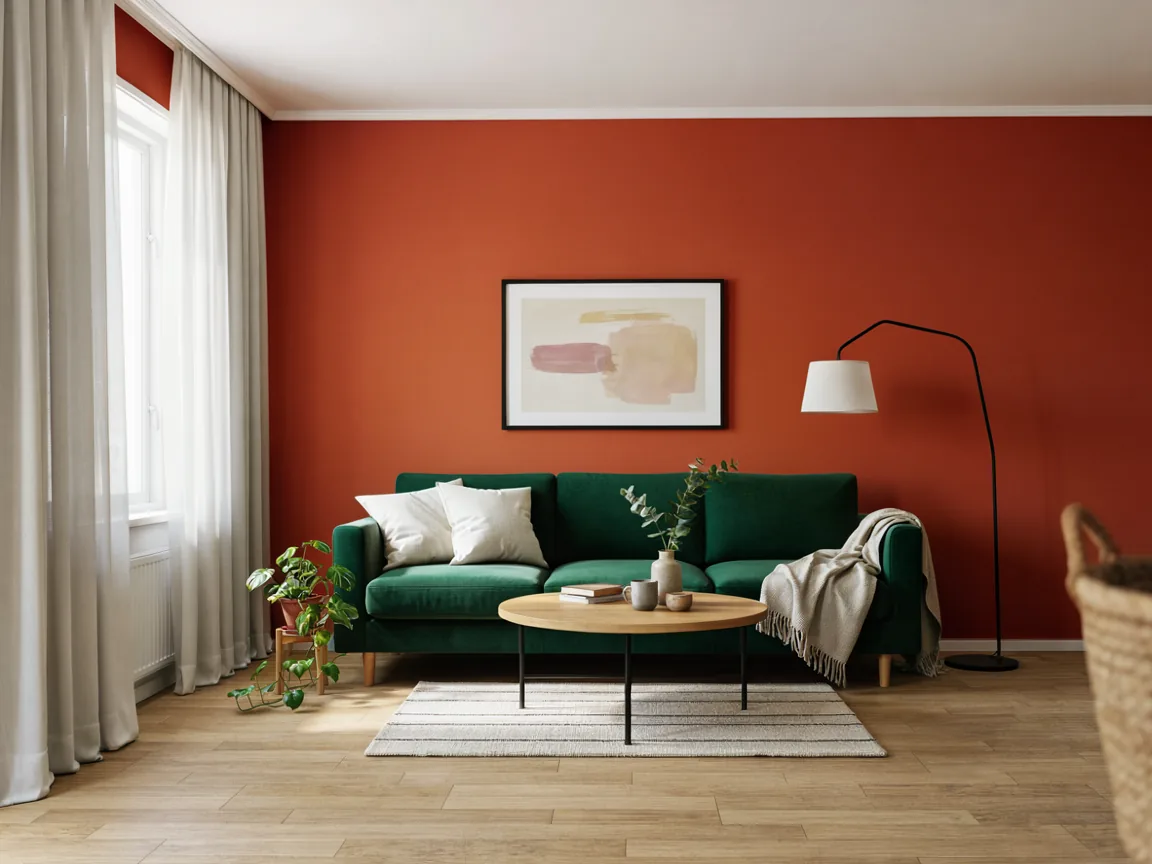
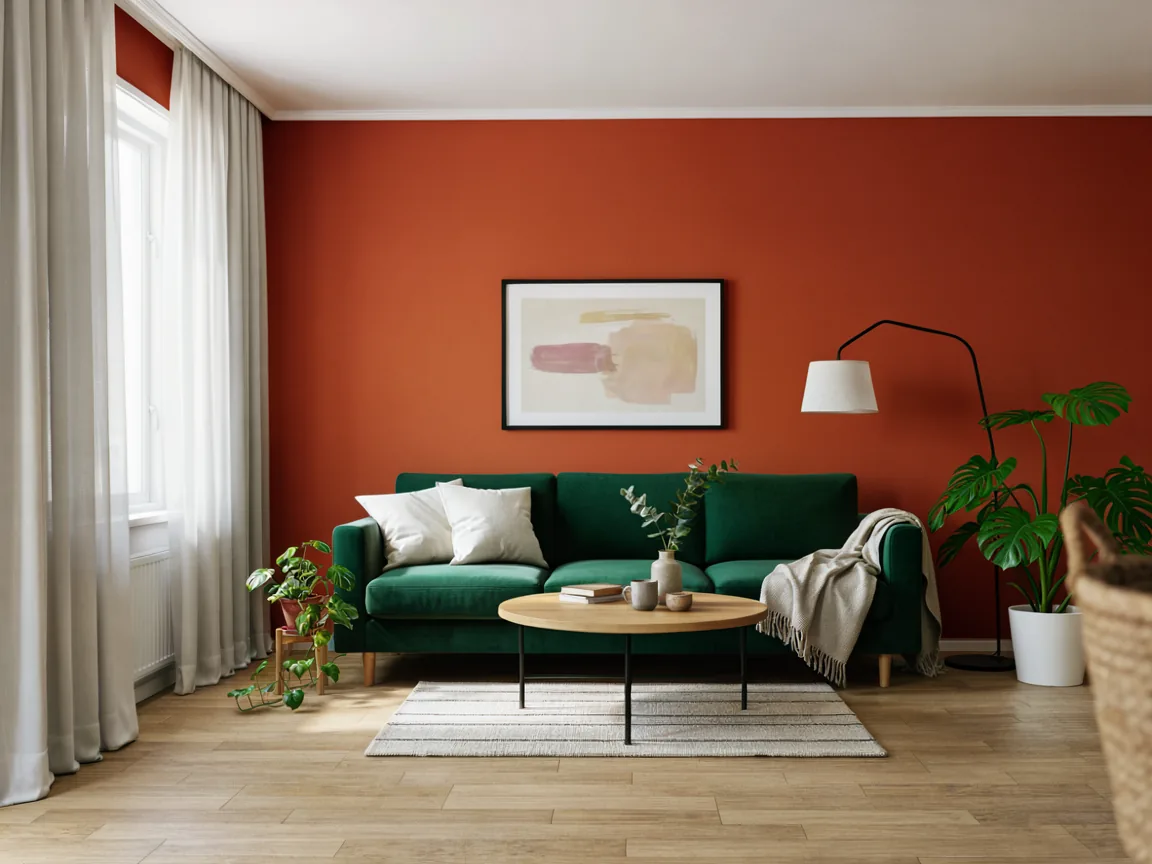
Three Edits in a Row
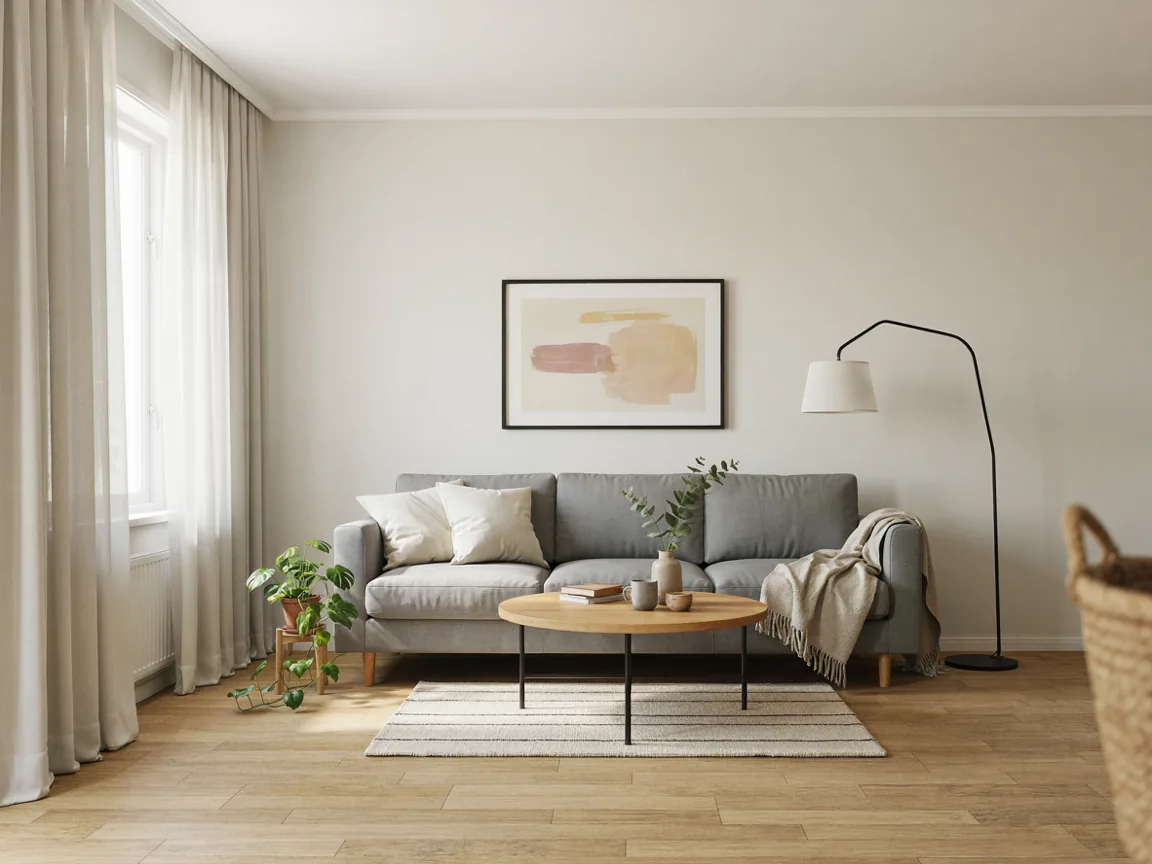
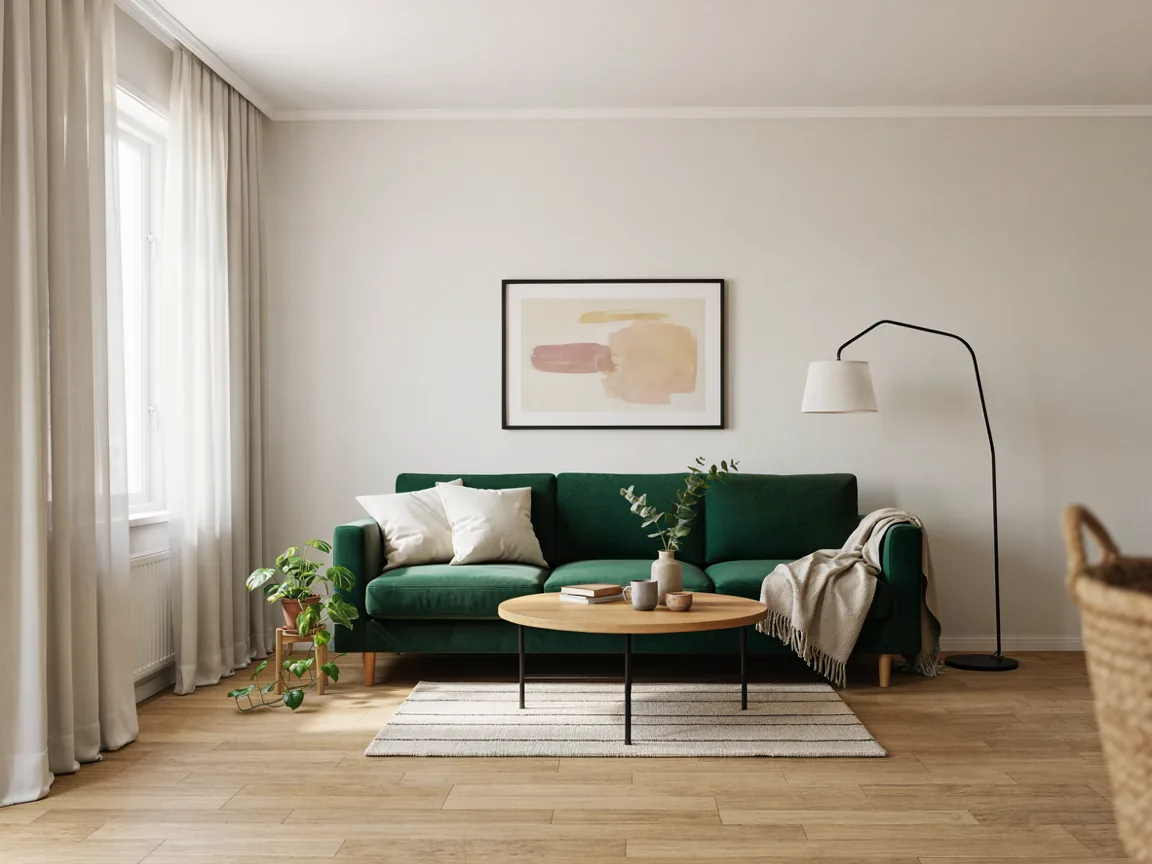
Each edit was applied to the previous result. The room, the light and the other furniture stayed in place.
Change One Thing, Keep the Rest
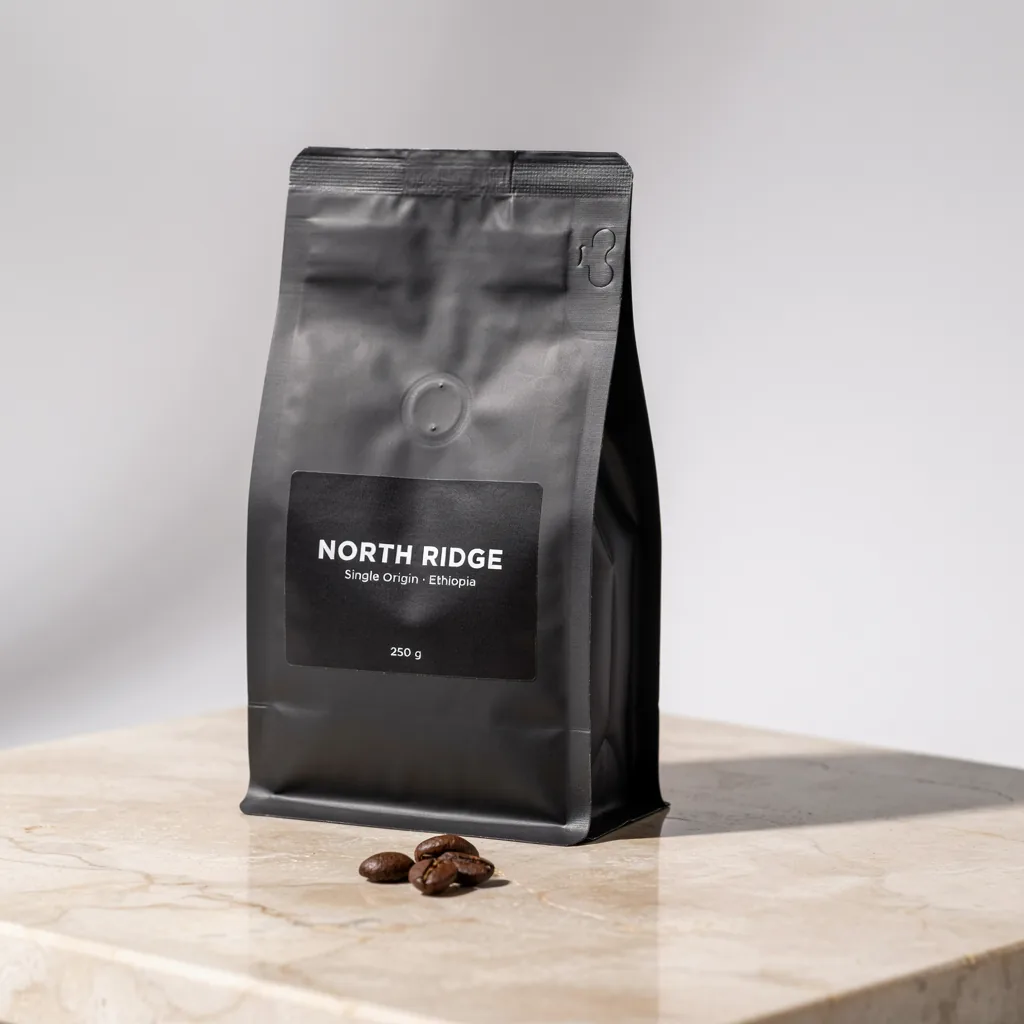
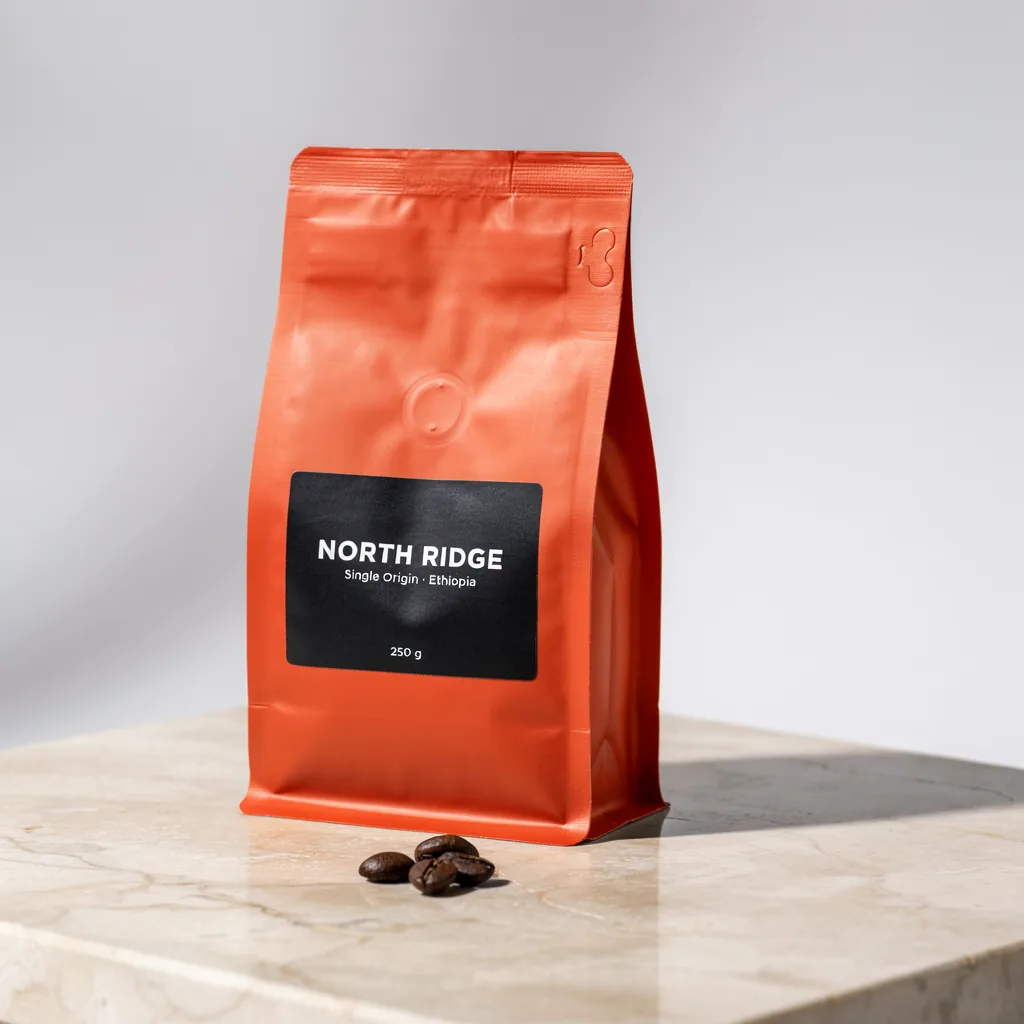
Bag color changed. The label and its text were left alone.
InstructionChange the coffee bag from matte black to terracotta orange. Keep the label and all its text exactly the same.
Images With Text, From a Prompt
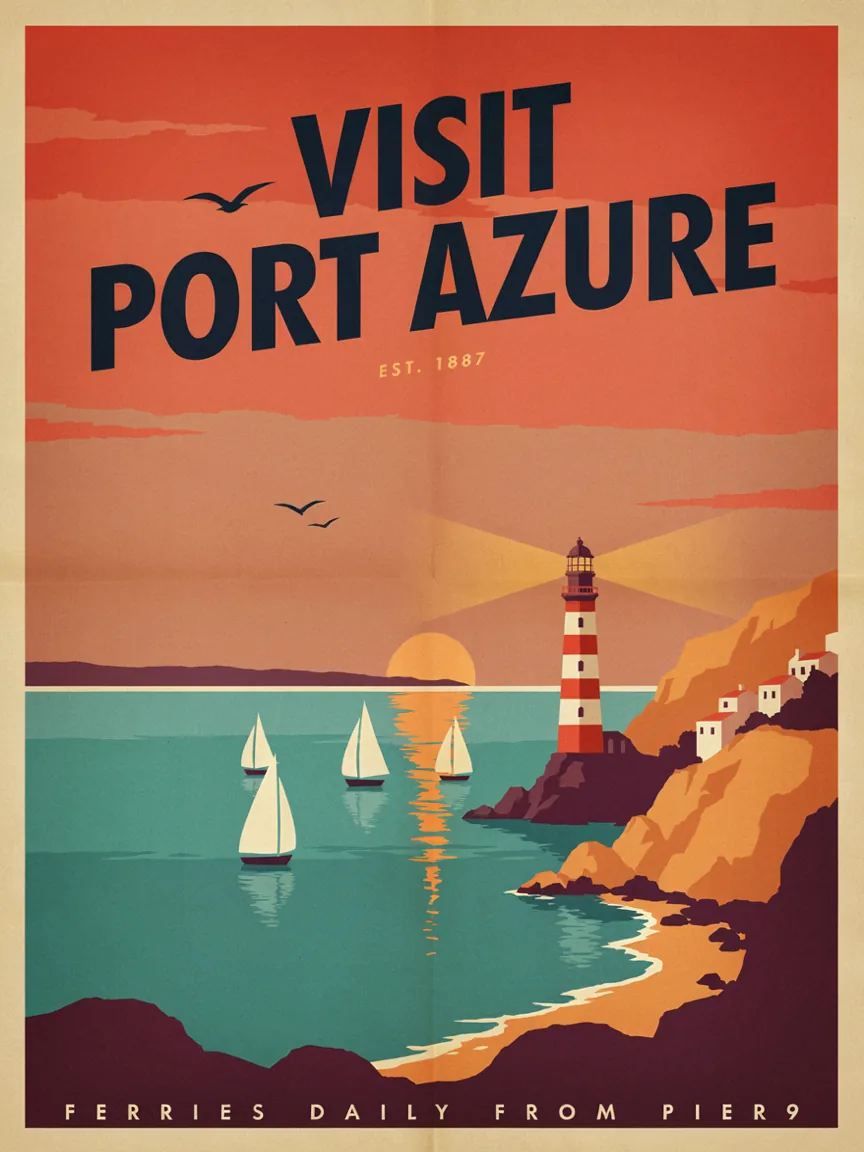
PromptA vintage travel poster for a coastal town. Large headline at the top reads "VISIT PORT AZURE". Smaller line at the bottom reads "Ferries daily from Pier 9". Flat retro illustration of a lighthouse, sailboats and cliffs, warm sunset palette, subtle paper grain.
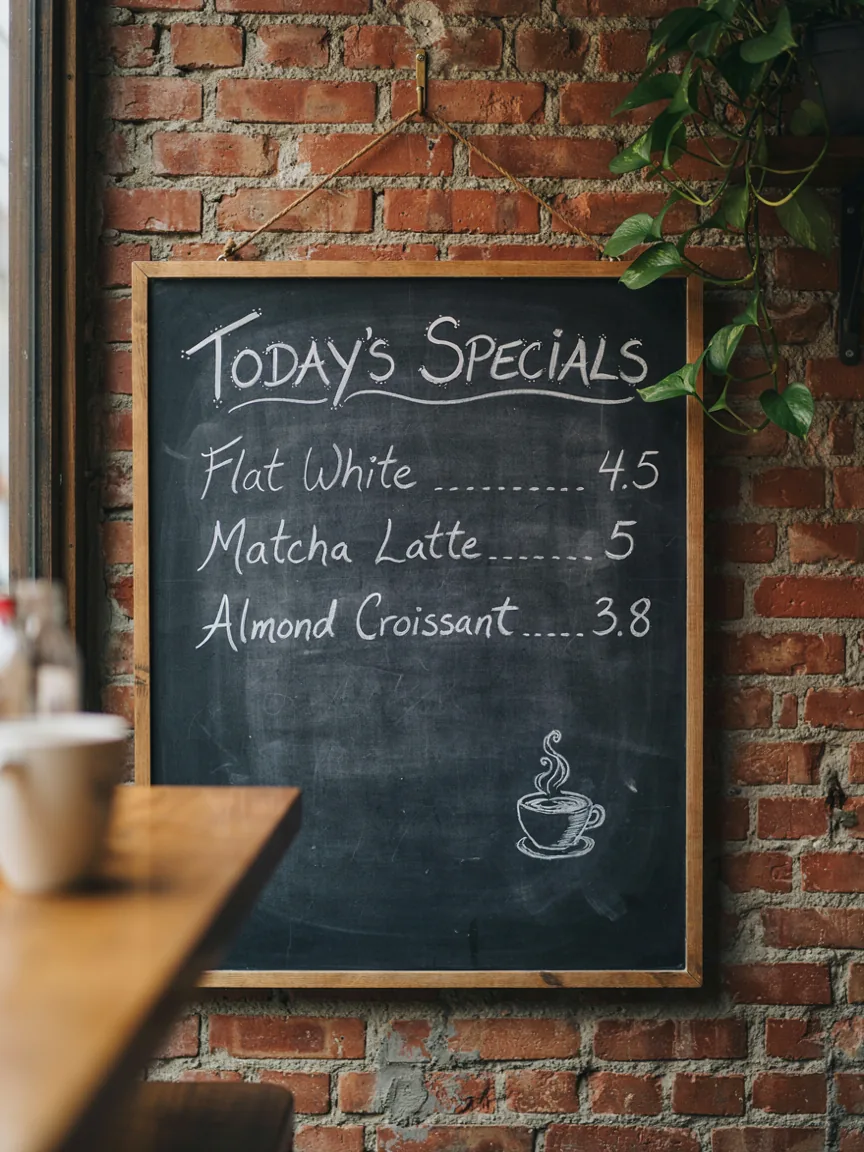
PromptA chalkboard cafe menu hanging on a brick wall. Title "TODAY'S SPECIALS". Three lines below: "Flat White 4.5", "Matcha Latte 5", "Almond Croissant 3.8". Hand-lettered chalk style, a small drawing of a coffee cup in the corner.
Why Use Ideogram 4.5
An image model built for editing the same picture again and again.
Edits That Do Not Pile Up Damage
Change one thing and the rest of the picture keeps its look. In our three-step test the room, the light and the furniture stayed in place across all edits.
Text Rendered as Written
Headlines, labels and menus came out spelled as typed in our tests. Check small text before you publish.
Describe It, No Masking Needed
Say what to change in one sentence. For tighter control, upload a mask in the advanced settings.
Reference Images
Add up to 4 reference images, for example a logo or a product to place into the picture.
Same Image Size Back
Edited images keep the pixel size of your upload. Very large images may be scaled down.
Four Quality Levels
Edits start at 2 credits, with higher levels at 6, 12 and 44 credits. Text to image starts at 6 credits.
How to Use Ideogram 4.5 Online
Three steps in your browser.
- 1
Choose Edit or Generate
Upload an image to edit, or switch to Text to Image to start from a prompt.
- 2
Describe What You Want
Write the change you want, or describe the new image. Put any words that should appear in the image inside quotation marks.
- 3
Generate and Download
Pick a quality level and generate. To keep editing, use the result as your next input.
Ideogram 4.5 FAQ
Common questions about using Ideogram 4.5 online.
Ideogram 4.5 is an image model from Ideogram, released on September 30, 2026. It generates images from text and edits existing images, and is built so that repeated edits do not degrade the picture.
New accounts get 4 free credits. An edit on the default quality costs 2 credits, so your first 2 edits are free. Text to image starts at 6 credits. After the free credits, generations use paid credits.
Ideogram describes 4.5 as its most precise edit model. It is designed to avoid the artifacts, pixel shifts and color changes that build up when an image is edited several times.
Yes. Use a result as the next input and edit again. In our test, three edits in a row (new sofa, new wall color, added plant) left the rest of the room looking the same.
Yes. You can add up to 4 reference images, or 3 when you use a mask. A mask is a black and white image the same size as yours: black areas are edited, white areas are kept.
Edits have four levels: Fast 2 credits, Standard 6, High 12 and Ultra 44. Text to image has three: Standard 6, High 12 and Ultra 44. Image size does not change the price.
For edits, upload PNG, JPG, JPEG or WEBP files up to 10 MB. Text to image offers 1:1, 4:3, 3:4, 16:9 and 9:16.
Yes. Images generated on this site can be used for commercial projects such as marketing materials, product designs, and social media content.
Ideogram has said open weights are coming. They had not been released when this page was written. This page is for using the model online, with nothing to install.
Try Ideogram 4.5 Online
Edit a photo or create a new image in your browser.
Related tools: Edit text in an image · AI photo editor · Pricing