Generador de imágenes IA GPT Image 2
Genera y edita imágenes fotorrealistas con renderizado de texto nítido. Impulsado por el modelo de imagen IA más reciente de OpenAI, gratis desde tu navegador.
modelo de imagen de OpenAI
entrada compatible
imágenes de referencia
sin instalación
Describe lo que quieres generar
Note: 1:1 cannot generate 4K. Auto only supports 1K. 5:4 and 4:5 are unavailable at 2K, and 3:1, 1:3, 9:21 support 1K only.
Note: background control is available at 1K only.
Lo que puedes crear con GPT Image 2
Desde pósteres tipográficos y mockups de producto hasta retratos fotorrealistas y ediciones detalladas.
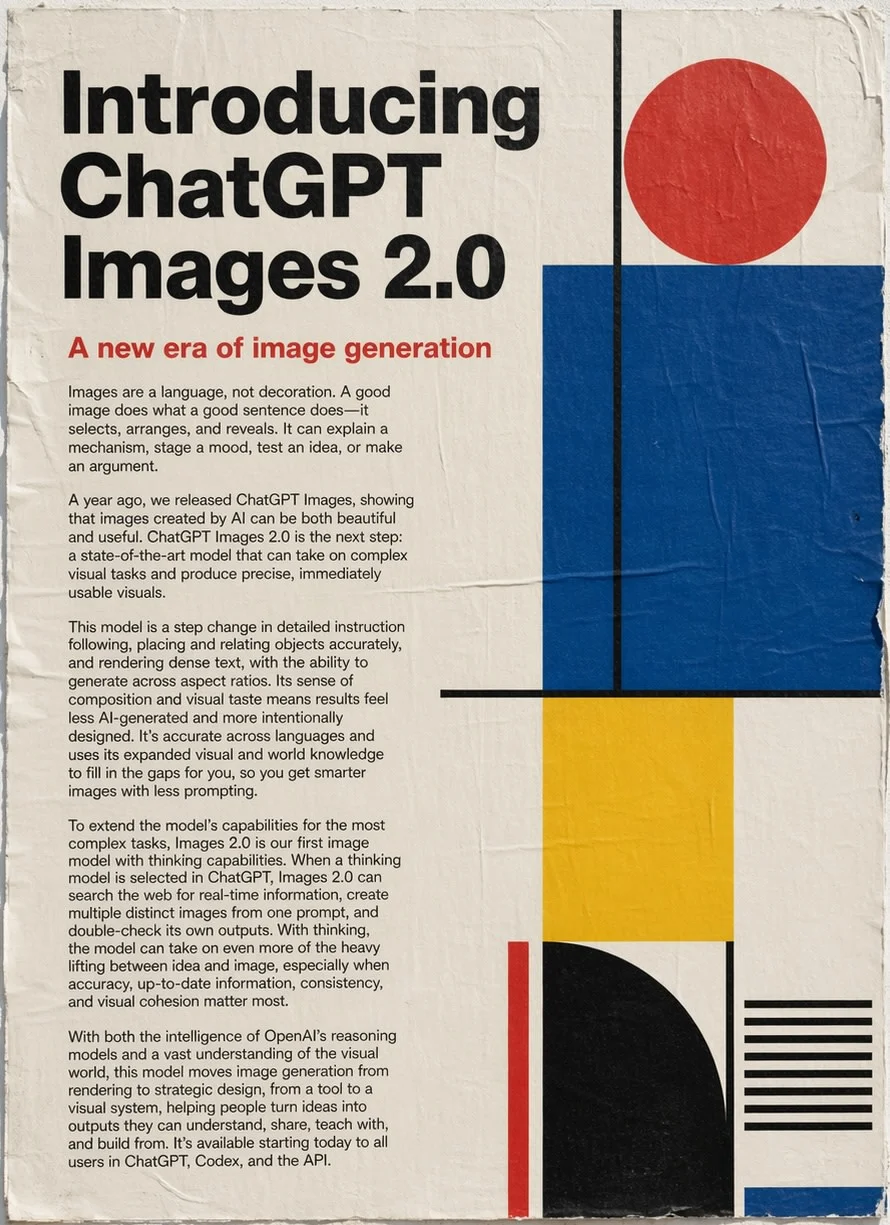
Prompt
Un póster editorial vertical que presenta "GPT Image 2" con tipografía serif en negrita, bloques de texto explicativo y formas geométricas en rojo, negro, azul y amarillo.
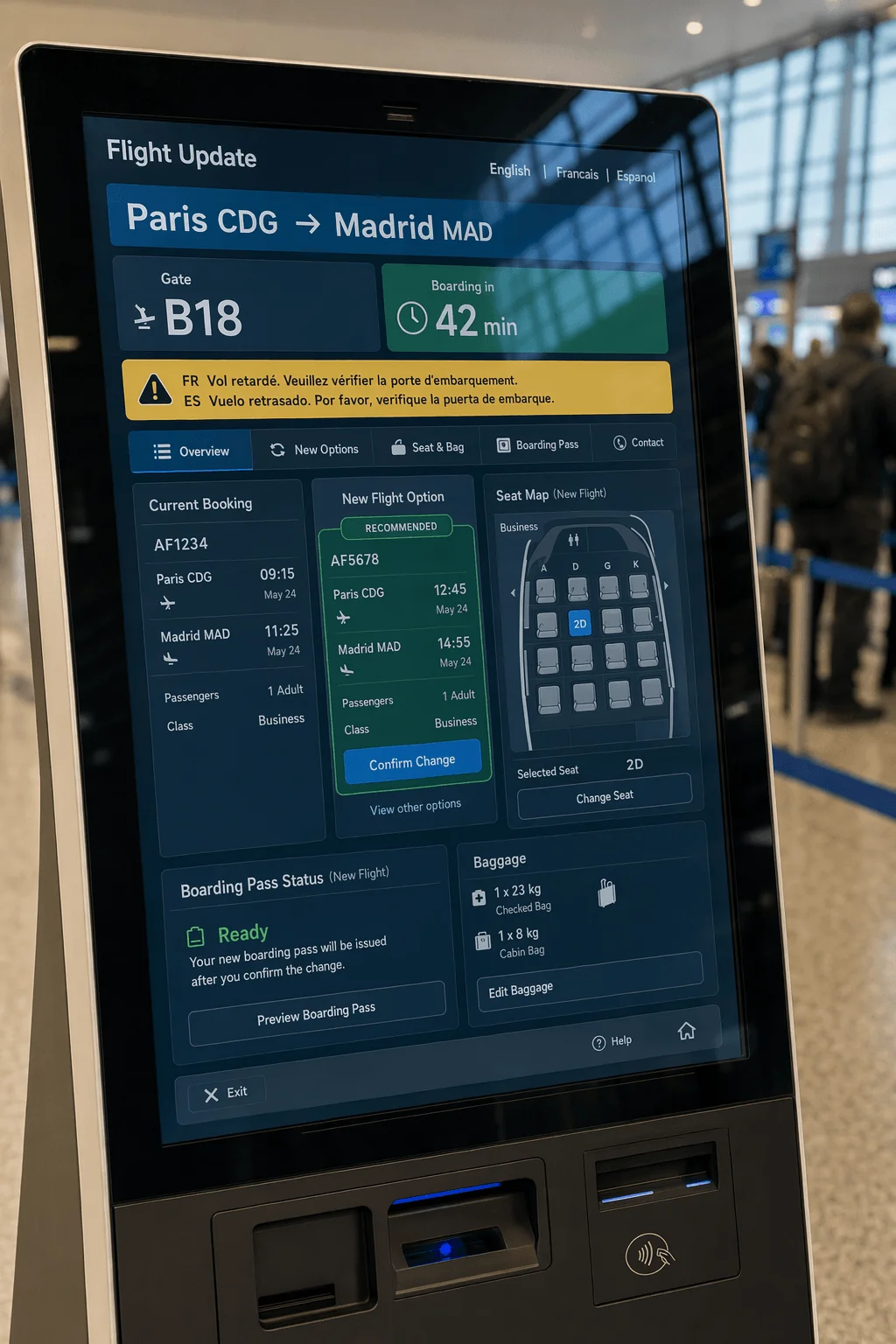
Prompt
Interfaz de un kiosko de salidas de aeropuerto con números de vuelo, puertas y horarios de embarque, tipografía sans-serif nítida sobre un diseño limpio en azul y blanco.
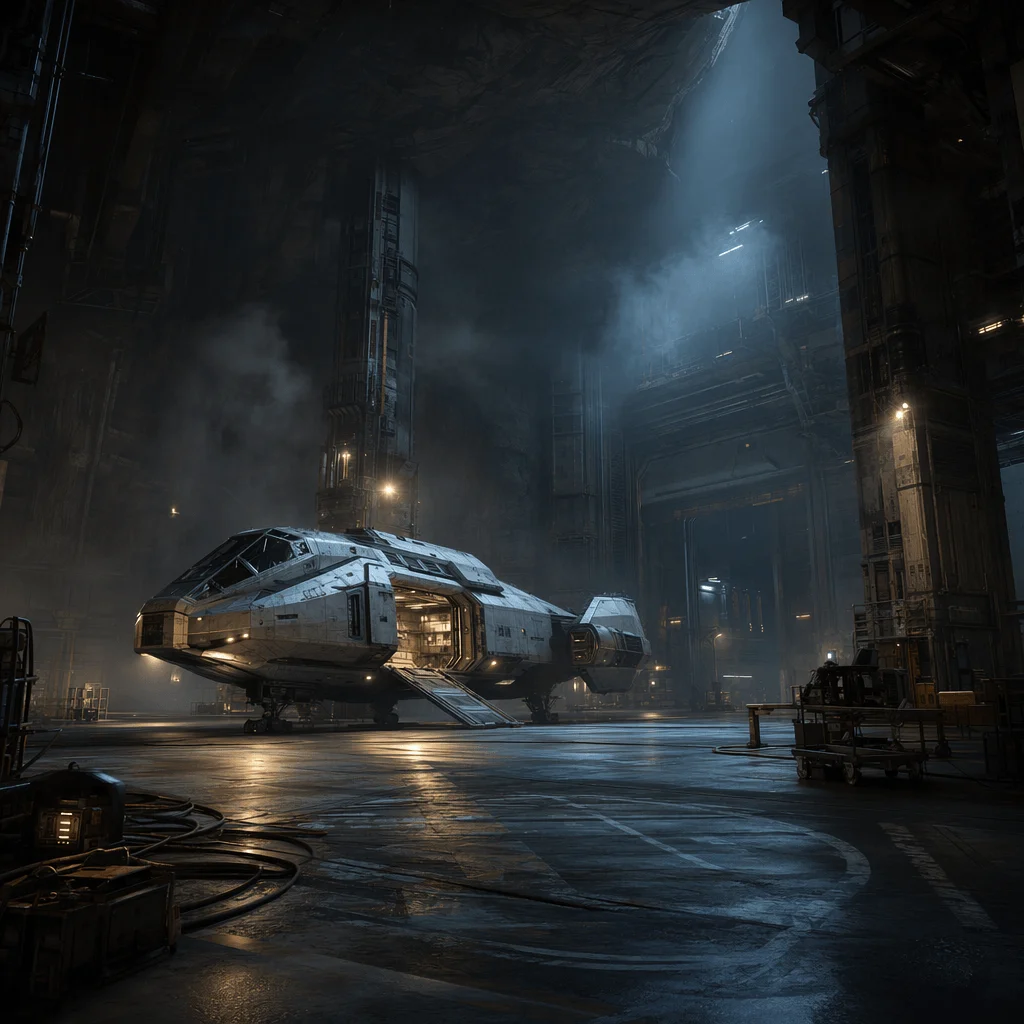
Prompt
Interior de un hangar de nave espacial sci-fi con una nave plateada y estilizada, iluminación cenital dramática, suelo de hormigón pulido, plano cinematográfico amplio.
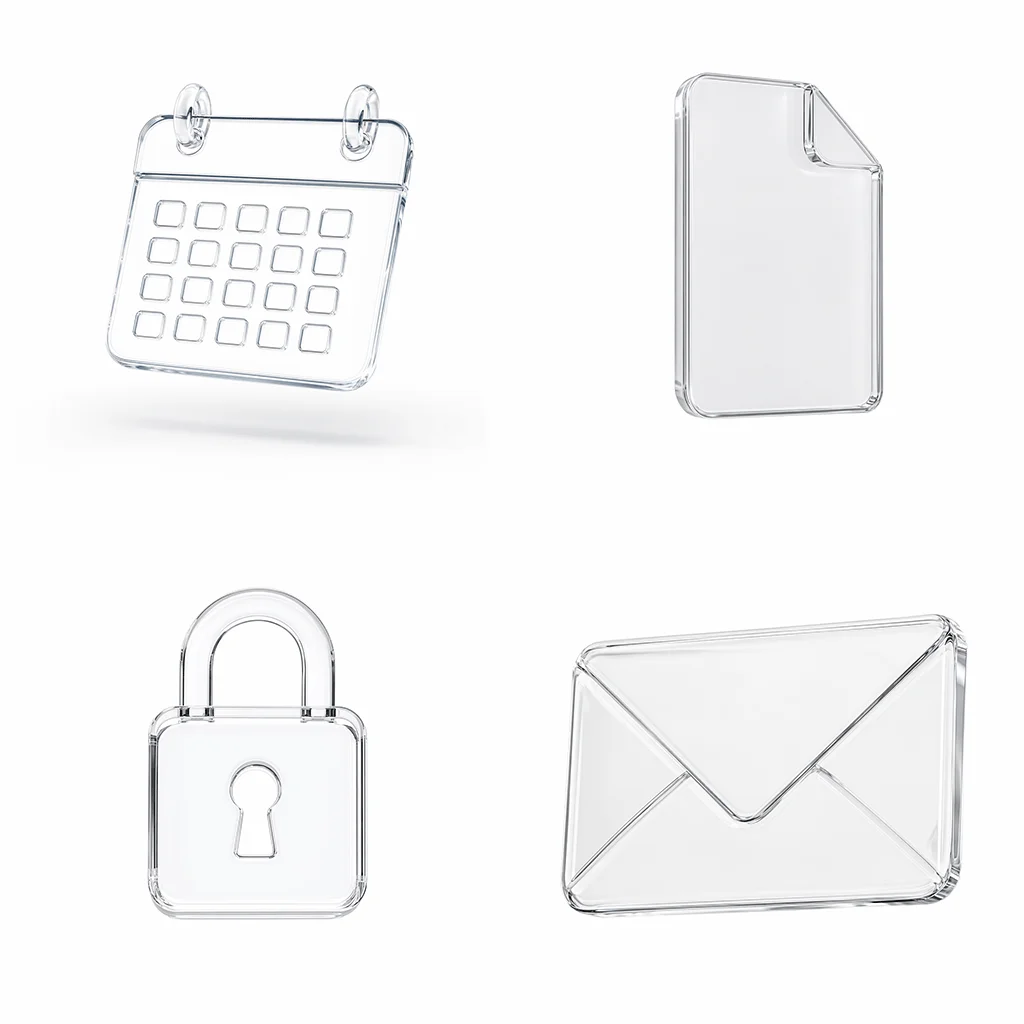
Prompt
Diseño de póster con una cuadrícula de iconos de línea monocromáticos y un titular en la parte superior, textura sutil de papel, diseño editorial minimalista.
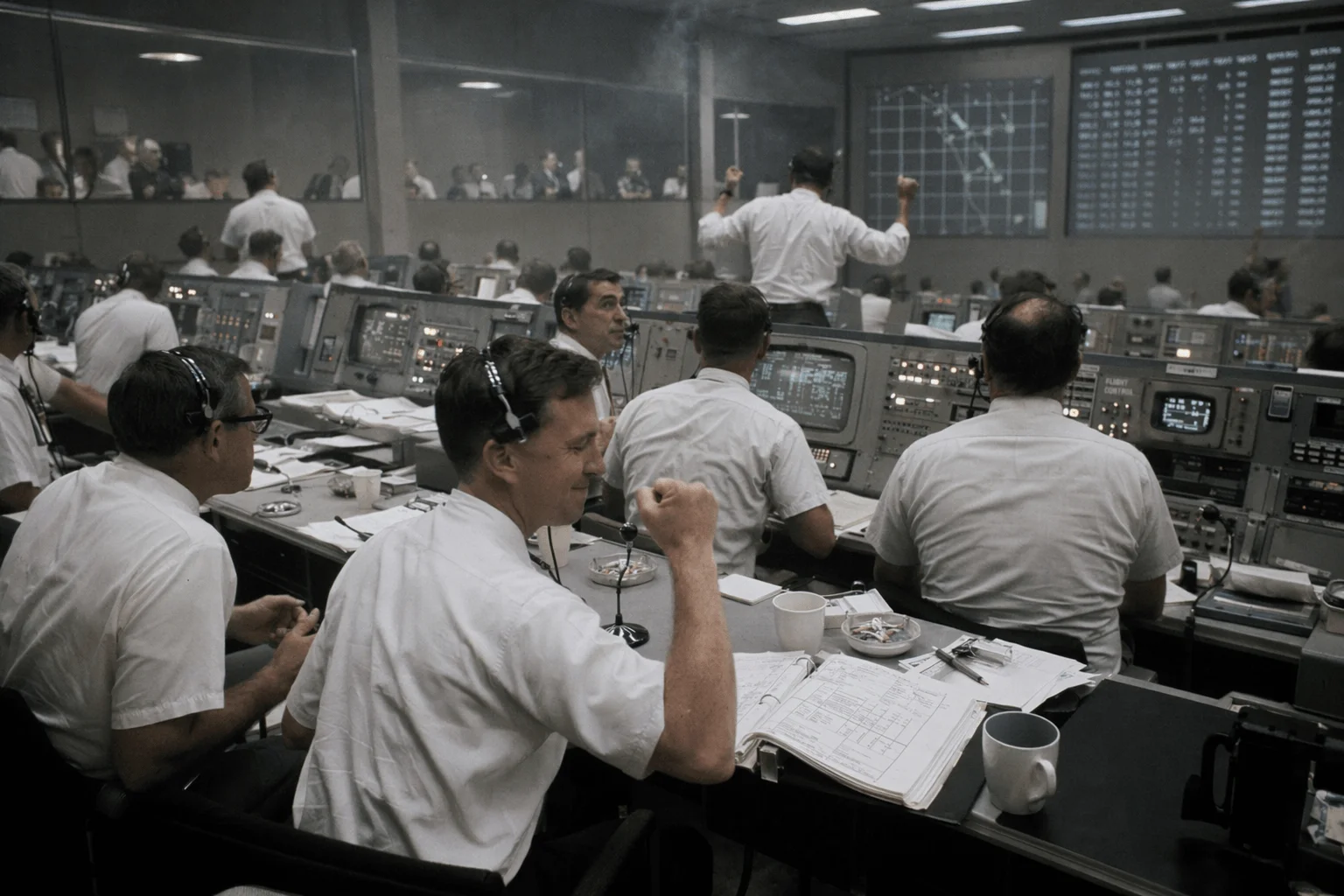
Prompt
Fotografía documental de una sala de control de la misión lunar de 1969 con filas de ingenieros con camisas de manga corta mirando monitores, iluminación analógica cálida.
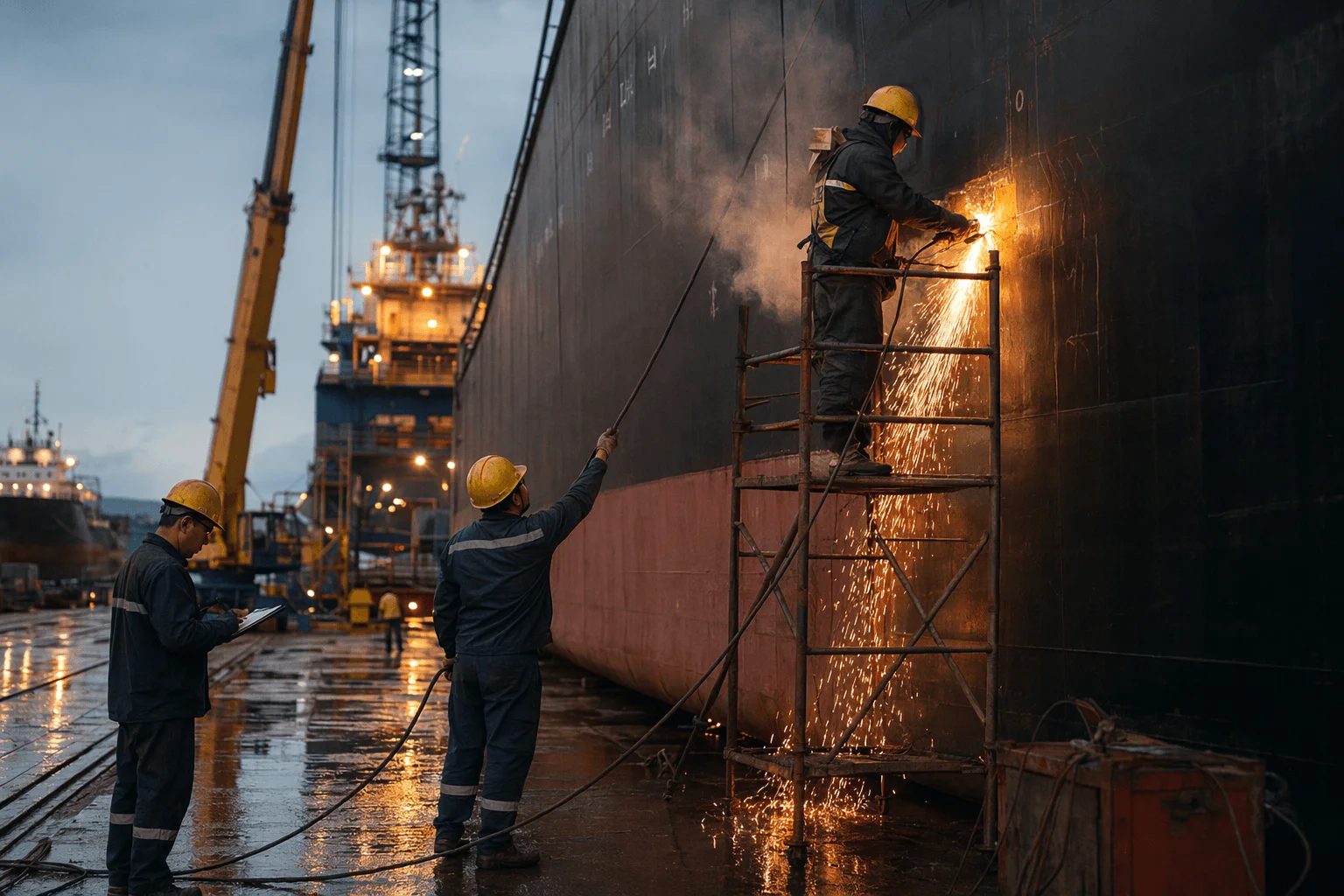
Prompt
Fotografía documental en blanco y negro de un soldador en un astillero trabajando, con chispas saltando, ambiente industrial, estética de grano fino de película.
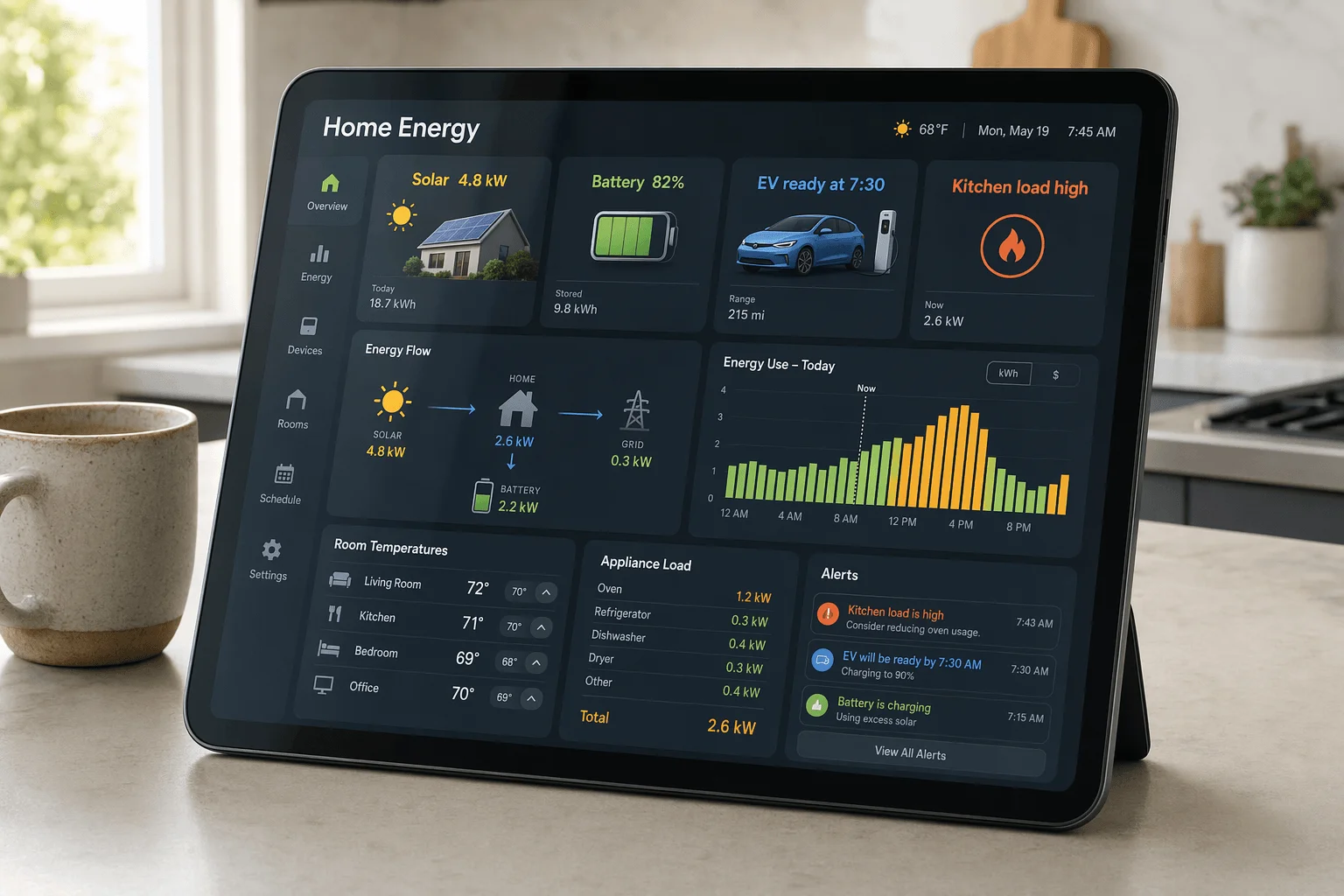
Prompt
UI de panel de control de hogar inteligente que muestra temperatura, consumo energético y cámaras de seguridad, tarjetas con esquinas redondeadas suaves sobre fondo oscuro.
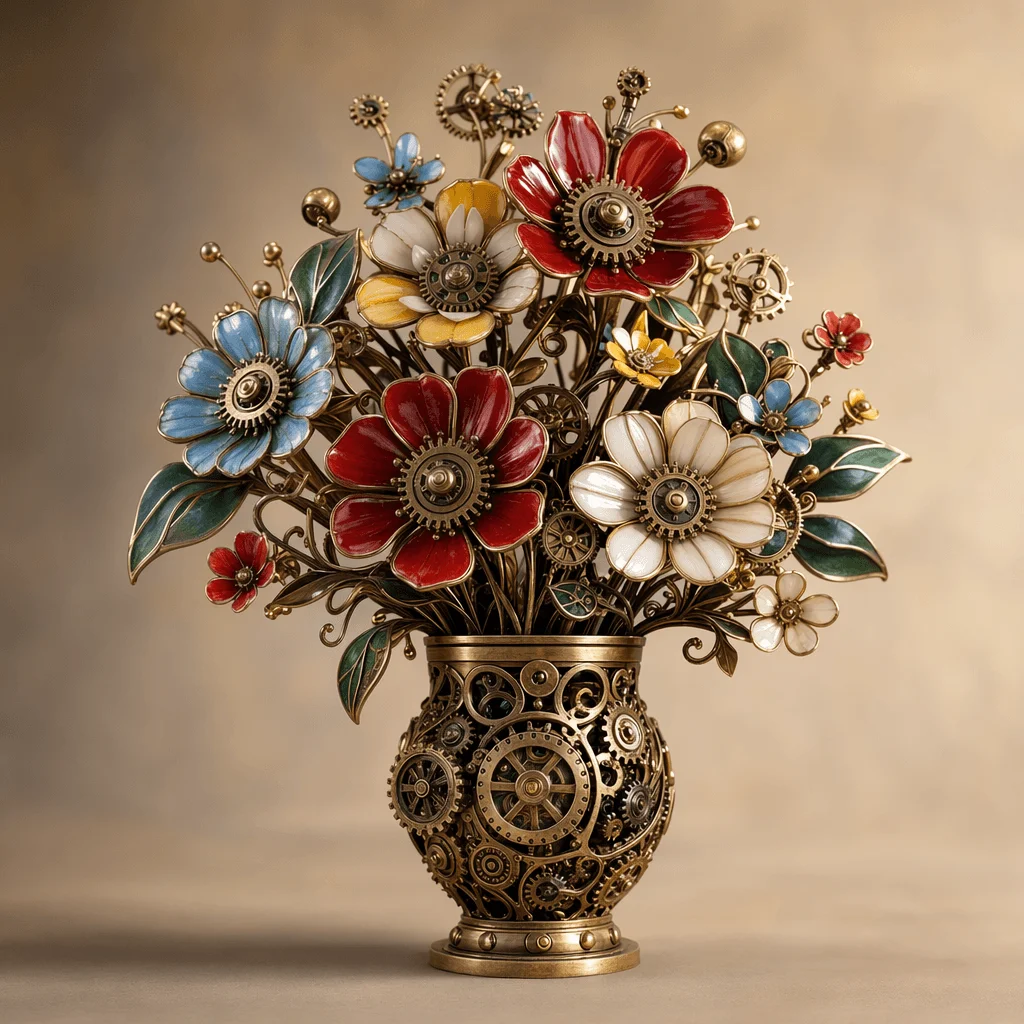
Prompt
Un ramo formado por piezas mecánicas intrincadas y engranajes de latón pulido dispuestos como flores, con iluminación suave de estudio sobre fondo neutro.
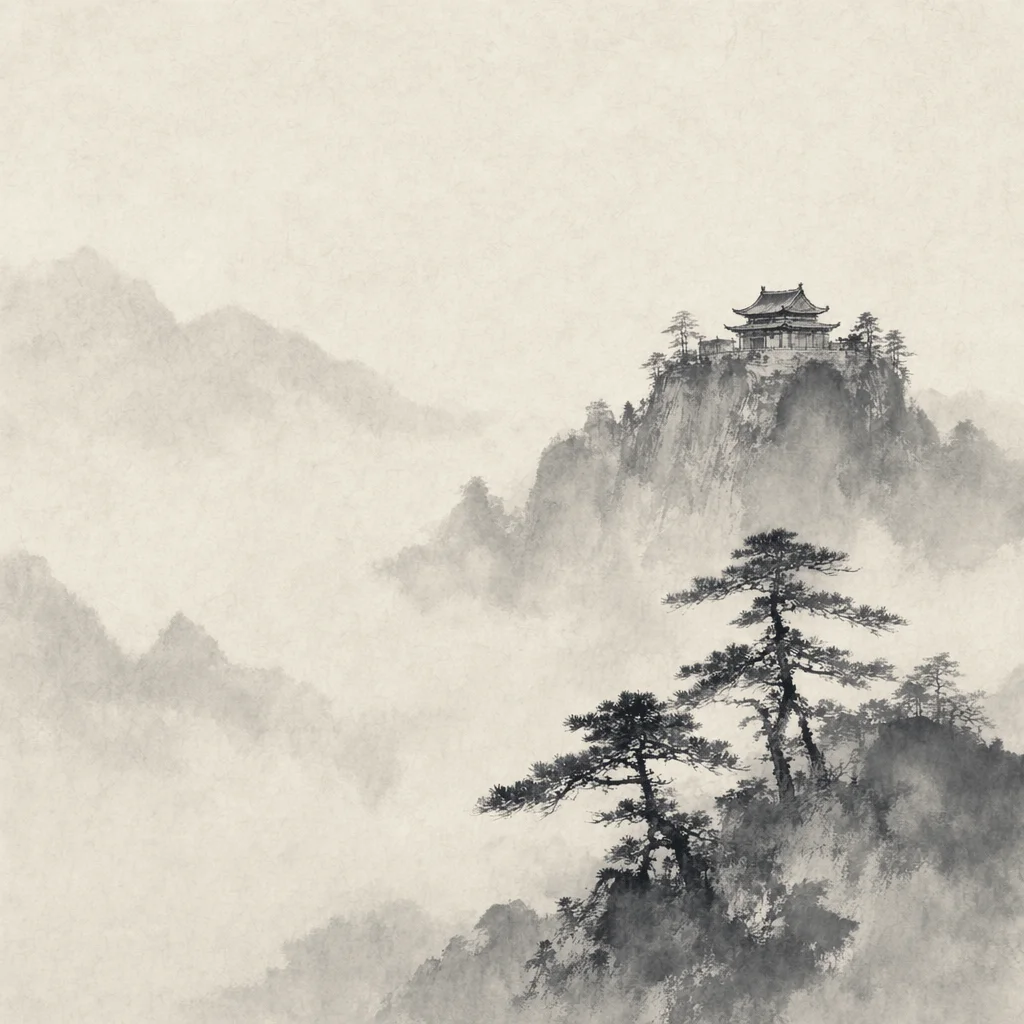
Prompt
Pintura tradicional china en tinta de un templo de montaña entre la niebla, pinceladas sobrias, textura de papel de arroz, inscripción caligráfica.
¿Por qué elegir GPT Image 2?
El modelo de imagen IA más reciente con renderizado de texto, fidelidad al prompt y soporte de imágenes de referencia de última generación.
Salida fotorrealista
Genera imágenes muy realistas con iluminación, texturas y composición precisas.
Renderizado de texto nítido
Coloca texto legible directamente dentro de las imágenes. Ideal para pósteres, anuncios y mockups de producto.
Mejor en varios idiomas
Renderiza texto preciso en idiomas y escrituras de todo el mundo, no solo en inglés. OpenAI lo destaca como una capacidad principal del nuevo modelo.
Seguimiento de prompts de última generación
Sigue prompts largos y detallados con fidelidad y mantiene las relaciones entre objetos según lo descrito.
Soporte de imágenes de referencia
Usa hasta 16 imágenes de referencia para guiar el estilo, el layout o ediciones específicas de una foto existente.
Control creativo
Resultados fiables en estilos que van del fotorrealismo a la ilustración con un seguimiento de instrucciones detallado.
¿Quién usa GPT Image 2?
Para creadores y equipos que necesitan tipografía nítida, calidad fotorrealista y un seguimiento de prompts fiable.
Diseñadores gráficos
Crea pósteres, banners y key visuals con texto legible renderizado directamente dentro de la imagen.
Equipos de marketing y publicidad
Produce visuales de campaña, creatividades publicitarias y assets localizados con copy nítido sobre la imagen.
Creadores de contenido
Genera miniaturas, gráficos para redes sociales e imágenes hero con titulares dentro de la imagen.
Equipos de e-commerce
Crea mockups de producto, gráficos promocionales y fotos lifestyle con texto de marca renderizado en su sitio.
Equipos de producto y diseño
Genera mockups de UI, ilustraciones de onboarding y capturas de producto con texto legible dentro de la imagen.
Creadores independientes y aficionados
Prototipa concept art, portadas de libros y proyectos personales con prompts detallados y referencias.
Empieza en 3 pasos
Del prompt a la imagen final en segundos.
Escribe tu prompt
Describe la imagen que quieres, incluyendo texto en imagen, estilo o composición.
Añade referencias (opcional)
Sube hasta 16 imágenes de referencia para guiar el estilo o realizar ediciones específicas.
Genera y descarga
Revisa el resultado y descarga la imagen final en alta calidad.
Escribe tu prompt
Describe la imagen que quieres, incluyendo texto en imagen, estilo o composición.
Añade referencias (opcional)
Sube hasta 16 imágenes de referencia para guiar el estilo o realizar ediciones específicas.
Genera y descarga
Revisa el resultado y descarga la imagen final en alta calidad.
Lo que dicen los primeros usuarios
Feedback de creadores que están probando GPT Image 2.
Por fin texto legible en imágenes IA
GPT Image 2 renderiza tipografía que puedo entregar tal cual. Dejé de retocar fuentes en Photoshop tras cada generación.
Wei Chen
Director de marketing
El seguimiento del prompt da un gran salto
Los prompts largos con 5 o 6 condiciones ahora funcionan. La ubicación, el estilo y el texto se mantienen entre generaciones.
Sarah Johnson
Lead de contenido
Las imágenes de referencia se integran al flujo real
Dieciséis referencias bastan para mantener un estilo de marca consistente. Encaja en nuestro proceso de diseño actual.
Michael Zhang
Director creativo
Preguntas frecuentes
Todo lo que necesitas saber sobre GPT Image 2.
GPT Image 2 es el modelo de generación de imágenes más reciente de OpenAI. OpenAI lo presenta como ChatGPT Images 2.0, con renderizado de texto, soporte multilingüe y razonamiento visual de última generación, disponible para flujos de texto a imagen e imagen a imagen.
GPT Image 2 mejora la claridad del texto dentro de las imágenes, la fidelidad a prompts complejos y soporta múltiples imágenes de referencia para ediciones específicas.
Puedes probar GPT Image 2 en línea desde el navegador con los créditos gratuitos incluidos. Las generaciones adicionales están disponibles mediante los planes de créditos habituales.
Sí. En imagen a imagen puedes subir entre 1 y 16 imágenes de referencia. El modelo las usará para estilo, composición o ediciones localizadas.
Sí. Las imágenes generadas en este sitio pueden usarse en proyectos comerciales como materiales de marketing, diseño de producto y contenido para redes sociales.
Escribe prompts claros y estructurados. Especifica el texto en imagen de forma explícita, describe estilo e iluminación y añade imágenes de referencia para mantener el estilo consistente en una campaña.
Prueba GPT Image 2 en línea gratis
Genera y edita imágenes fotorrealistas con texto nítido. Abre la herramienta, escribe un prompt y empieza a crear.