
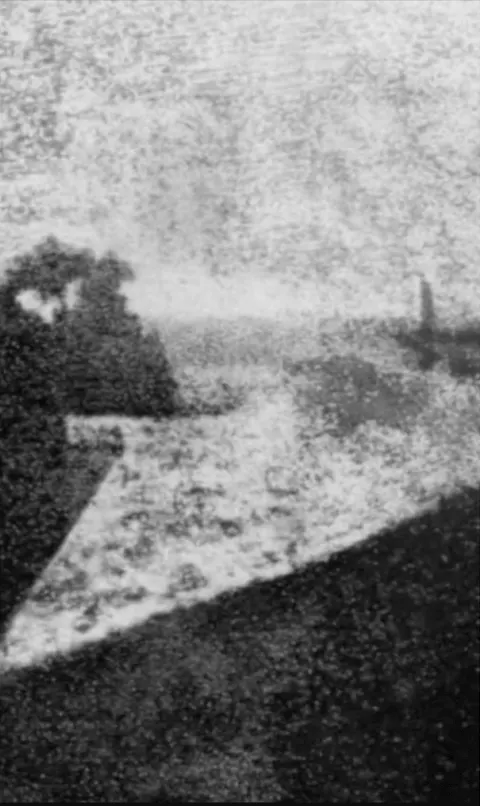
 修图前
修图前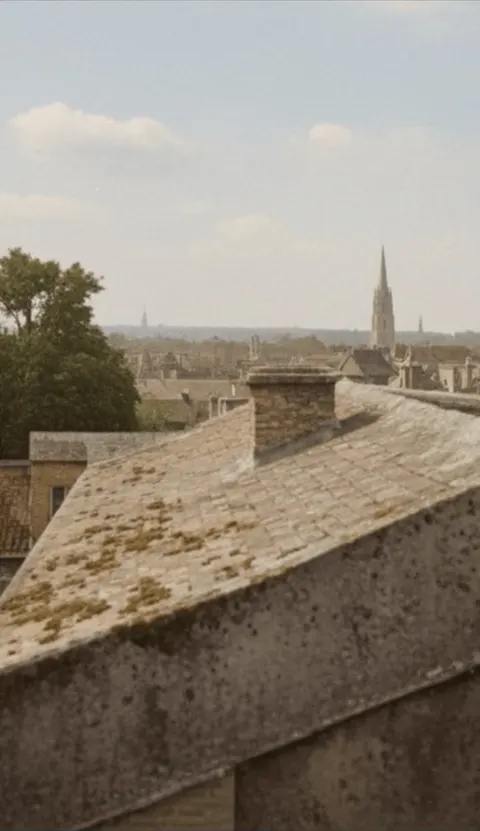 修图后
修图后上传参考图,最多 10 张。
拖拽或浏览上传
PNG、JPG、JPEG 或 WEBP(单张最大 10MB)
支持多图 • 已上传 0/10
描述你想修改的内容
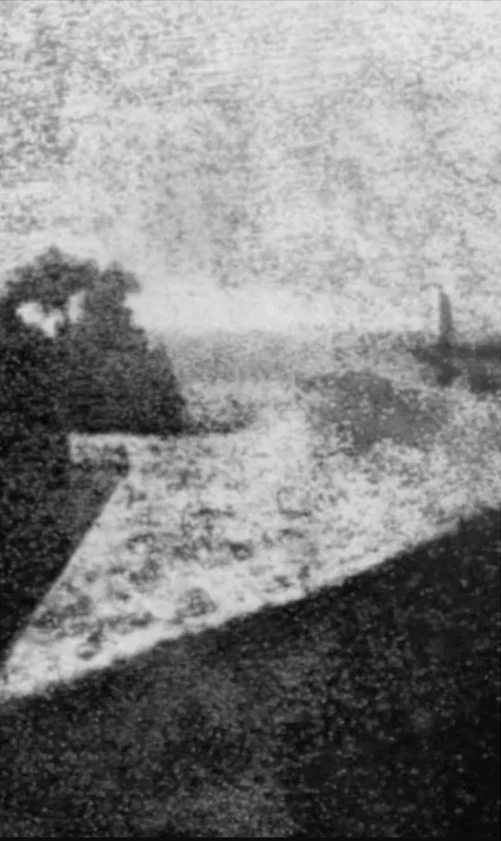
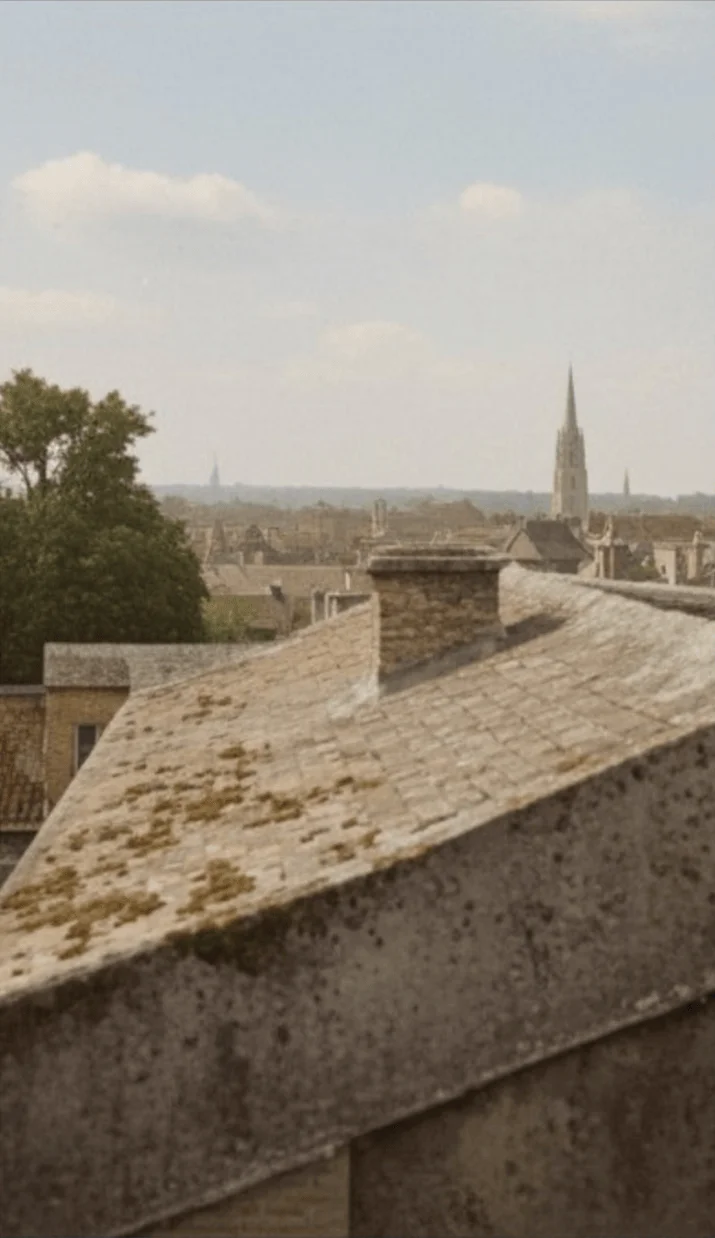
试试示例
选一个修图效果,再上传你自己的照片。
修图前修图后修复老照片
4 积分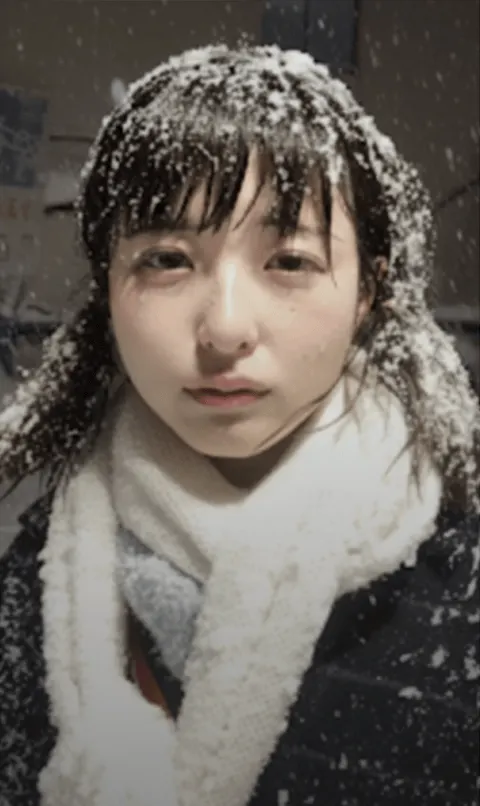 修图前
修图前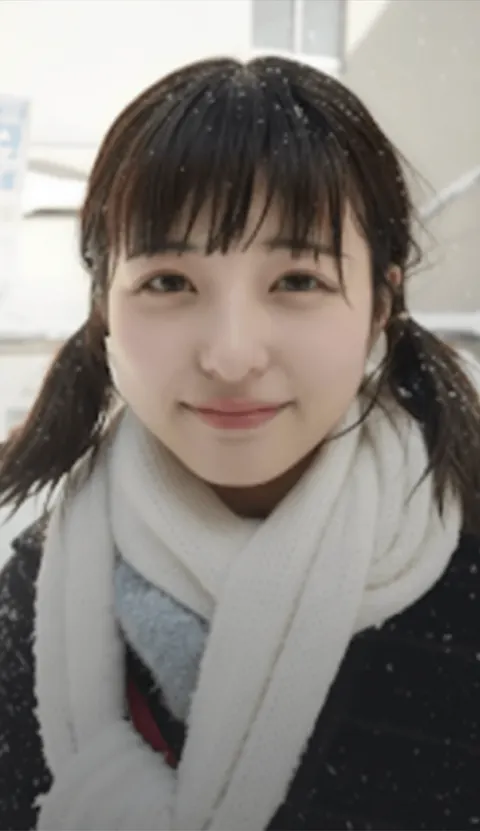 修图后
修图后晴天微笑
4 积分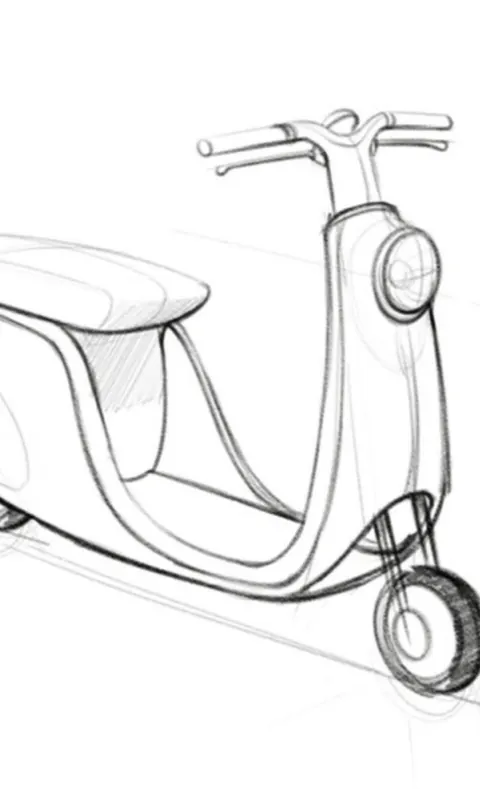 修图前
修图前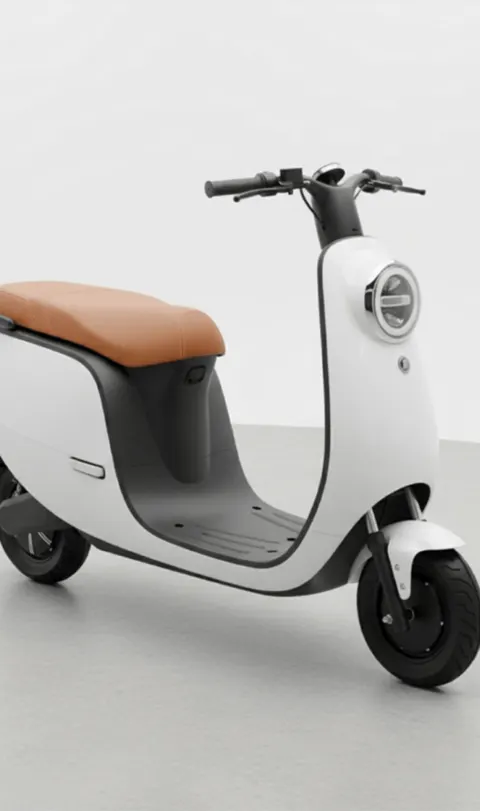 修图后
修图后线稿变实拍
4 积分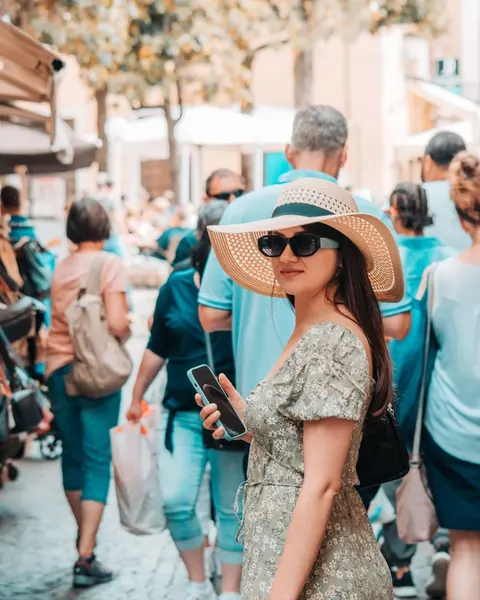 修图前
修图前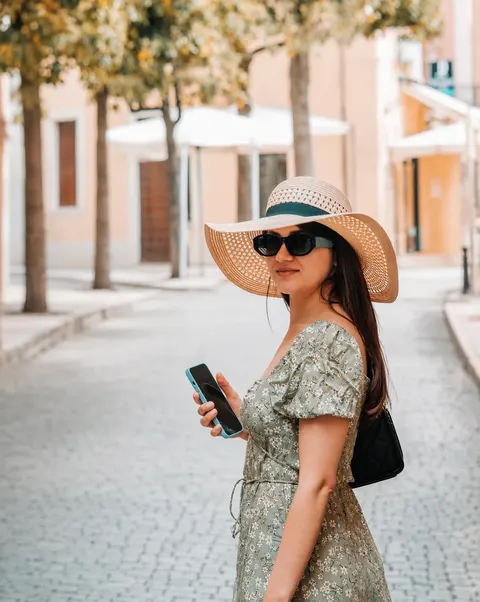 修图后
修图后去除路人
3 积分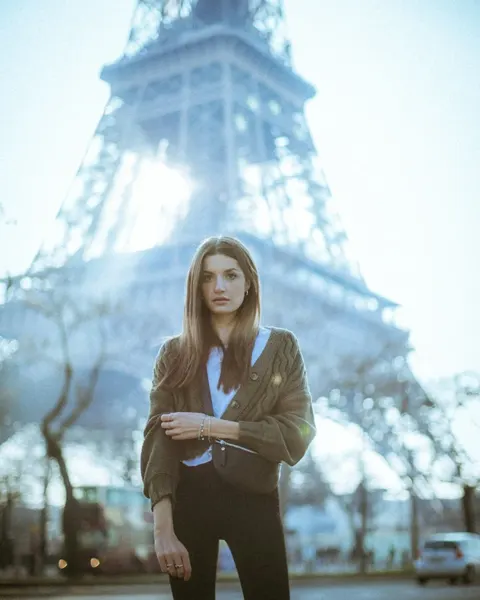
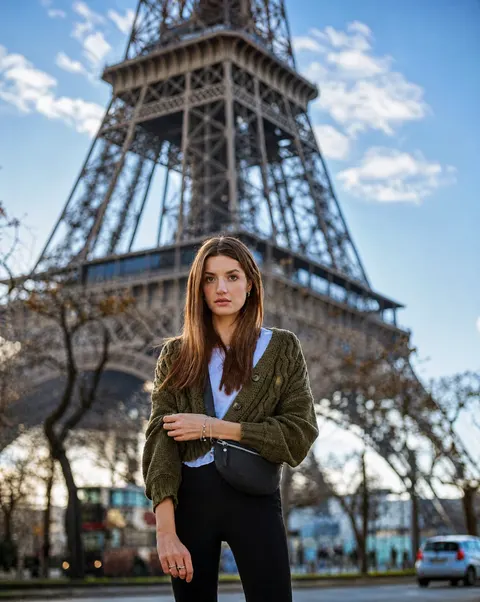
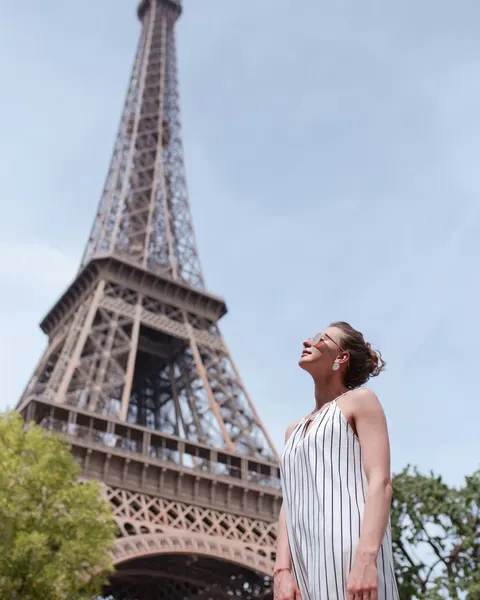
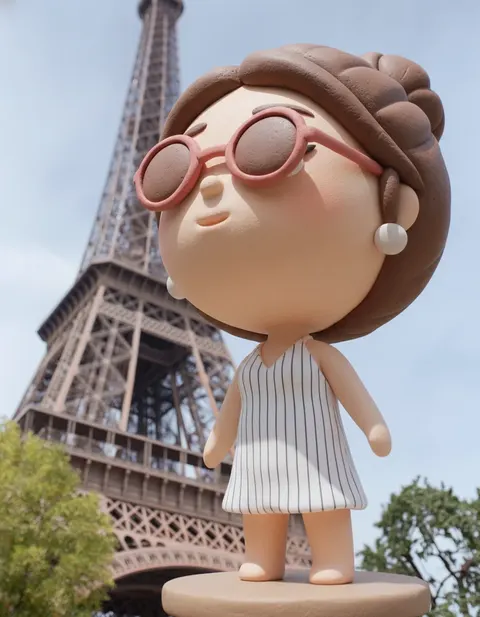
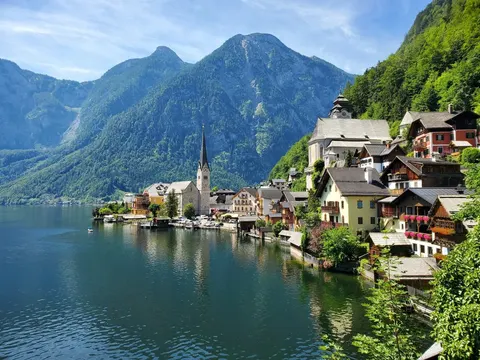
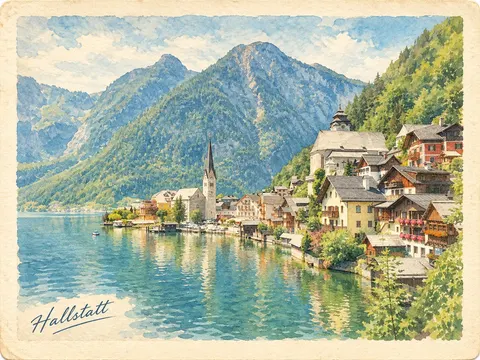
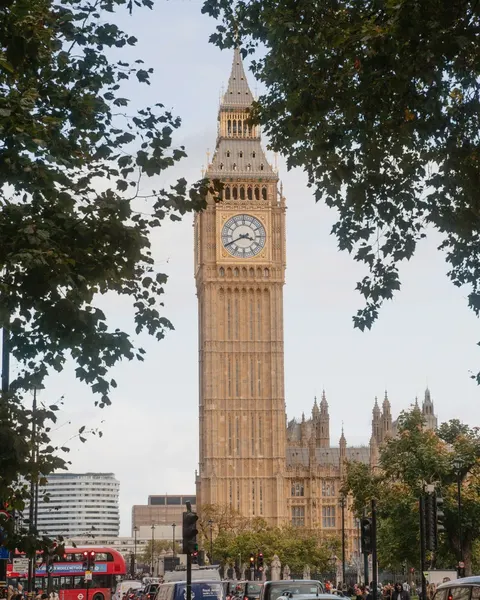
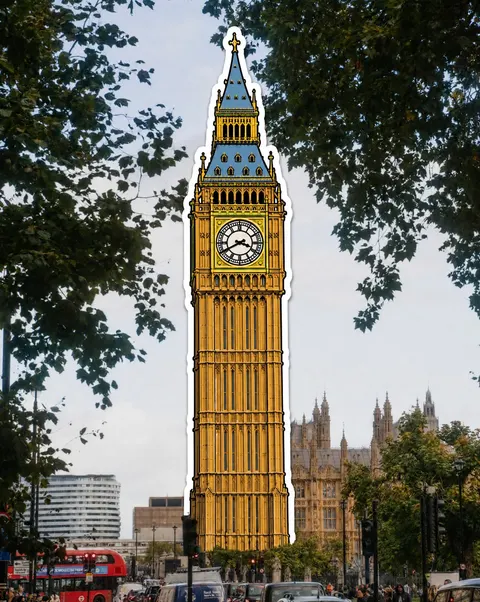
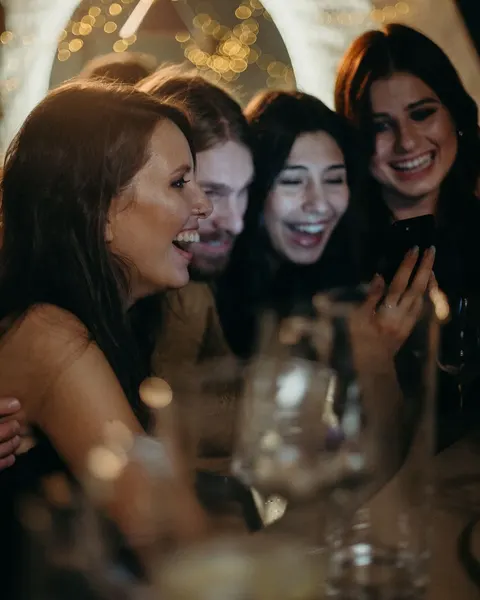

想看看自己换个发型或发色是什么样? 试试免费的 AI 换发型(英文)
想不换衣服就试试新造型? 试试 AI 换装(英文)
为什么选择 AI Photo Editor?
强大的 AI 工具,秒变专业照片
AI 背景移除
智能识别主体,秒级去掉背景并换成干净的纯白底,适合电商与头像。
AI 图片放大
模糊照片变清晰,提升分辨率同时保留细节,适合打印与高清展示。
多图合成
一次最多上传 10 张图片,在同一次编辑里组合使用,比如把产品放进新场景,或把不同照片里的人合到一张。
专业场景示例
为设计、营销、教育等多种场景提供灵活的 AI 方案。
完美文字呈现
生成文字清晰可读的图片。海报、杂志封面、招牌都能轻松驾驭。
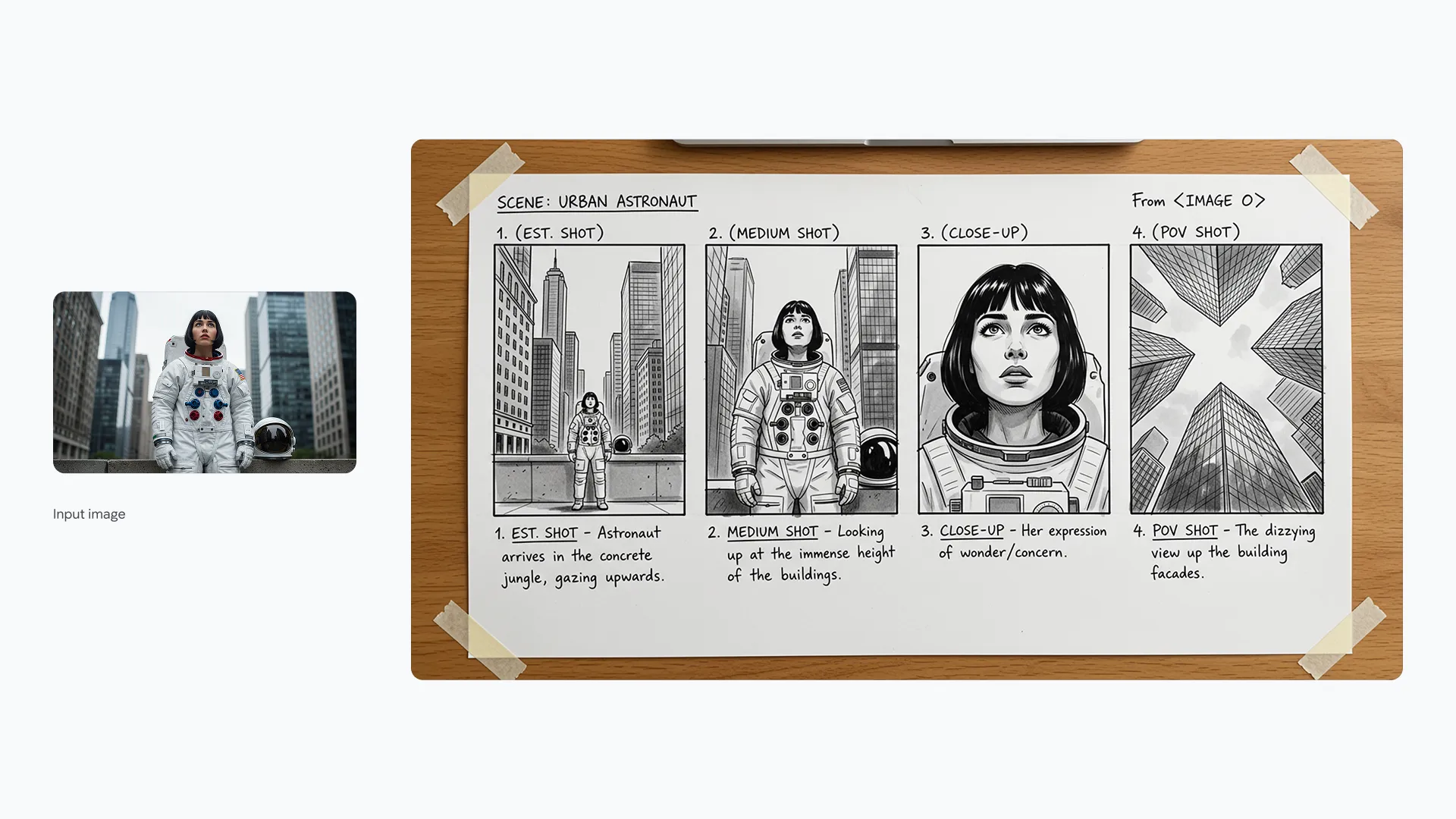
Prompt
Design a modern magazine cover titled 'FUTURE TECH' with a futuristic cityscape background. The text should be bold, metallic, and perfectly centered at the top.
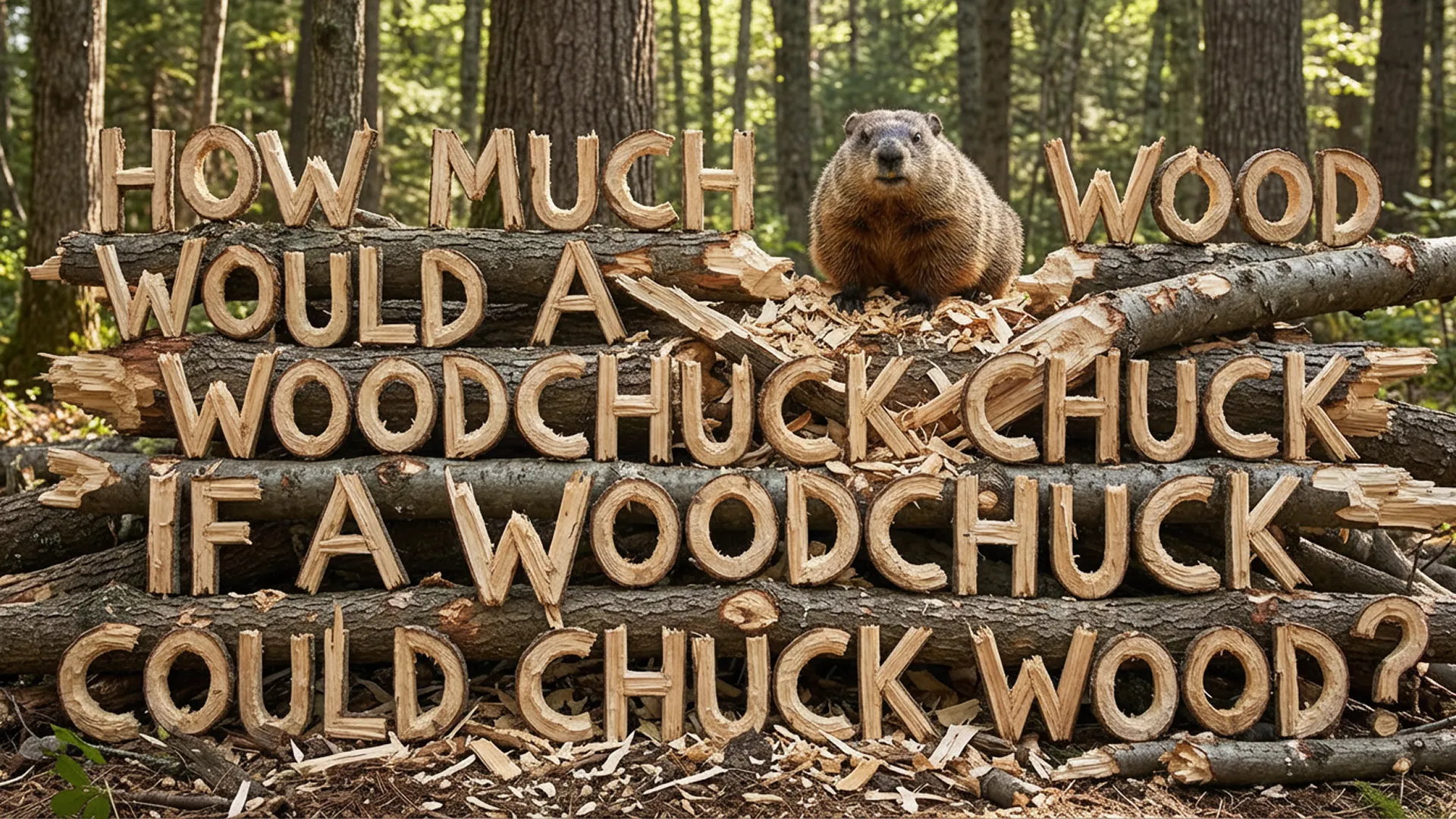
Prompt
Create a neon sign style image that says 'OPEN 24/7' glowing in bright pink against a dark brick wall background. Ensure the text is clear and readable.
统一视觉风格
保持品牌一致性。批量套用色彩与材质风格,快速统一视觉语言。

Prompt
Generate a set of app icons that match this specific pastel color palette and flat design style. Keep the shapes simple and consistent.
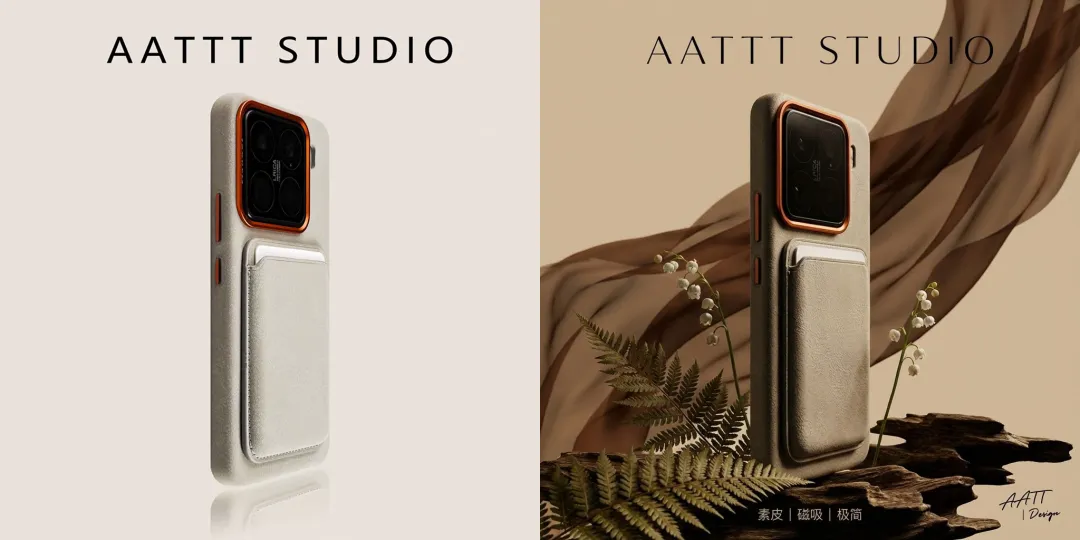
Prompt
Create a series of product backgrounds that follow a minimalist, nature-inspired aesthetic. Use soft earth tones and organic textures to match the reference image.
多语言本地化
轻松完成跨语言视觉适配,翻译并还原版式与字体风格。

Prompt
Translate the text on this coffee shop menu board from English to French, maintaining the chalk-style hand-lettering look.
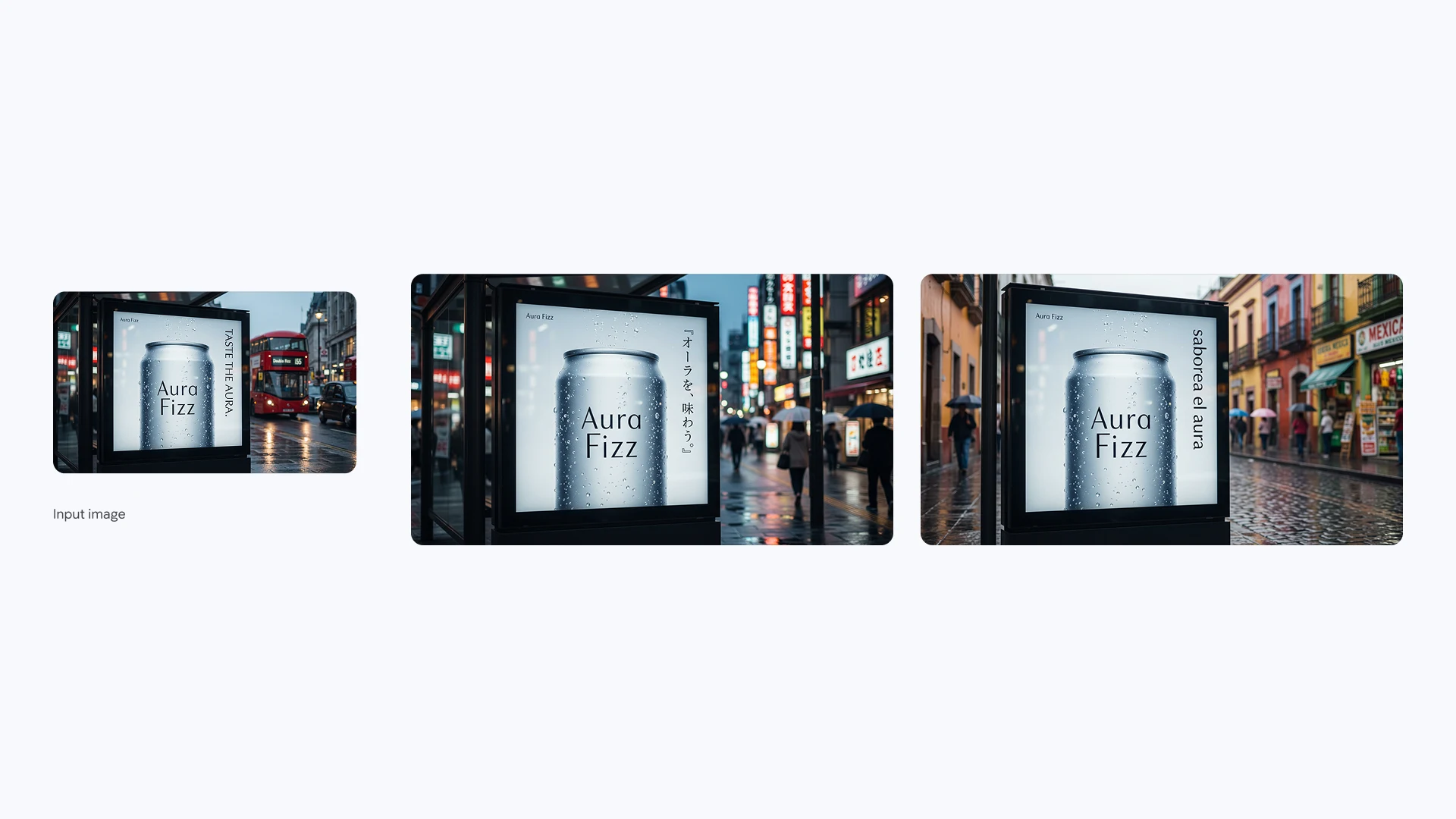
Prompt
Adapt this promotional poster for the Japanese market. Translate the headline and tagline into Japanese while preserving the original layout and font style.
角色一致性
同一角色多场景复用,讲述连续故事而不丢失人物特征。
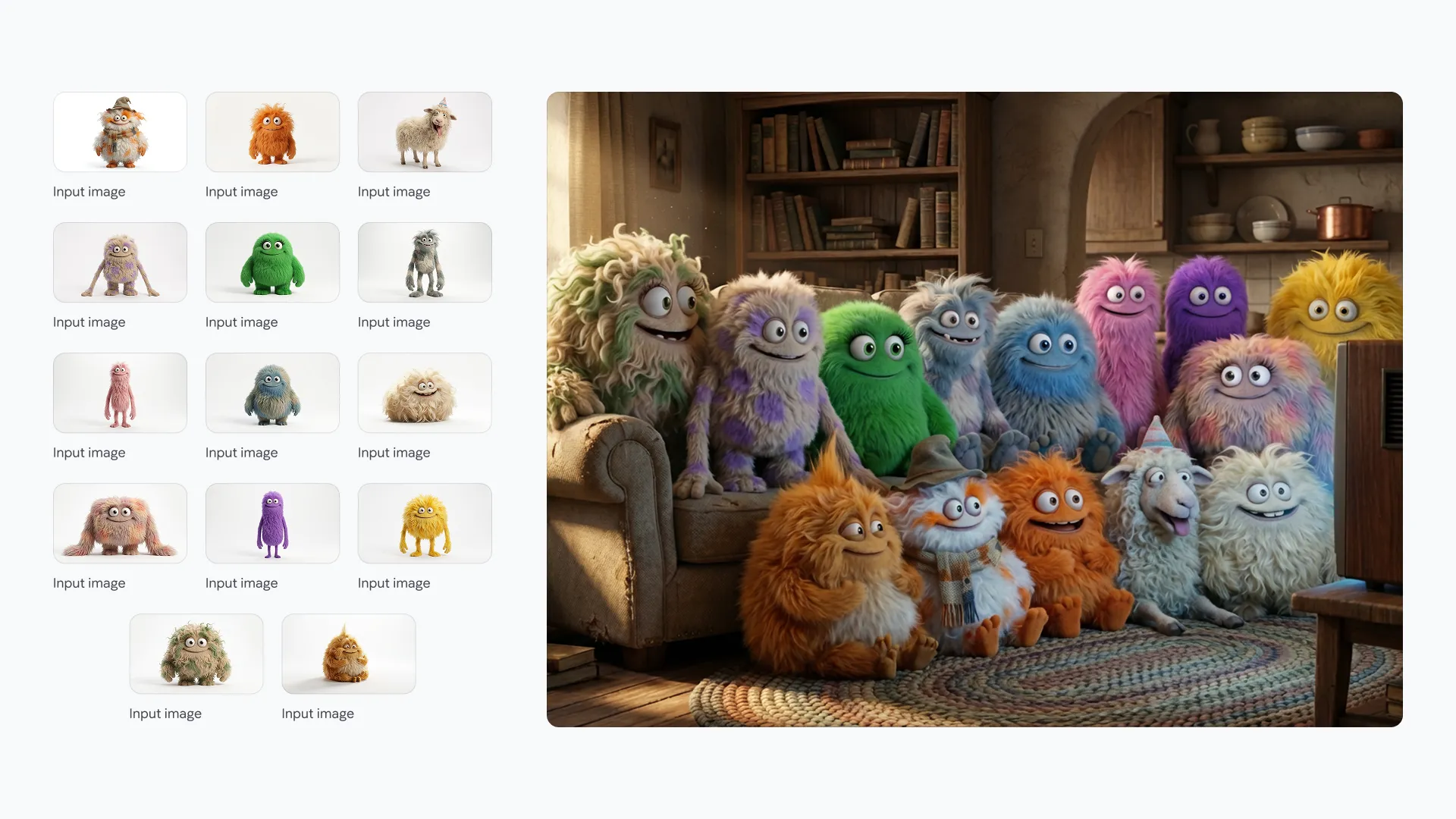
Prompt
Generate a 3D animated character of a young adventurer with a red scarf, walking through a cyberpunk city street at night. Maintain facial features and clothing details.
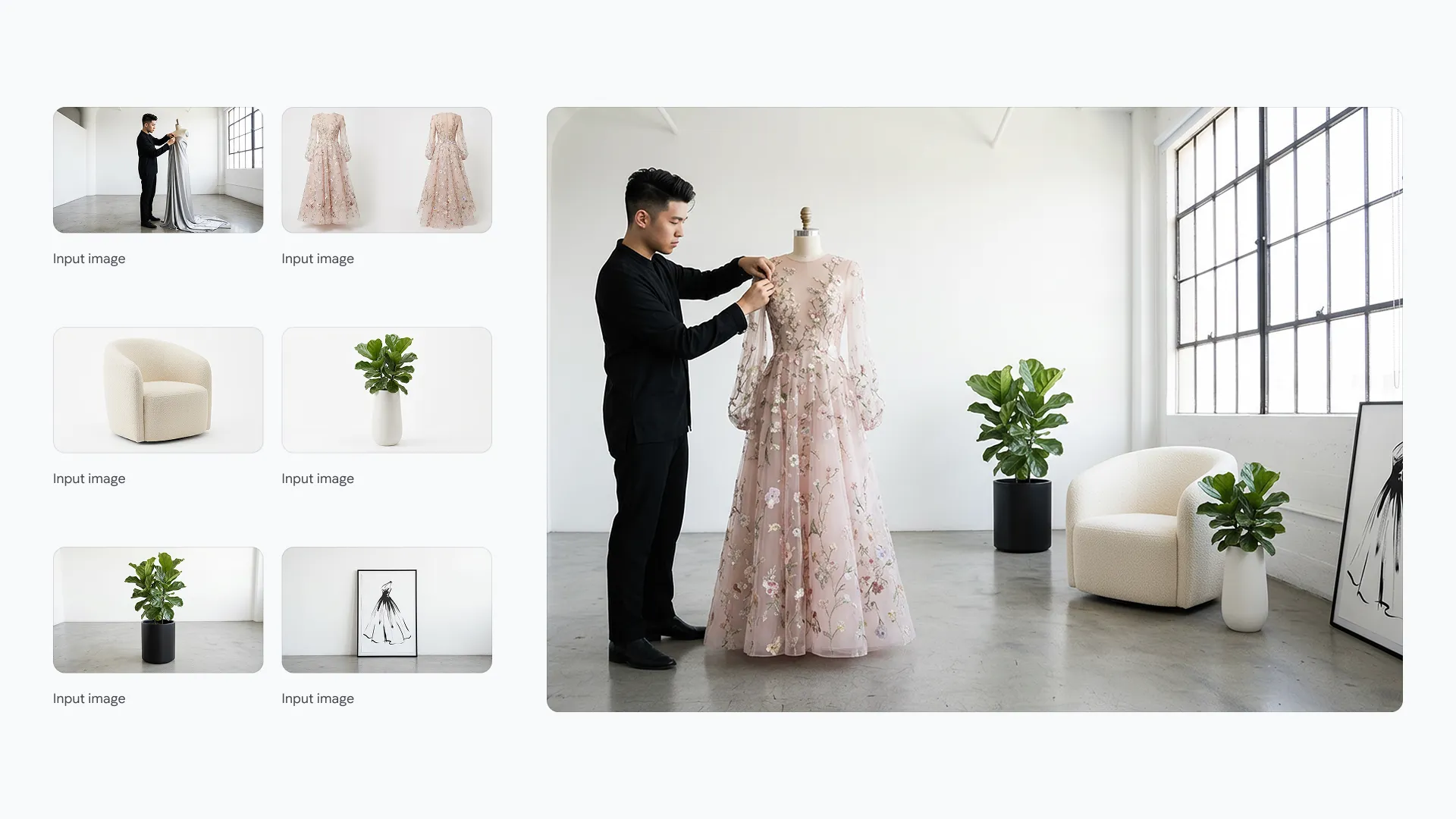
Prompt
Show the same adventurer character sitting in a futuristic cafe, drinking coffee. Ensure the red scarf and facial structure are identical to the previous image.
草图到成品
将草图快速转为高保真效果图,用于产品与建筑概念展示。
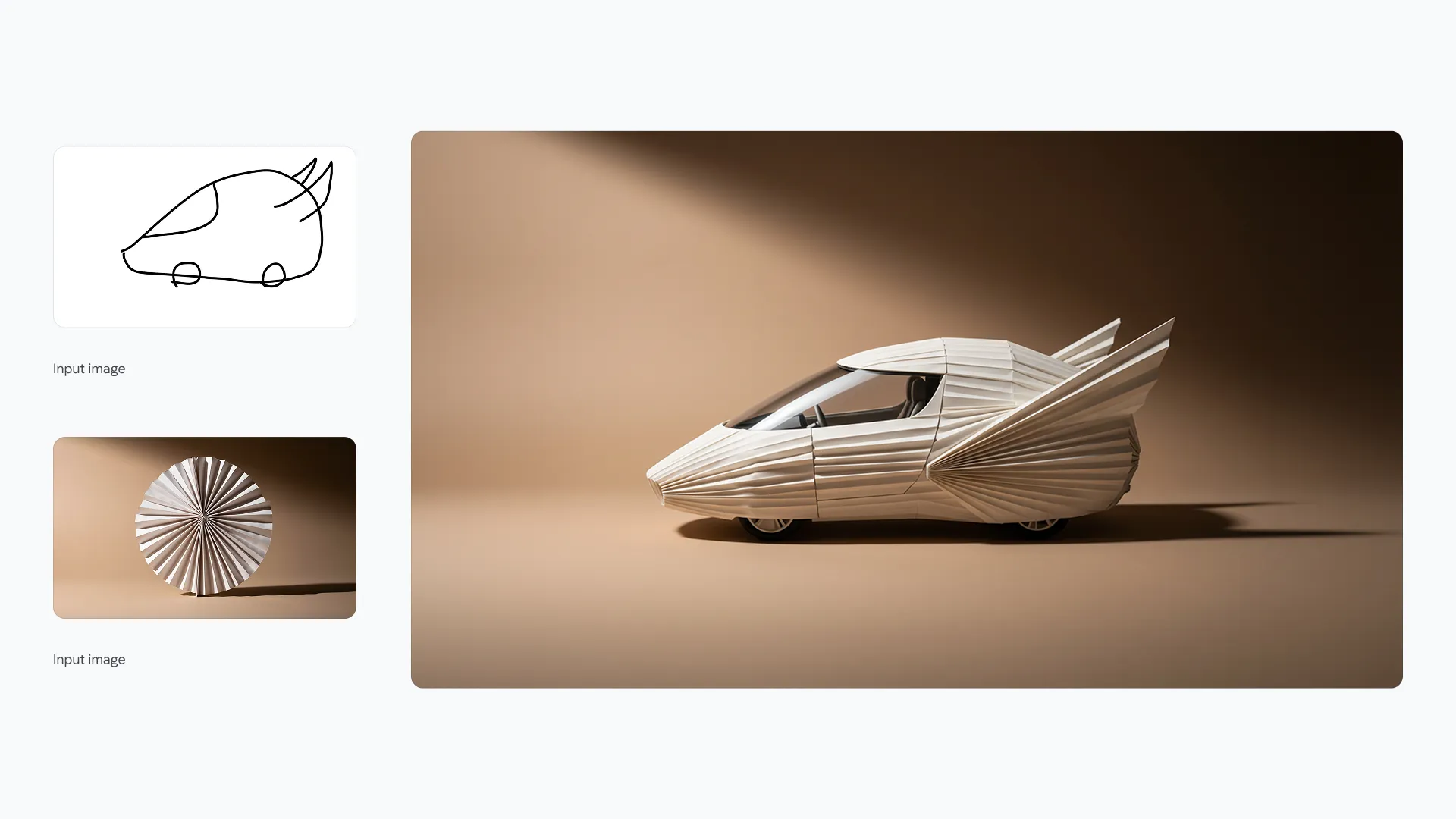
Prompt
Turn this rough pencil sketch of a running shoe into a photorealistic product image. Use breathable mesh materials in blue and white.
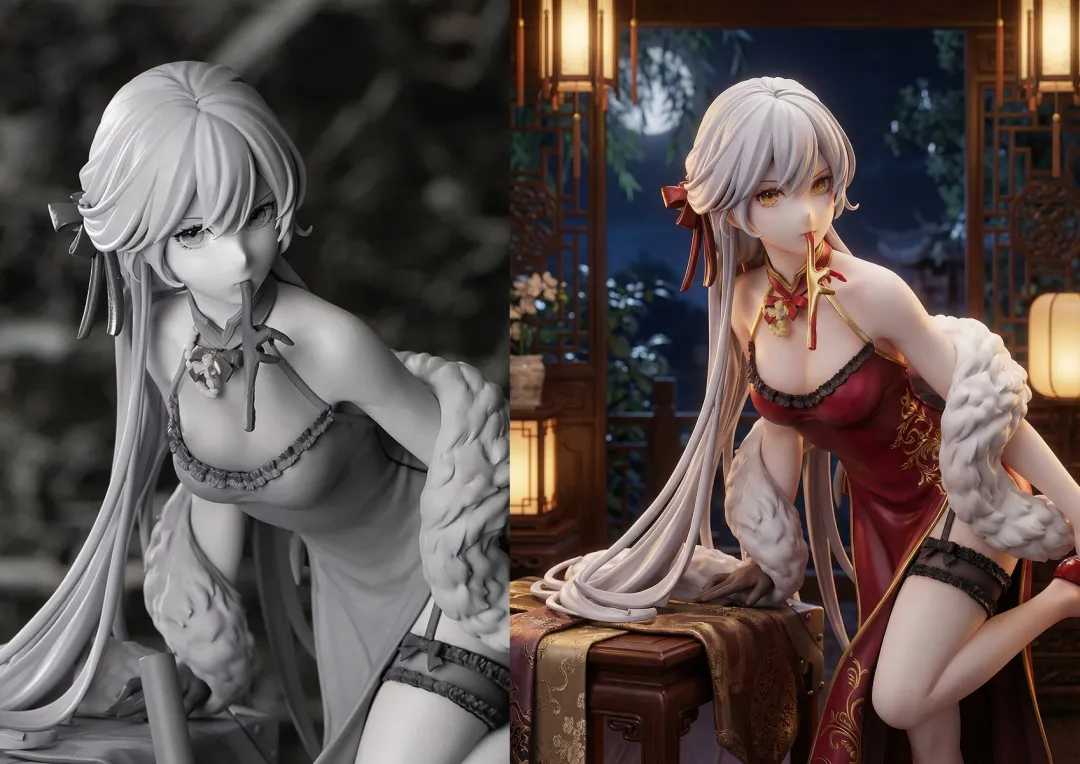
Prompt
Render this architectural doodle of a modern cabin as a realistic building in a forest setting. detailed wood textures and glass reflections.
电影级光影
精确控制光线方向与色调,打造不同氛围的专业灯光效果。
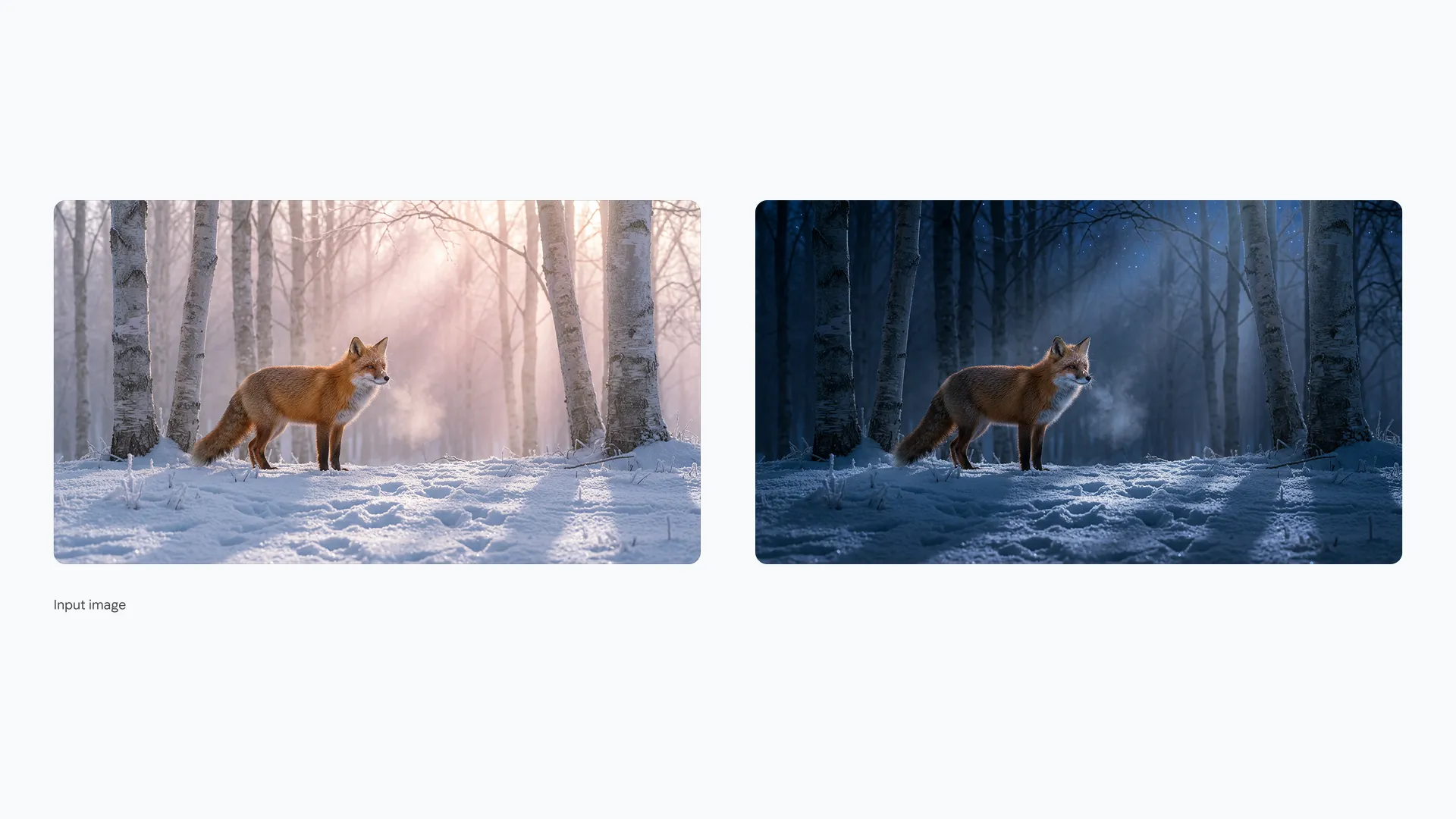
Prompt
Relight this portrait photo with soft, golden hour sunlight coming from the left side. Add a warm glow to the hair.
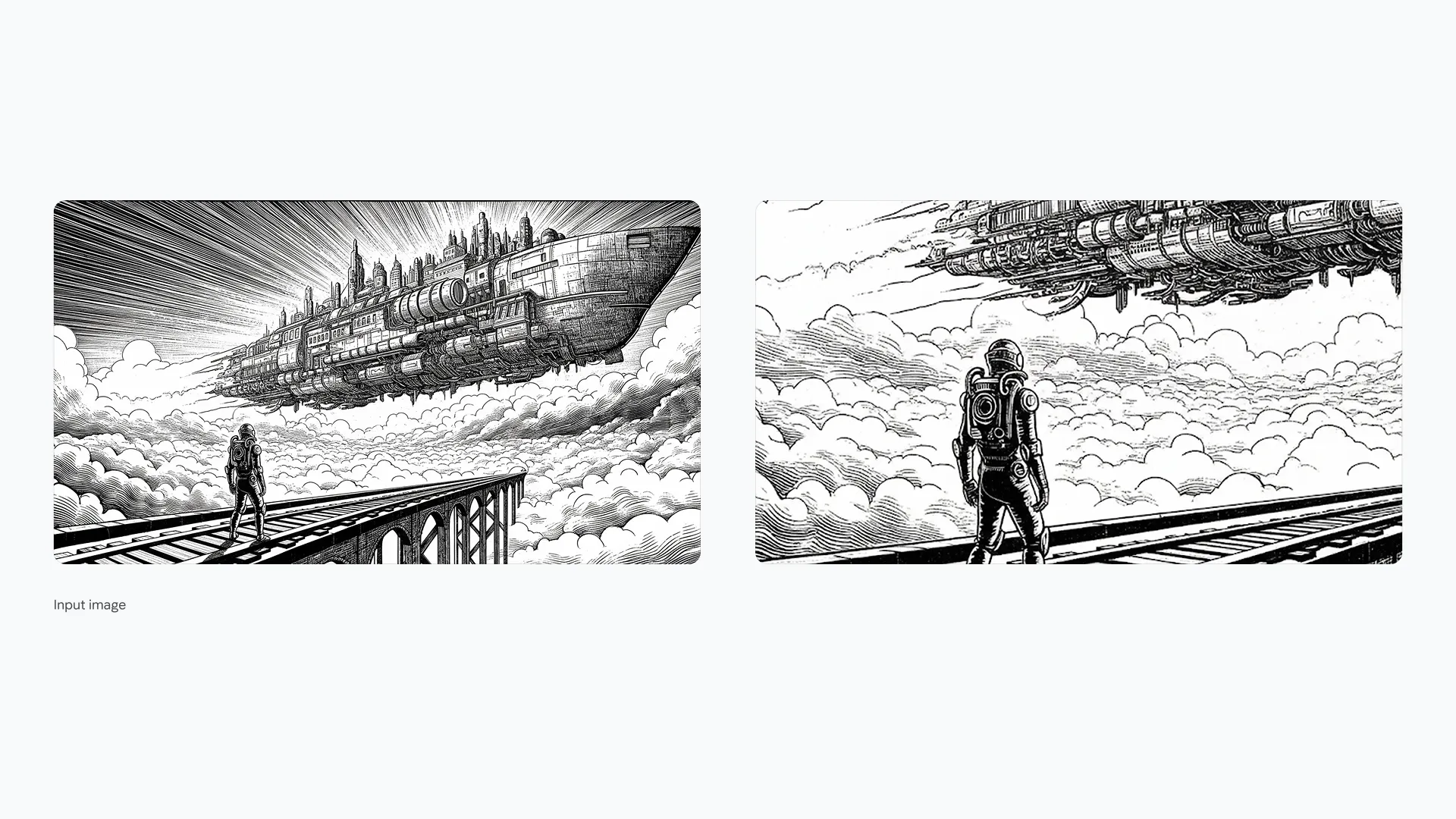
Prompt
Apply a dramatic film noir lighting style to this street scene. High contrast shadows, black and white filter, and a spotlight effect on the central figure.
科学与技术可视化
精确呈现复杂结构,适用于教学与技术资料。
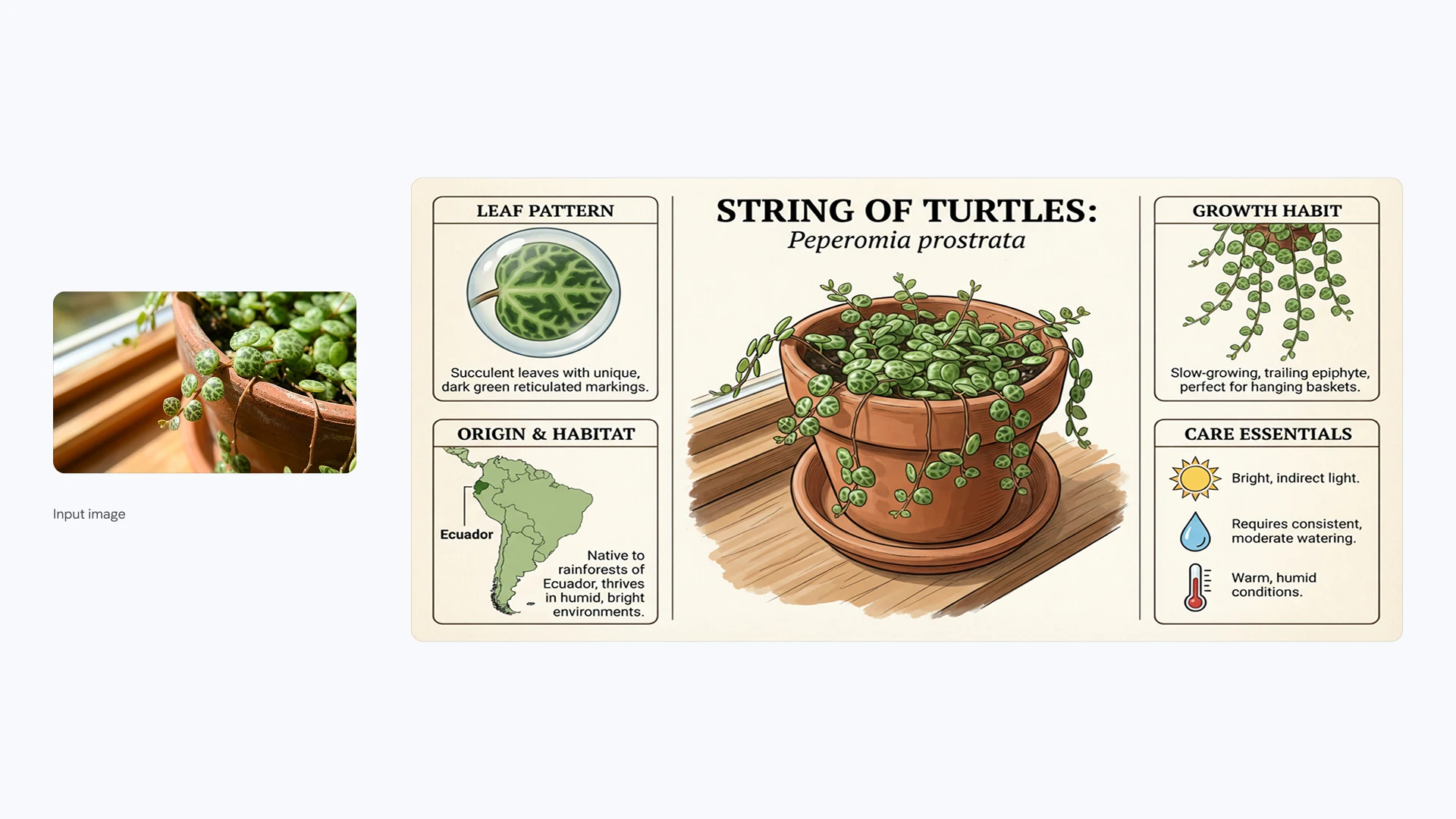
Prompt
Create a detailed, scientifically accurate illustration of a plant cell structure, labeling the nucleus, mitochondria, and cell wall.
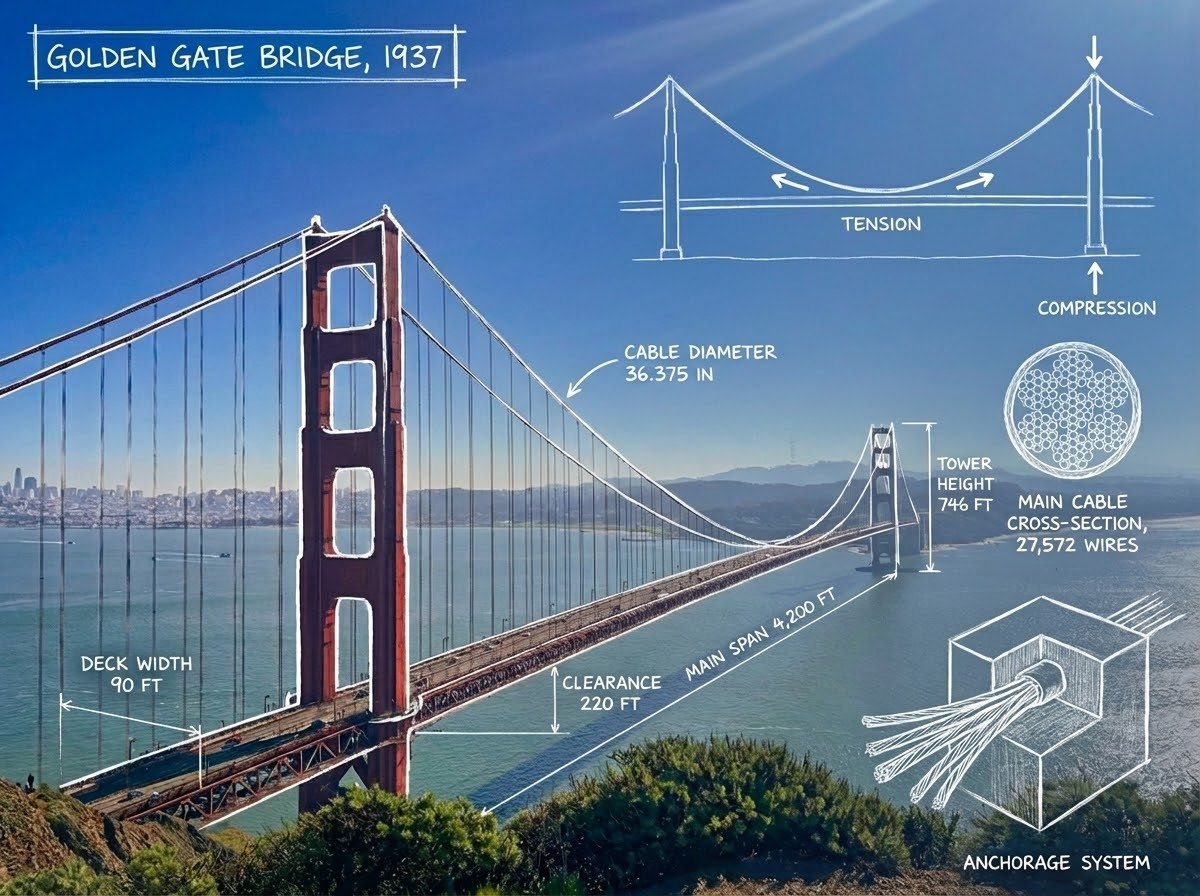
Prompt
Generate a cutaway cross-section view of a modern jet engine. Highlight the compressor, combustion chamber, and turbine sections with metallic textures.
谁在使用 AI Photo Editor?
帮助任何人几秒钟完成专业级图片。
📱 社媒运营
快速生成爆款素材,抠图去杂让内容更有吸引力。
🛍️ 电商卖家
提升商品图质感,去背景、调光线,提升转化率。
📊 市场营销
高效产出广告创意,几分钟生成多套版本做 A/B 测试。
🏡 房地产经纪
提升室内亮度、清理杂物,展示更理想的房源照片。
🎨 设计师
自动化重复抠图与擦除流程,把时间留给创意。
🚀 中小企业主
快速打造品牌视觉,零基础完成海报与社交素材。
3 步完成 AI 修图
简单流程,立刻产出专业效果
上传照片
将 JPG、PNG 或 WebP 图片上传到在线 AI 修图工具。
描述你的修改
输入文字提示,说明你想修改什么,比如去除某个物体、更换背景或调整光线。
生成并下载
生成编辑后的图片,查看效果后下载。
创作者的真实好评
专业人士与新手都在使用 AI Photo Editor。
Elena Rodriguez
数字营销人以前为了抠图要在 PS 里耗上好久,现在几秒钟就能完成,日常投放效率直接翻倍。
David Kim
Shopify 店主产品图看起来更专业了,AI 放大简直像魔法,救活了好多模糊的供应商图片。
Jessica Thompson
旅行博主魔术擦除太强大了,再也不怕路人乱入。不会修图也能得到干净的旅行照片。
常见问题
关于 AI Photo Editor 的常见问答
AI Photo Editor 提供免费积分帮助你快速上手。你可以上传照片、体验各项 AI 编辑功能,并用现有积分生成编辑后的图片。如需更多编辑,可购买额外积分或付费套餐。
不需要。AI Photo Editor 是纯网页应用,Chrome、Safari 或 Edge 均可直接使用(PC、Mac、iPhone、Android)。
我们重视你的隐私。上传的图片用于为你提供 AI 修图服务。关于我们如何处理你的图片和个人数据,请查看我们的隐私政策。
当然。抠图与清晰度提升非常适合 Amazon、Shopify、eBay 等平台的商品图制作。
可以。上传照片后,描述你想做的修改即可。你可以让 AI 去除物体、更换背景、调整光线,或修改图片的其他部分。
可以。AI Photo Editor 直接在浏览器中运行,用文字指令就能完成修改,无需安装 Photoshop,也不用学习复杂的修图工具。
你可以描述想要编辑的具体部分,并要求 AI 保持其余内容不变。实际效果会因图片和修改要求而有所不同。
人像、产品图、旅行照片、社交媒体图片等都可以编辑。常见的修改包括去除物体、更换背景、调整光线和修复老照片。
可以。根据所选模型,你可以上传多张参考图(大多数模型最多 10 张),在一次编辑中组合不同元素或使用多张照片。
立即用 AI 编辑你的照片
用简单的文字提示编辑照片。去除物体、更换背景、提升画质。